LogoSoraVideo.art
  • Pricing
  • Prompts
  • Blog
  • Docs
Sora 2 GeneratorProStoryboardWatermark RemoverAI Video UpscalerHot
API AccessDashboardPricingBlogDocs
Video Tools
  • Sora 2 Generator
  • Storyboard
  • Watermark Remover
  • AI Video Upscaler
Video Models
  • Kling Motion Control
  • Kling 3 — Coming Soon
Image Models
  • Nano Banana Pro
  • Z-Image AI
Image Tools
  • AI Tattoo Generator
  • AI Hairstyle Changer
Company
  • Features
  • Tools
  • Pricing
  • API access
  • API Documentation
  • Blog
  • Site Updates
  • Privacy Policy
  • Terms of Service
Friends
  • AIStage
  • AiHeron
  • Dang.ai
  • MossAI Tools
  • ShowMeBest AI
  • AI Nav Site
  • ToolPilot AI
  • See What New AI
  • All in AI Tools
  • TryOnR
  • Fast Wan
  • bestnsfw.io
  • AiTop10 Tools
  • BuildWay
  • Kling 3
LogoSoraVideo.art

Deliver cinematic Sora 2 stories with a production-ready workflow

GitHubGitHubTwitterX (Twitter)BlueskyBlueskyMastodonDiscordYouTubeYouTubeLinkedInEmail
Powered byLogo of SoraVideo.artSoraVideo.art

© 2026 SoraVideo.art All Rights Reserved.

Featured on
Featured on ShowMeBestAIAI Directories BadgeListed on AIDirsFeatured on Tools AI AppFeatured on dironix.comsoravideo.art - Featured on Startup FameSubmit AI Tools – The ultimate platform to discover, submit, and explore the best AI tools across various categories.Featured on Good AI ToolsFeatured on ShowMySitesFeatured on Twelve ToolsFeatured on GoodFirmsMillion Dot HomepageAcid ToolsShinyLaunchLaunchClashAIGC 160Featured on findly.toolsFeatured on FazierFeatured on toolfame.comFeatured on ToolDirsFeatured on Wayfindiosoravideo.art Domain Ratingai tools code.marketSoraVideo.art - Featured AI Agent on AI Agents Directory
//Motion Control

Kling Motion Control - AI Video Generation

Transform any character image into a dynamic video using AI-powered motion transfer technology. Upload your character and a motion reference video, and our Kling 2.6 AI will accurately replicate the movements, gestures, and expressions onto your character with stunning precision and natural fluidity.
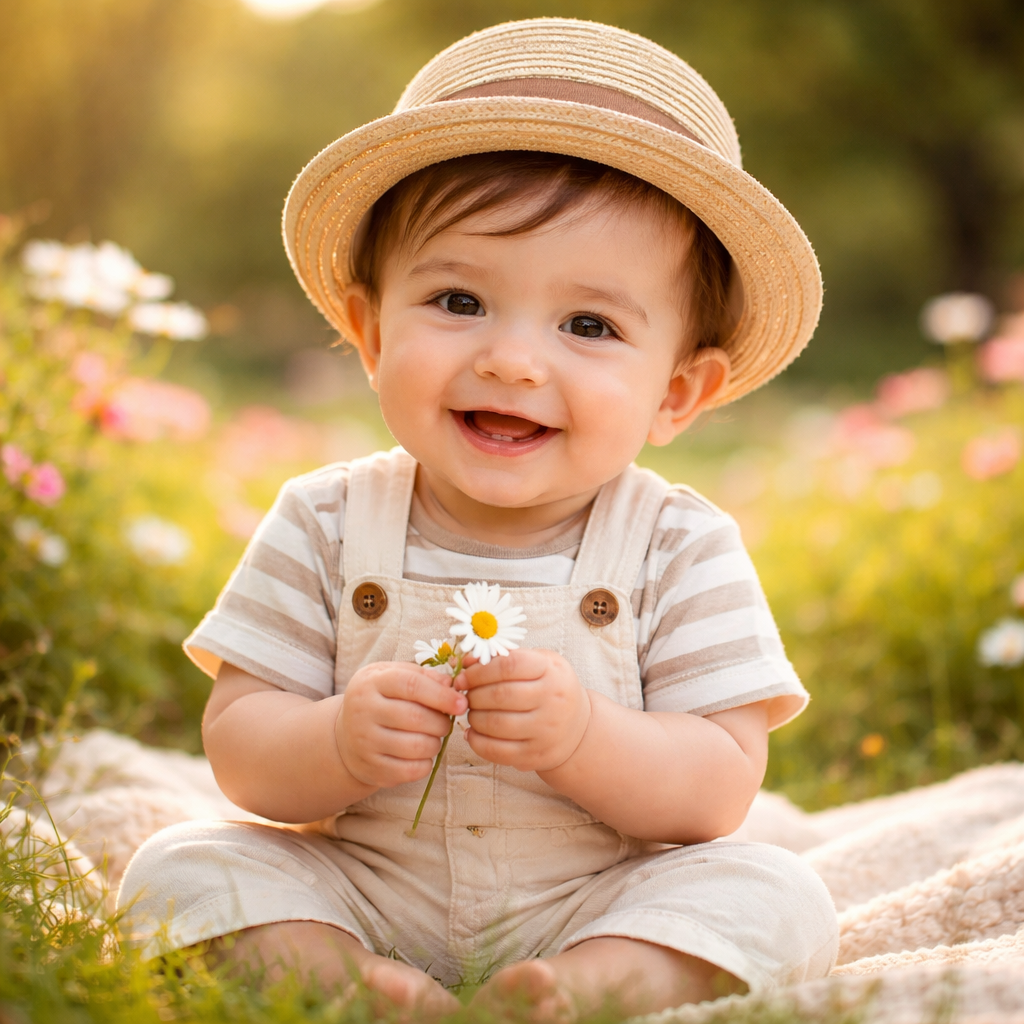
Example character image for Kling 2.6 Motion Control - AI video animation generator
Example

Click to replace with your file

JPG, PNG • Max: 10MB

Example

Click to replace with your file

MP4, MOV • Max: 100MB

0/2500
5 credits/sec|Balance: 0

Example Result

Output

Upload your character and motion video to see your result here

Why Choose Kling Motion Control?

Powered by Kling 2.6 AI, our motion control technology delivers professional-grade video generation with unmatched accuracy and quality

Perfect Character Fidelity

Your character's unique appearance, artistic style, clothing details, and visual identity are faithfully preserved throughout the entire generated video. The AI maintains consistency from the first frame to the last, ensuring your character looks exactly as you designed them.

Precise Motion Transfer

Advanced AI algorithms accurately capture and transfer motion from your reference video to your character. Every gesture, movement, and subtle expression is replicated with natural fluidity and realistic timing, creating seamless animation that feels authentic.

Professional Quality Output

Generate stunning videos in either 720p or 1080p resolution with cinema-grade quality. Our AI produces smooth, artifact-free results suitable for professional content creation, marketing campaigns, and commercial use.

Creative Use Cases for Motion Control

Discover how content creators, marketers, and businesses are using Kling Motion Control to bring their characters to life

Anime & Character Animation

Bring your static anime illustrations, cartoon characters, or digital artwork to life with realistic human motion. Perfect for manga artists, illustrators, and animation studios who want to create dynamic content without traditional animation workflows. Transform a single character image into an engaging animated sequence in minutes.
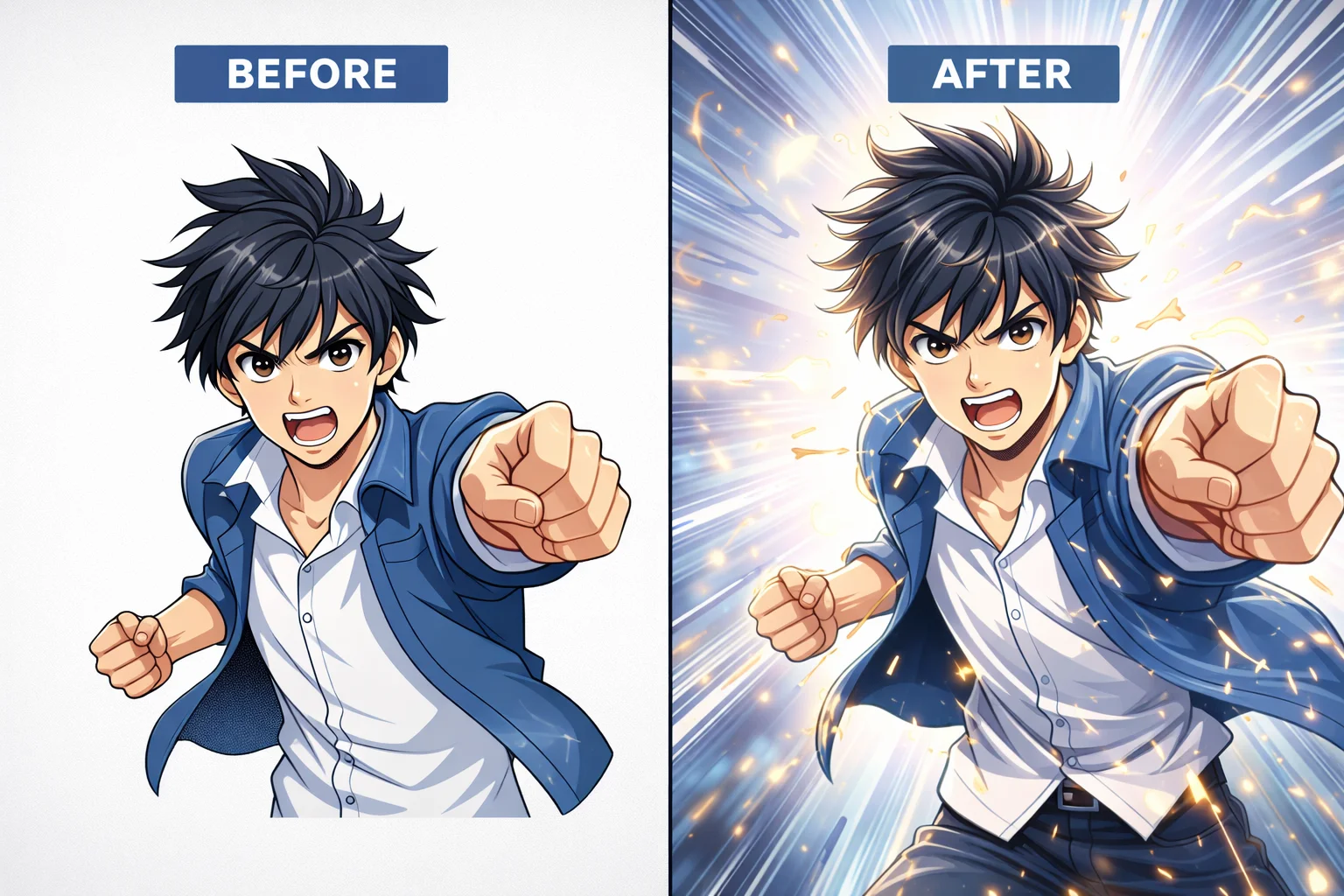
AI Motion Control Before and After - Anime Character Animation with Kling 2.6

VTuber & Virtual Avatar Content

Create engaging content for virtual YouTubers, digital influencers, and virtual personas. Our AI maintains consistent character appearance while applying natural human movements, making it ideal for streaming highlights, social media clips, and promotional content. Build your virtual presence with authentic motion.
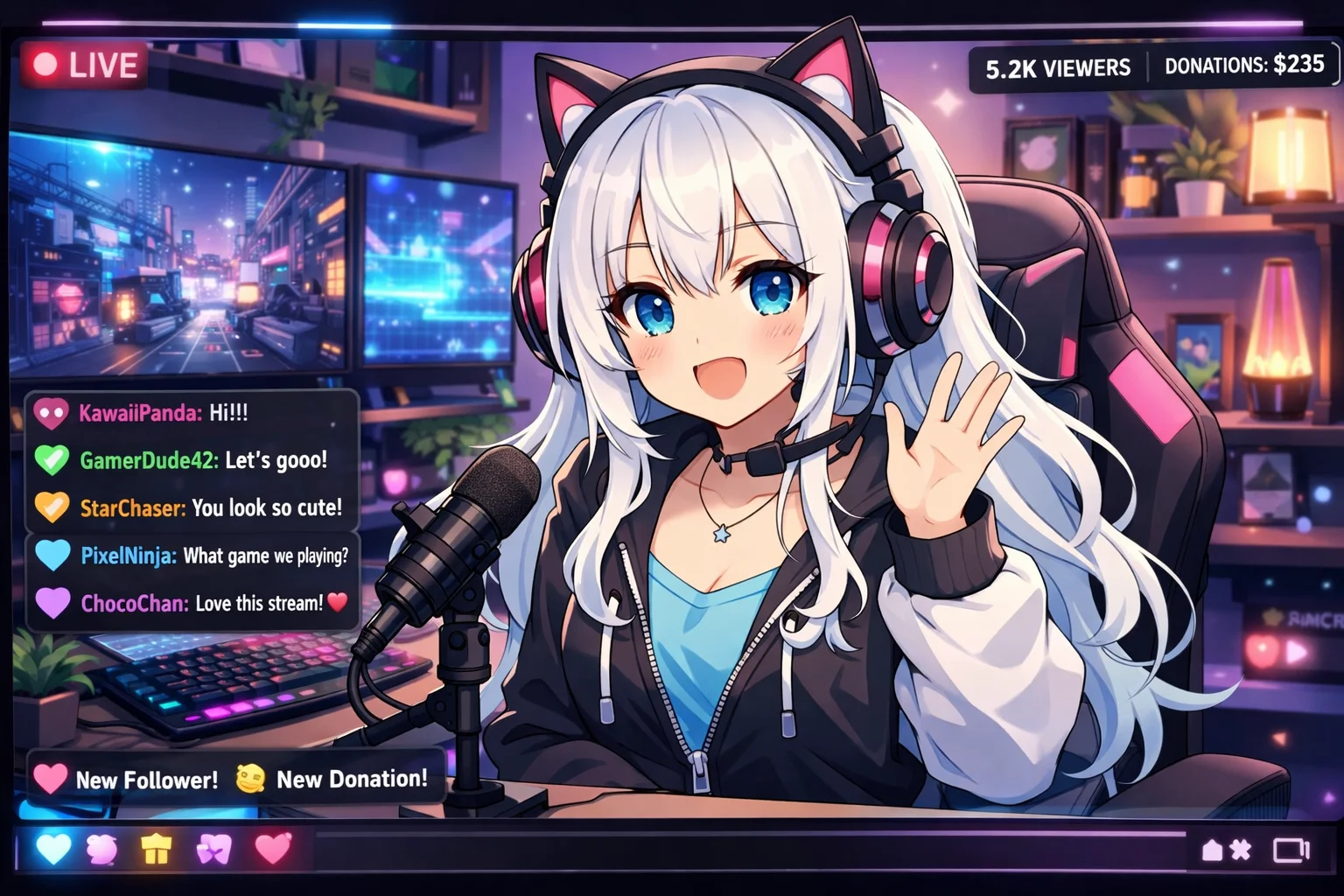
VTuber Virtual Avatar Streaming with AI Motion Control Technology

Brand Mascot & Marketing Videos

Animate your company mascot or brand character for marketing campaigns, product launches, social media content, and promotional videos. Create professional spokesperson videos, explainer content, and engaging advertisements without expensive animation production. Scale your video marketing efficiently.
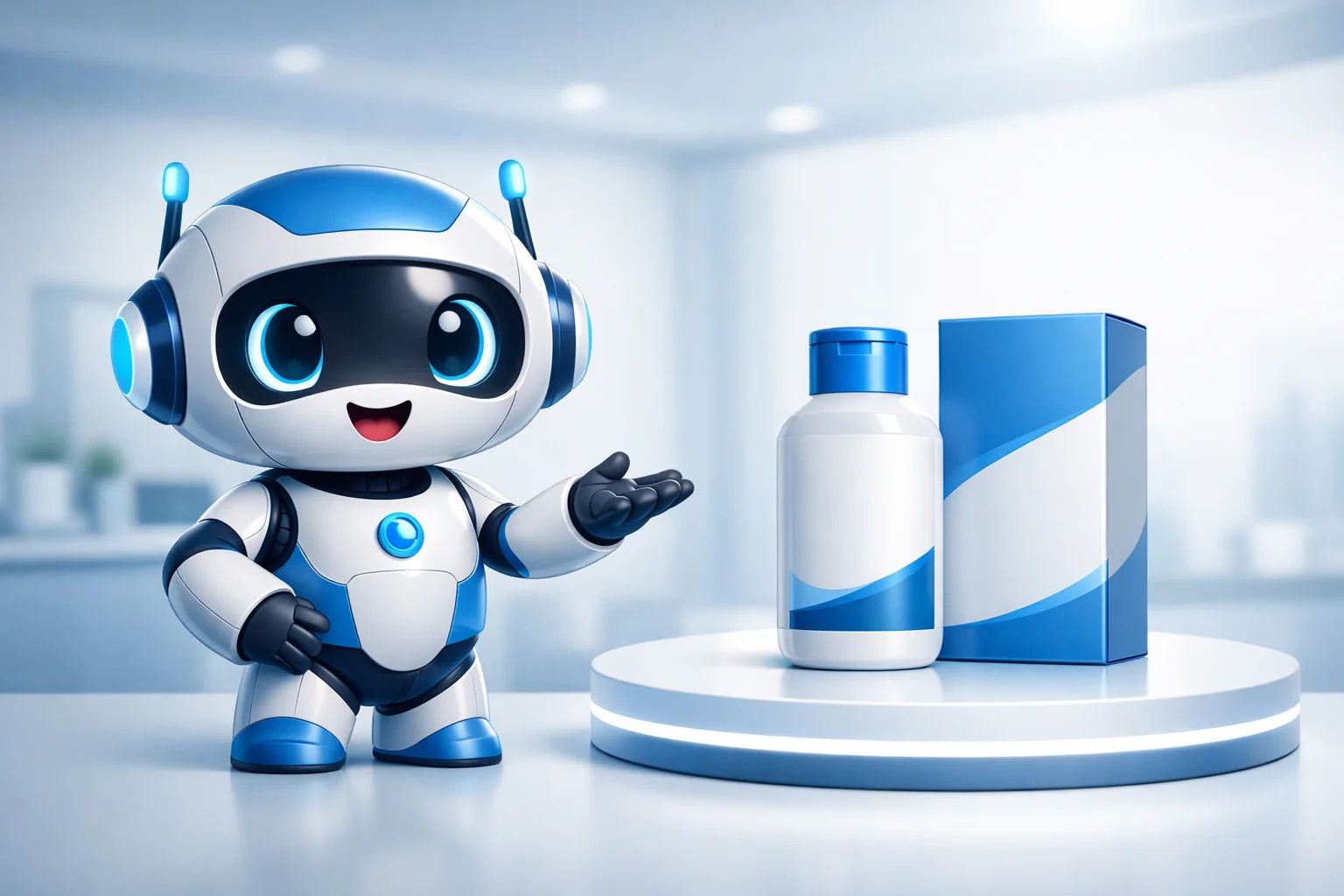
AI-Powered Brand Mascot Animation for Marketing Videos

How Kling Motion Control Works

Create your AI-powered motion video in three simple steps - no animation experience required

1

Upload Your Character Image

Start by uploading a high-quality image of your character. We support JPG and PNG formats up to 10MB. For best results, use images with clear character visibility, minimum 300px resolution, and aspect ratios between 2:5 and 5:2. The AI works with realistic humans, anime characters, illustrations, and stylized designs.
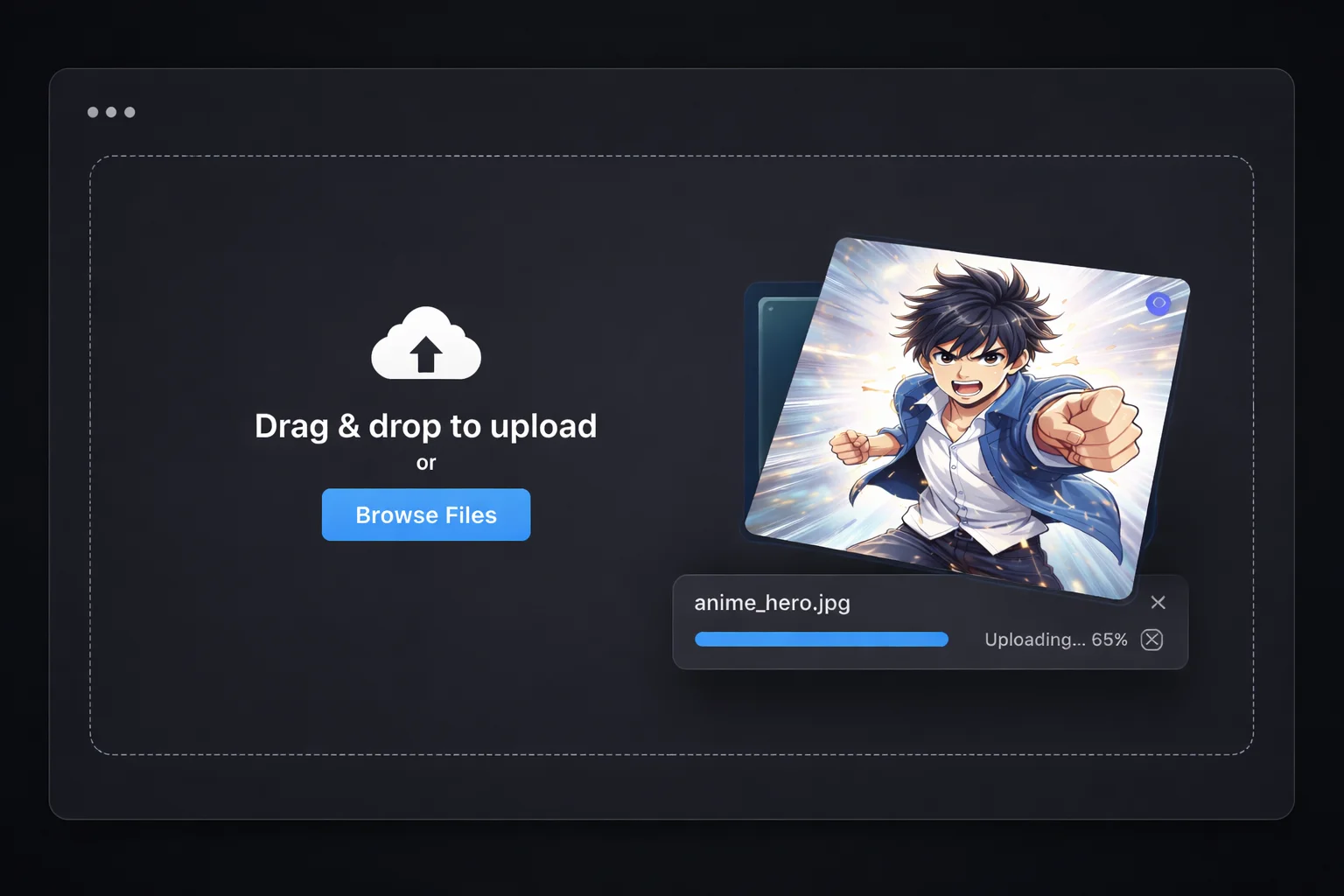
Step 1: Upload Character Image - Kling Motion Control Interface
2

Add Motion Reference Video

Upload a video showing the motion you want to transfer to your character. Supports MP4 and MOV formats up to 100MB. Video duration can be 3-30 seconds depending on your chosen orientation mode. Use videos with clear, single-person movements for optimal results.
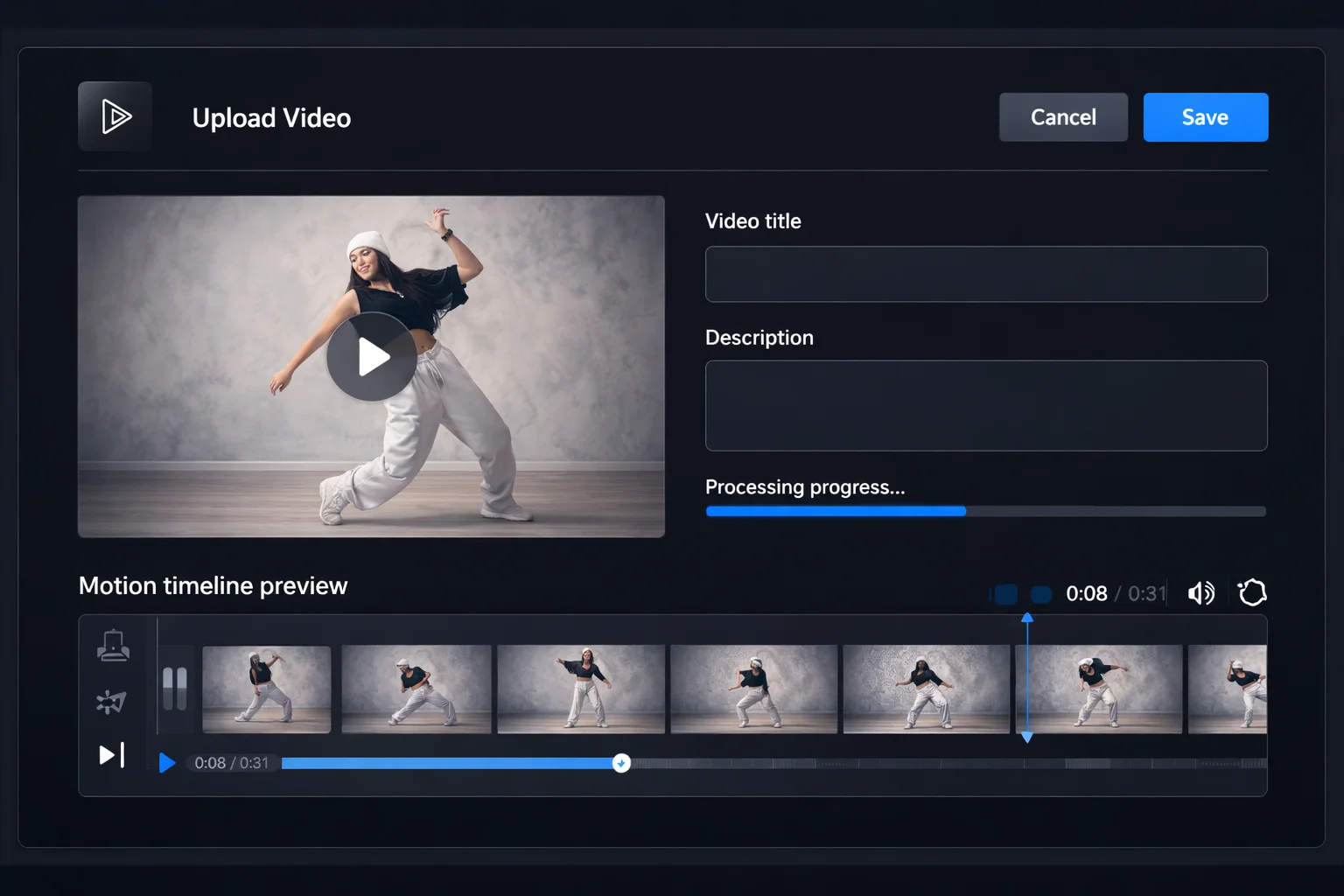
Step 2: Upload Motion Reference Video - AI Video Generation
3

Generate Your AI Video

Select your preferred resolution (720p or 1080p), choose character orientation mode, and click generate. Our Kling 2.6 AI will process your inputs and create a stunning motion-controlled video. Generation typically takes 2-5 minutes. Download your video when complete.
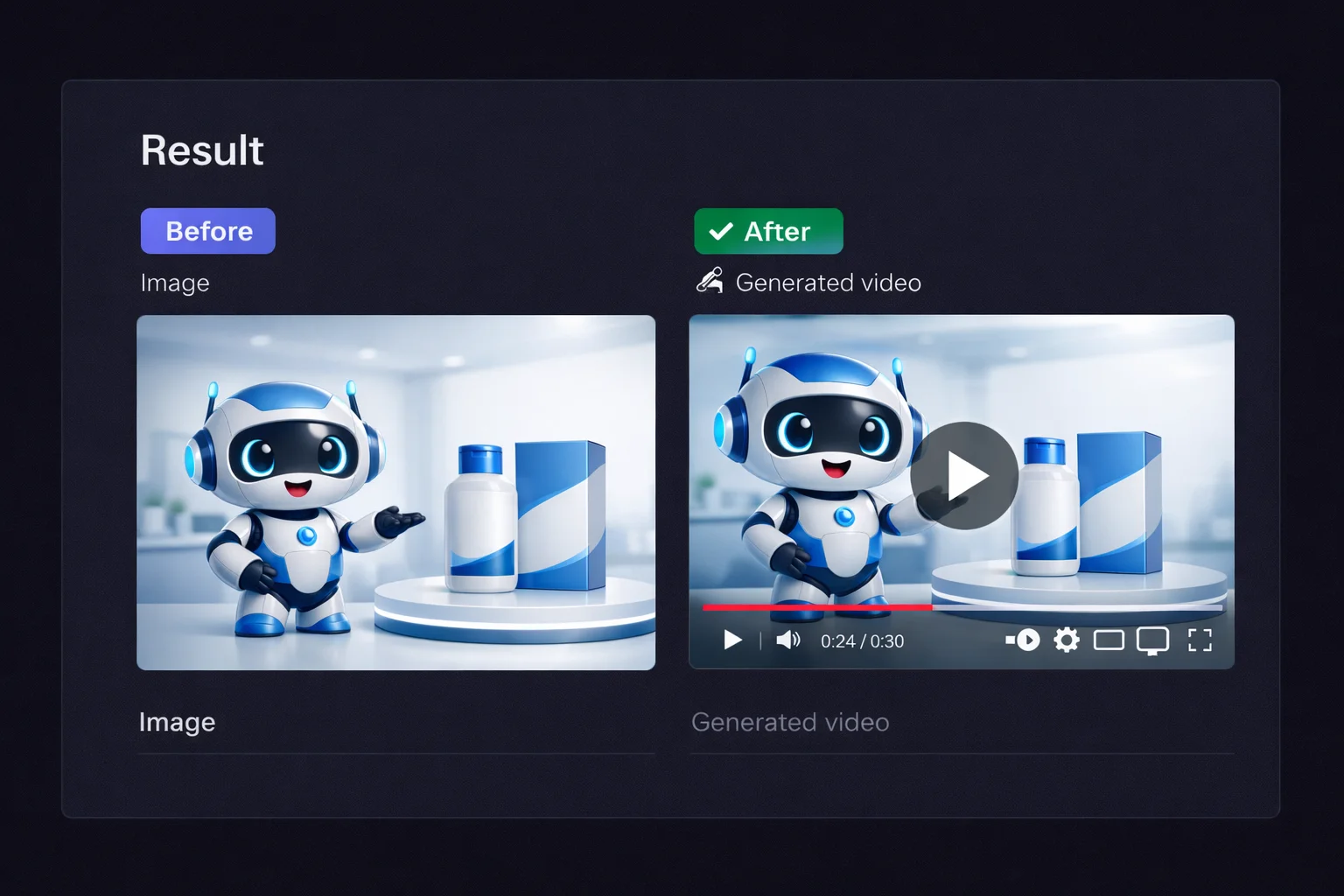
Step 3: Generate AI Video - Before and After Comparison

Frequently Asked Questions

Everything you need to know about using Kling Motion Control for AI video generation

What is character orientation and which mode should I choose?

Character orientation determines how your character faces in the output video. Choose 'Video' mode to match the reference video's character orientation, supporting videos up to 30 seconds - ideal when you want the character to face the same direction as the person in your reference. Choose 'Image' mode to maintain your original image's character orientation, supporting videos up to 10 seconds - best when you want to preserve your character's original pose direction.

How long does AI video generation take?

Video generation typically takes 2-5 minutes depending on several factors: video duration, chosen resolution, and current server load. 720p videos process faster than 1080p. Longer reference videos require more processing time. You can monitor the progress in real-time and will be notified when your video is ready for download.

How long are generated videos available for download?

Your generated videos are available for download for 30 days from creation. We strongly recommend downloading your videos promptly after generation to ensure you have a permanent copy. After 30 days, videos are automatically removed from our servers and cannot be recovered.

What are the character image requirements for best results?

For optimal results, your character image should be: JPG or PNG format, maximum 10MB file size, minimum 300 pixels in both dimensions, aspect ratio between 2:5 and 5:2. The character should be clearly visible without obstructions, preferably with the full body or at least upper body visible. Both realistic and stylized characters work well.

What motion reference video specifications are supported?

Motion reference videos should be: MP4 or MOV format, maximum 100MB file size, duration between 3-30 seconds (depending on orientation mode). For best results, use videos featuring a single person with clear, natural movements. Avoid rapid camera movements, multiple people, or heavily edited footage.

Can I use the generated videos for commercial purposes?

Yes, videos generated through our platform can be used for commercial purposes including marketing, advertising, social media content, and business presentations. Ensure you have the rights to any character images and reference videos you upload. The AI-generated output is yours to use.

What types of characters work best with Motion Control?

Kling Motion Control works excellently with a wide variety of character types: realistic human portraits, anime and manga characters, cartoon illustrations, digital artwork, brand mascots, and stylized humanoid figures. Characters with clear human-like proportions produce the best motion transfer results.

Ready to Bring Your Characters to Life?

Join thousands of content creators using Kling Motion Control to create stunning AI-powered videos. Start with our easy-to-use generator today.

Home
AI Tools
Start Creating Now
View Pricing Plans
Get Credits Now
Explore All Tools