Z-Image AI Generator — Free Online Z Image Creator
Create stunning AI images with Z-Image generator. Powered by Z-Image turbo model for ultra-fast generation. Write your prompt and generate z-image art online for free.
More control over generation (10 credits)
Z-Image AI Showcase
See what Z-Image can create
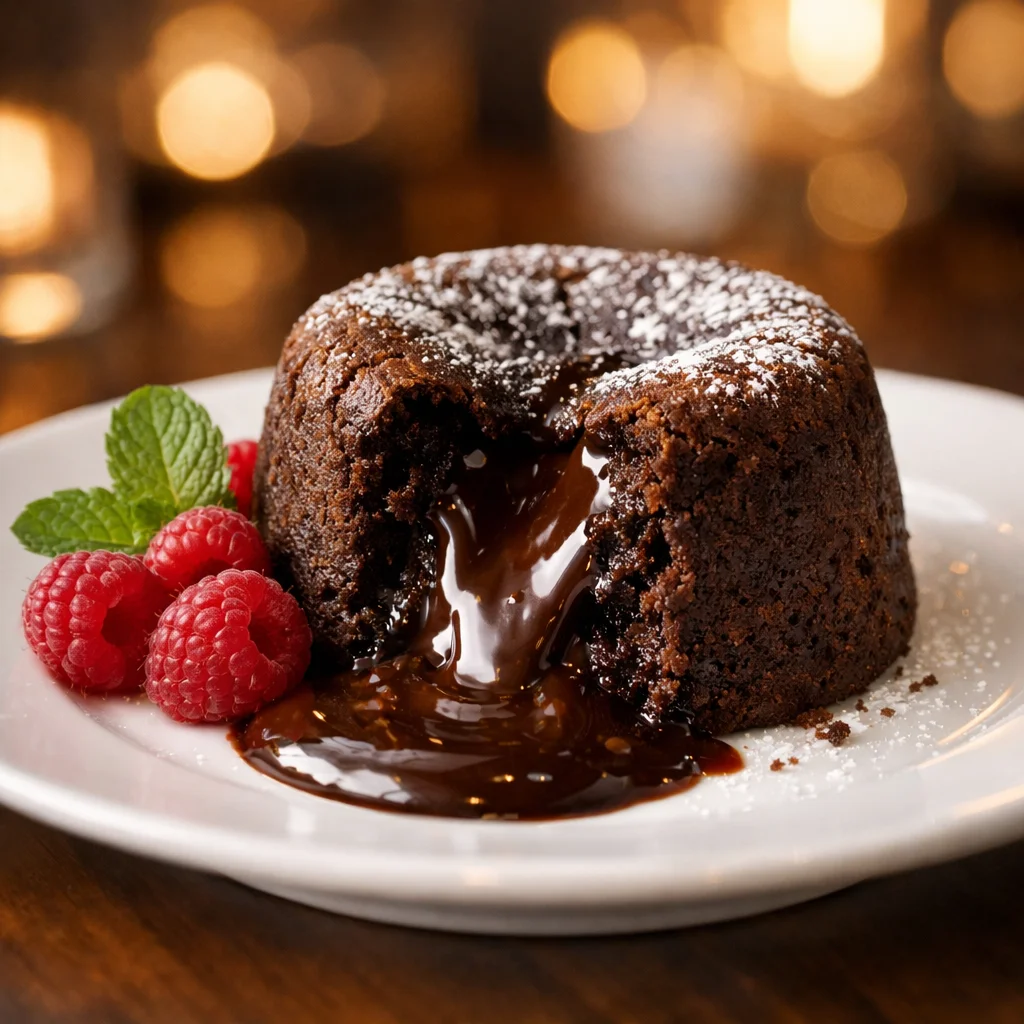
Why Choose Z-Image AI for Image Generation
Z-Image delivers professional-quality AI images in seconds. Whether you need product photography, social media content, or creative art, Z-Image turbo model adapts to your vision with lightning-fast generation.
Z-Image Turbo — The Fastest Z Image Model
Z-Image Edit — AI Image Editing with References
Free Z-Image Online — No Download Required
Z-Image Prompts & Creative Use Cases
Discover the creative possibilities with Z-Image AI. From professional product shots to fantasy art, Z-Image prompts unlock endless visual styles and compositions.
Z-Image for Product Photography
Create professional product images with Z-Image AI. Generate clean backgrounds, studio lighting, and multiple angles for e-commerce listings. Z-Image turns simple product descriptions into polished commercial photography without expensive photo shoots.
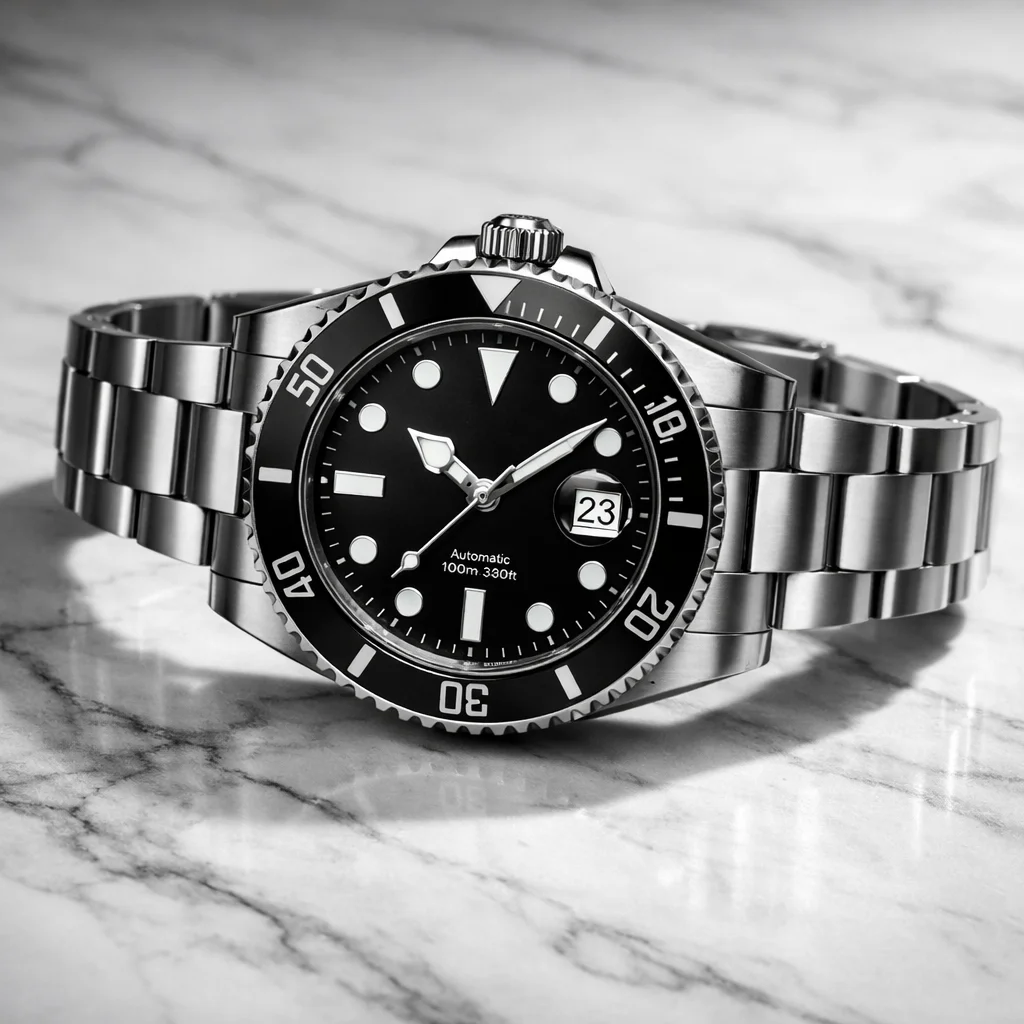
Z-Image AI for Social Media Content
Stay ahead with eye-catching social media visuals powered by Z-Image AI. Generate scroll-stopping images for Instagram, Twitter, and LinkedIn. Z-Image helps you maintain a consistent visual brand with AI-generated content that engages your audience.
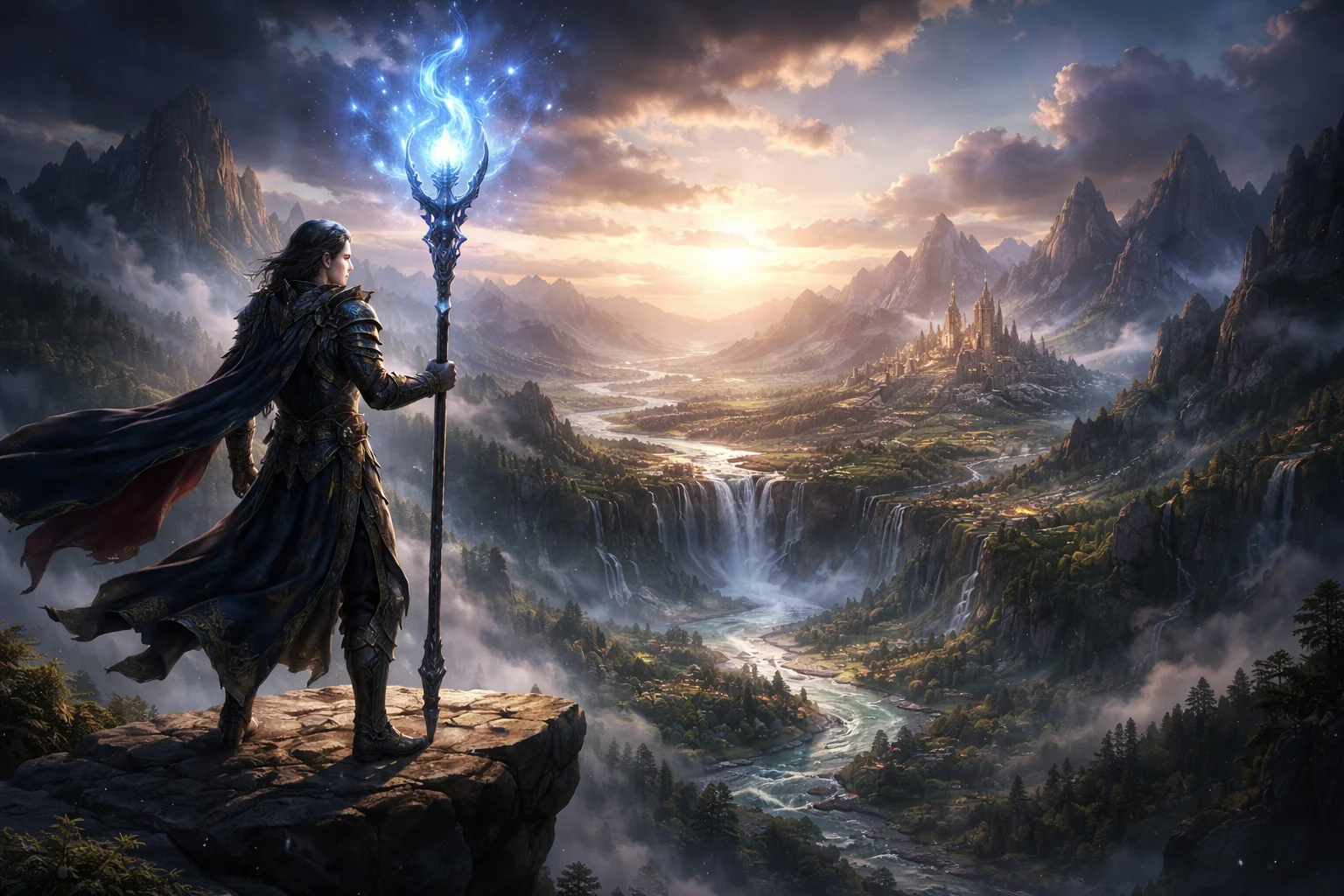
Z-Image Fantasy Art & Character Design
Bring your imagination to life with Z-Image. Create detailed fantasy landscapes, mythical creatures, and character designs. Z-Image excels at generating concept art for games, novels, and worldbuilding projects with rich detail and atmospheric lighting.

Z-Image Turbo for Rapid Iteration
Use Z-Image turbo model to iterate through design concepts at speed. Generate dozens of variations in minutes, exploring different styles, compositions, and color palettes. Z-Image turbo is ideal for creative professionals who need fast visual prototyping.
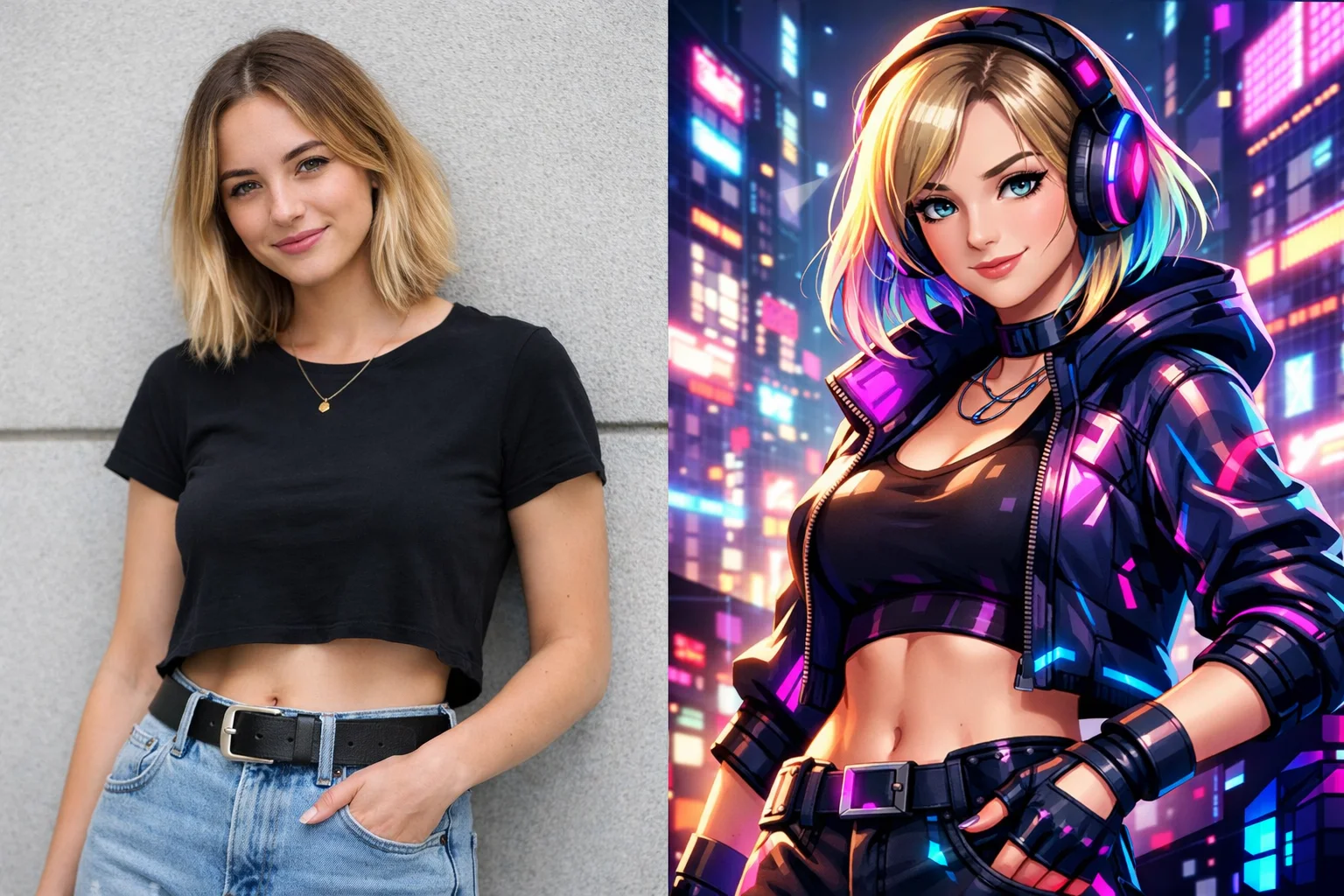
Z-Image Edit for Creative Transformation
Transform existing photos with Z-Image edit mode. Upload a reference image and describe your desired changes — Z-Image edit applies AI-powered modifications while preserving the original composition. Perfect for style transfer, background replacement, and creative remixing.
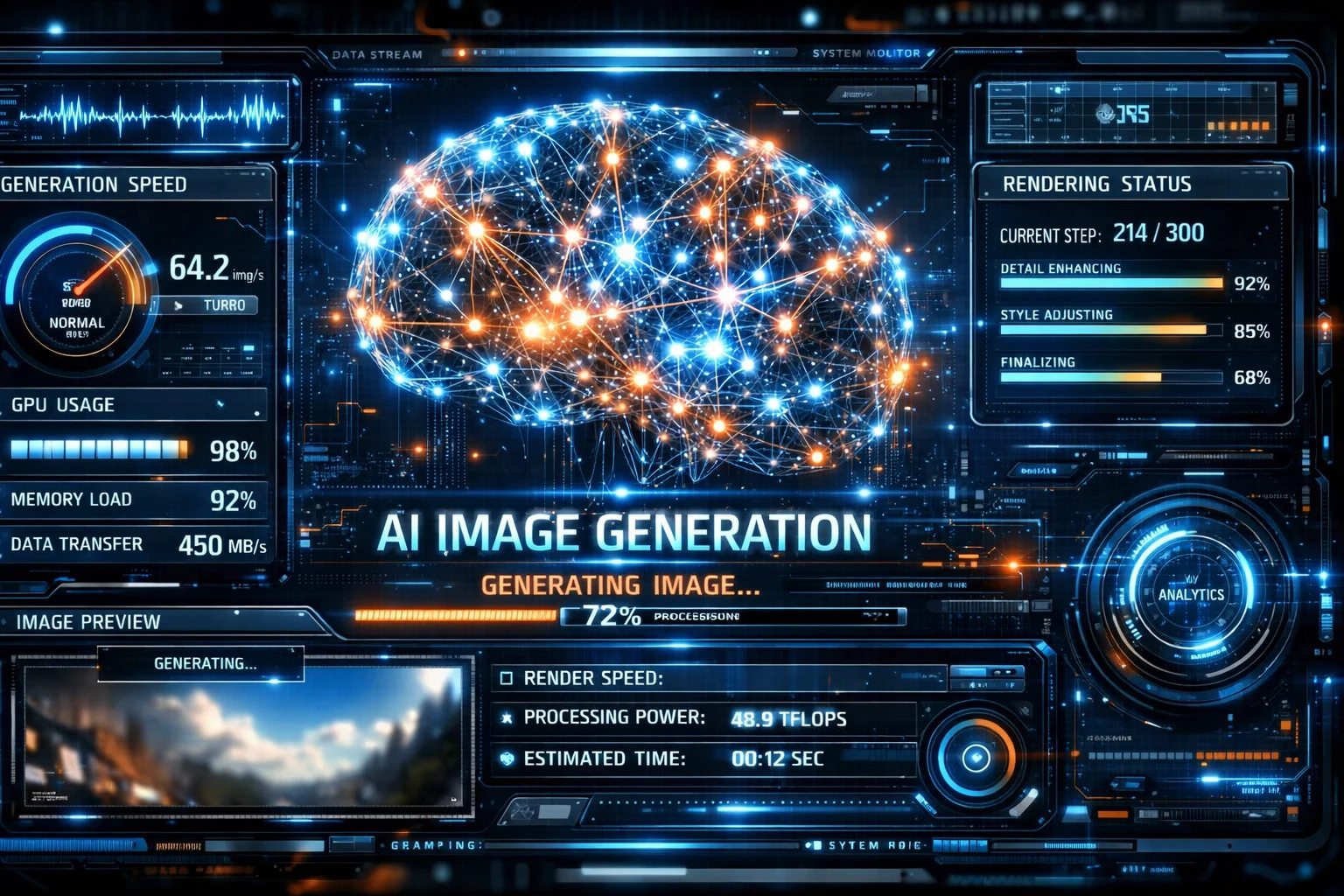
How to Use Z-Image AI Generator
Creating AI images with Z-Image is simple. Follow these three steps to transform your text prompts into professional-quality visuals using Z-Image generator.
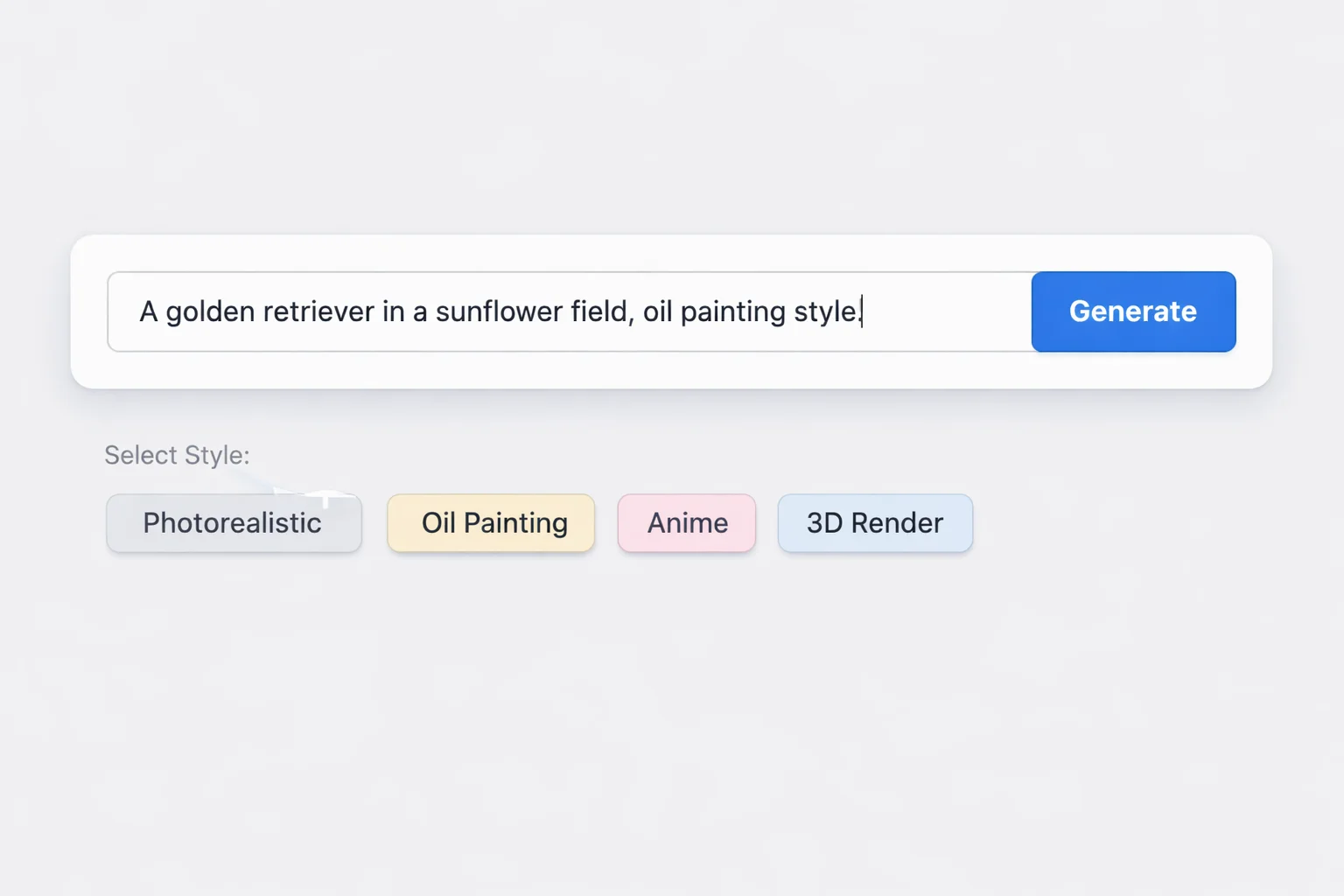
Write Your Z-Image Prompt
Describe your image idea in detail. Include subject, lighting, mood, and style. The more specific your Z-Image prompt, the more accurate and impressive your results will be. Use natural language — Z-Image understands complex descriptions.
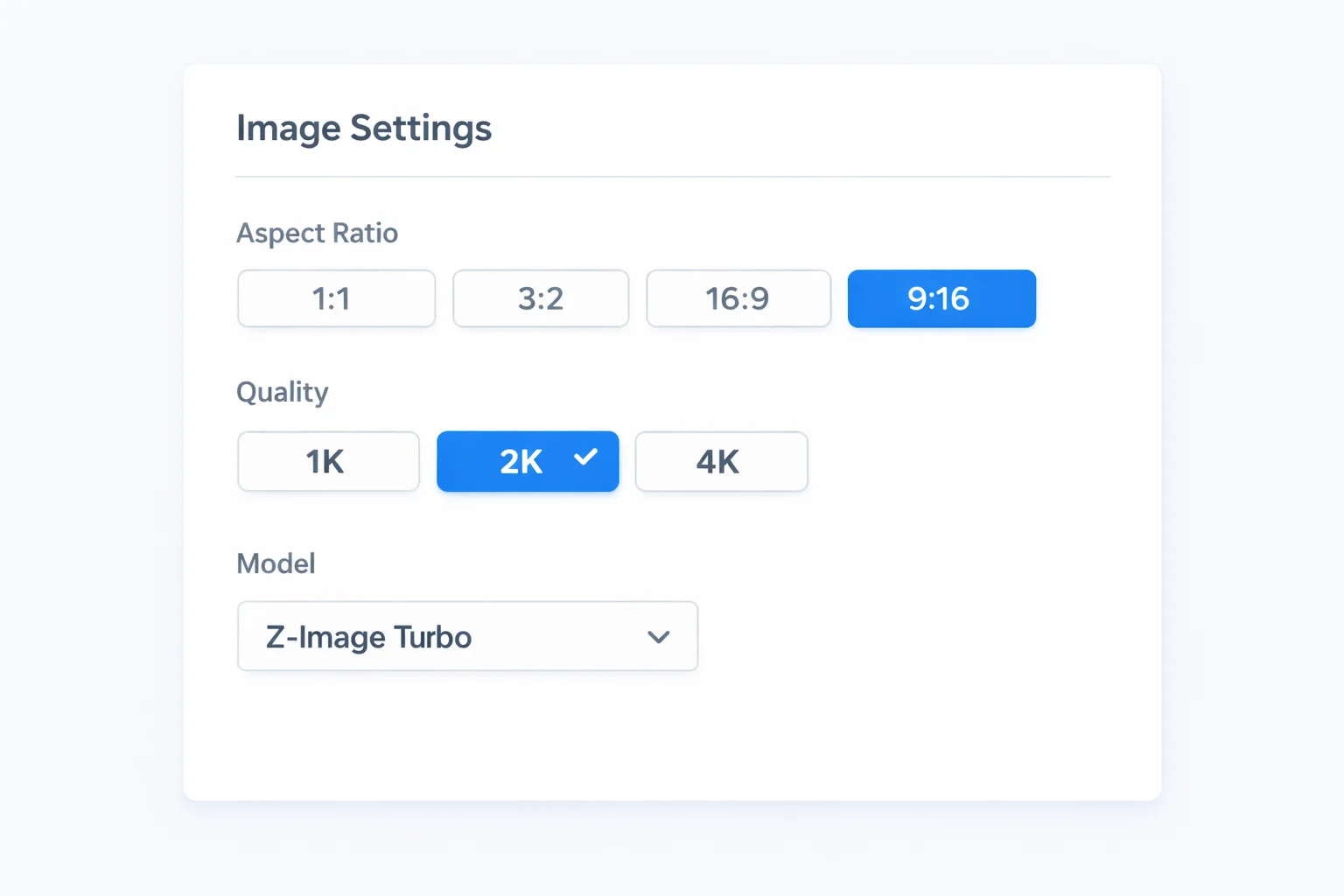
Select Z-Image Model Settings
Choose your preferred aspect ratio from 11 options and select quality level (1K, 2K, or 4K). Switch between text-to-image or Z-Image edit mode depending on your creative needs.
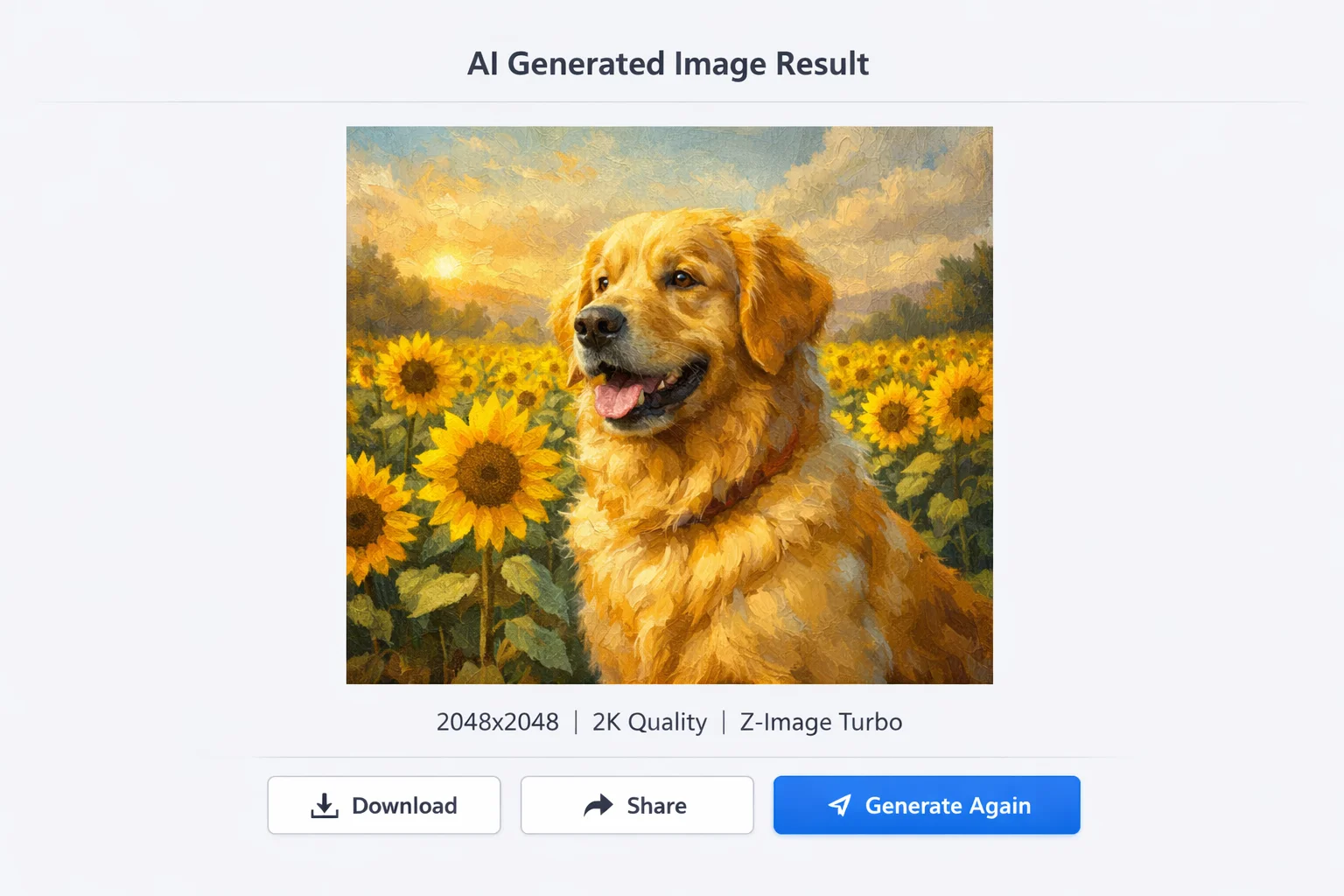
Generate and Download Z-Image
Click generate and receive your high-resolution Z-Image in seconds. Preview the result, download in WebP or PNG format, and iterate with refined prompts if needed. Your Z-Image generation history is saved for easy access.
Z-Image AI Frequently Asked Questions
Find answers to common questions about Z-Image, including features, pricing, supported formats, and technical details about the Z-Image turbo model.
What is Z-Image?
What is Z-Image Turbo Model?
How to Use Z-Image Online for Free?
What Makes a Good Z-Image Prompt?
Does Z-Image Support ComfyUI?
Can I Use Z-Image Lora Models?
What is Z-Image Base Model?
How Does Z-Image Edit Work?
Is Z-Image API Available?
What Resolution Does Z-Image Generate?
How Does Z-Image Compare to Other AI Image Generators?
Can I Use Z-Image for Commercial Projects?
Choose Your Plan
Start creating with Z-Image for free. Upgrade to Pro for unlimited access to Z-Image turbo model and premium features.
Choose Your Plan
Start creating AI videos today. Cancel anytime.
Starter
Create AI videos every month — ideal for getting started.
Billed $179.99/year · save 50% vs monthly
- 1,200 credits/month · up to 60 Sora 2 Lite videos (5s, 480p)
- All AI video models included
- Standard speed (~3 min per video)
- No watermark · Private · Commercial rights
- Switch to yearly and save 50%
- Add credit packs anytime, no plan change needed
Pro
Create about twice as many videos each month and keep content flowing.
Billed $359.99/year · save 50% vs monthly
- 2,400 credits/month · up to 120 Sora 2 Lite videos (5s, 480p)
- Priority queue — up to 2× faster rendering
- All AI video models + Pro modes (10s/15s)
- No watermark · Private · Commercial rights
- Priority support (< 24h response)
- Switch to yearly and save 50%
- Add credit packs anytime, no plan change needed
Studio
Produce more AI videos at scale for teams and commercial projects.
Billed $599.99/year · save 50% vs monthly
- 4,000 credits/month · up to 200 Sora 2 Lite videos (5s, 480p)
- Fastest rendering — always first in queue
- All Pro features included
- Dedicated support manager
- Custom workflow consultation
Pay safely and securely with
Payments are processed securely by Stripe. SoraVideo never stores your card details.


Start Creating with Z-Image AI
Join creators using Z-Image to generate stunning AI images. Start with the one-time 500-credit Creator Pack and experience the speed of the Z-Image turbo model.