Gemini Omni AI Video Studio
Create Gemini Omni videos, reusable characters, and custom audio profiles in one SoraVideo workspace. Use text, images, source video, character IDs, and audio IDs with a unified credit balance.
A prompt is required to generate a Gemini Omni video.
Gemini Omni in Action — Live Video Demos
Gemini Omni workflows on SoraVideo now combine video generation, reusable character creation, and custom audio profiles in one page, matching the Kie Gemini Omni API model family.
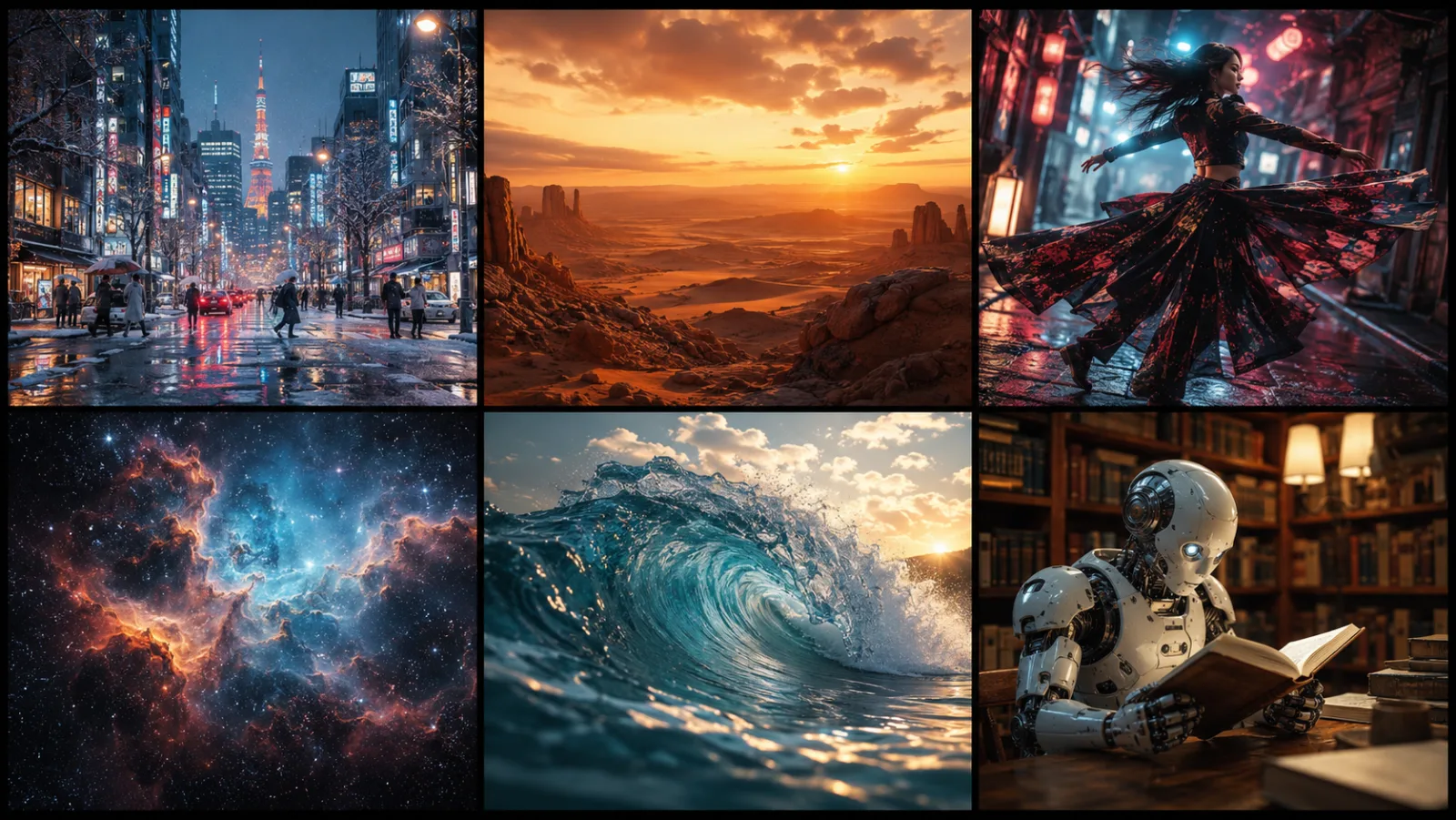
Cinematic 4K Text Prompt

Subtle Portrait Motion
What is Gemini Omni?
Gemini Omni is Google's multimodal creative model family for video-first generation. The Kie Gemini Omni API exposes three practical modules: Gemini Omni Video for multimodal video generation and editing, Gemini Omni Character for reusable identities, and Gemini Omni Audio for reusable voice profiles.
The Video model accepts natural-language prompts plus reference images, one source video, one audio ID, and up to three character IDs. The Character model creates stable identity assets from an image and description. The Audio model creates reusable voice metadata from a name, voice description, and optional sample dialogue.
On SoraVideo.art these three modules now live in one tabbed Gemini Omni studio. Build a character, create a voice, then reference both IDs inside the Video tab without jumping across separate landing pages.
Why Choose the Gemini Omni Model
Gemini Omni stands out among Google video models for its 4K cinematic output, Gemini-native multimodality, and pay-as-you-go pricing on SoraVideo.
4K Cinematic Gemini Omni Output
True Multimodal Gemini Omni
Built on Google Gemini
Video, Character & Audio Tabs
Fast Generation in ~60 Seconds
Margin-Safe Pay-As-You-Go Pricing
What Can You Create with Gemini Omni
From cinematic short films to TikTok loops to Gemini Omni avatars, creators on SoraVideo use the Gemini Omni preview pipeline to ship video content faster than ever.
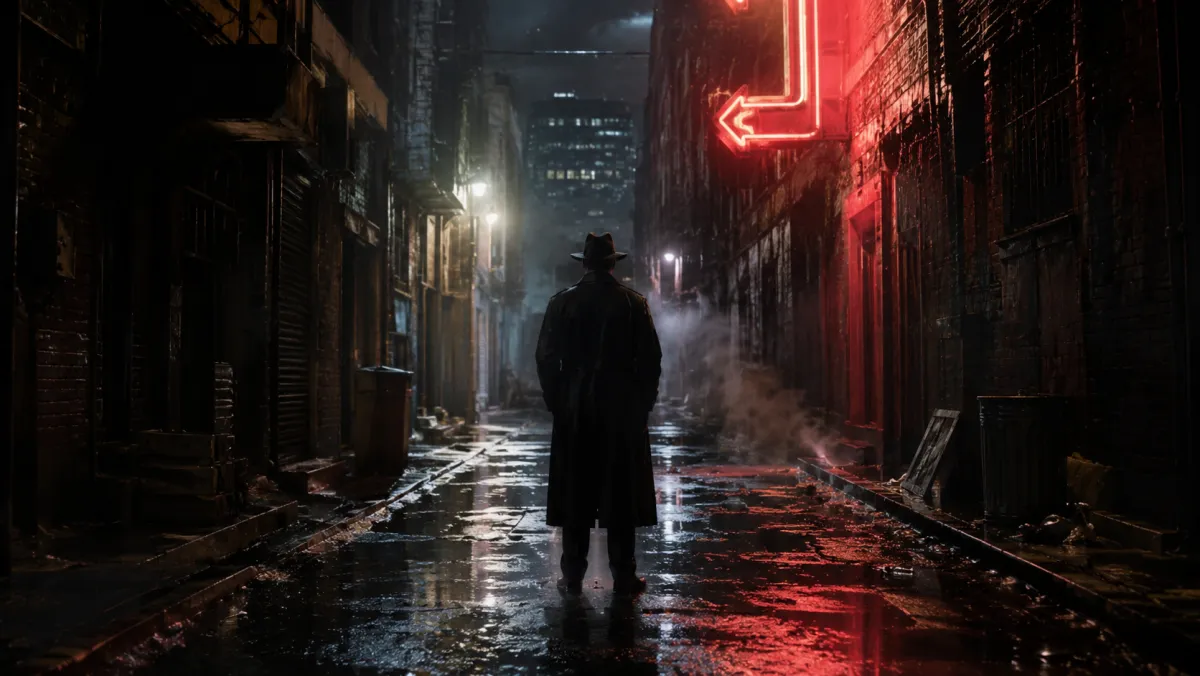
Cinematic Short Films
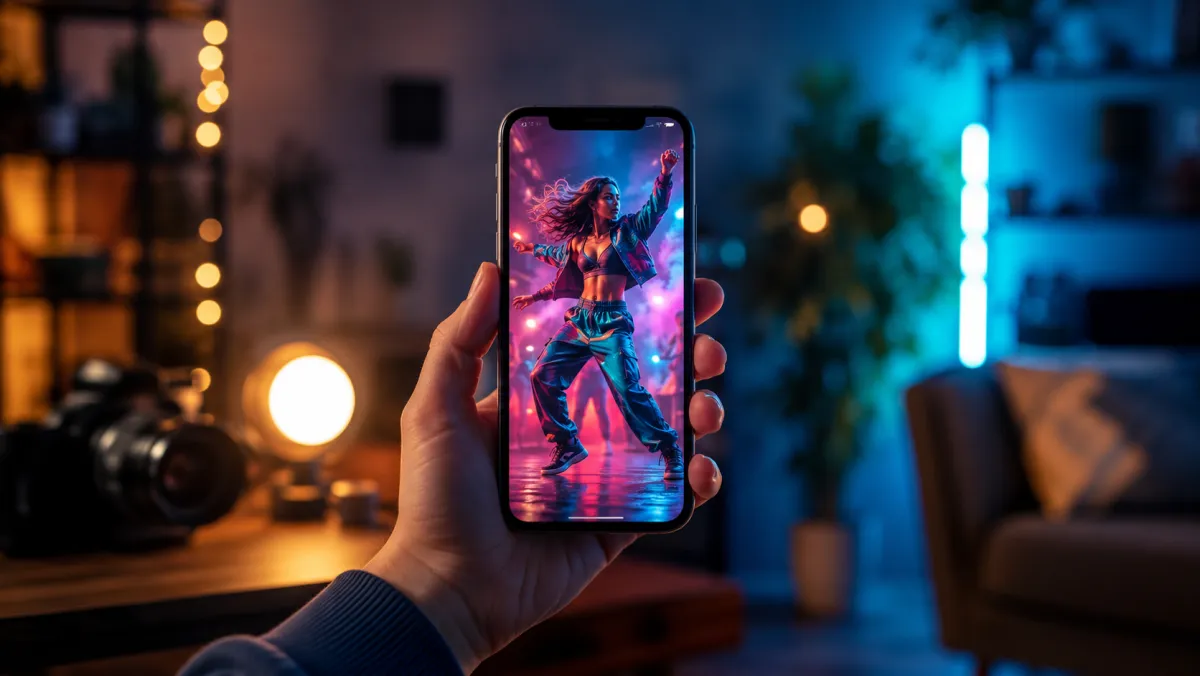
TikTok, Reels & YouTube Shorts

Product Marketing & Ads

Gemini Omni Avatars & Characters

B-Roll & Stock Footage

Storytelling & Animation
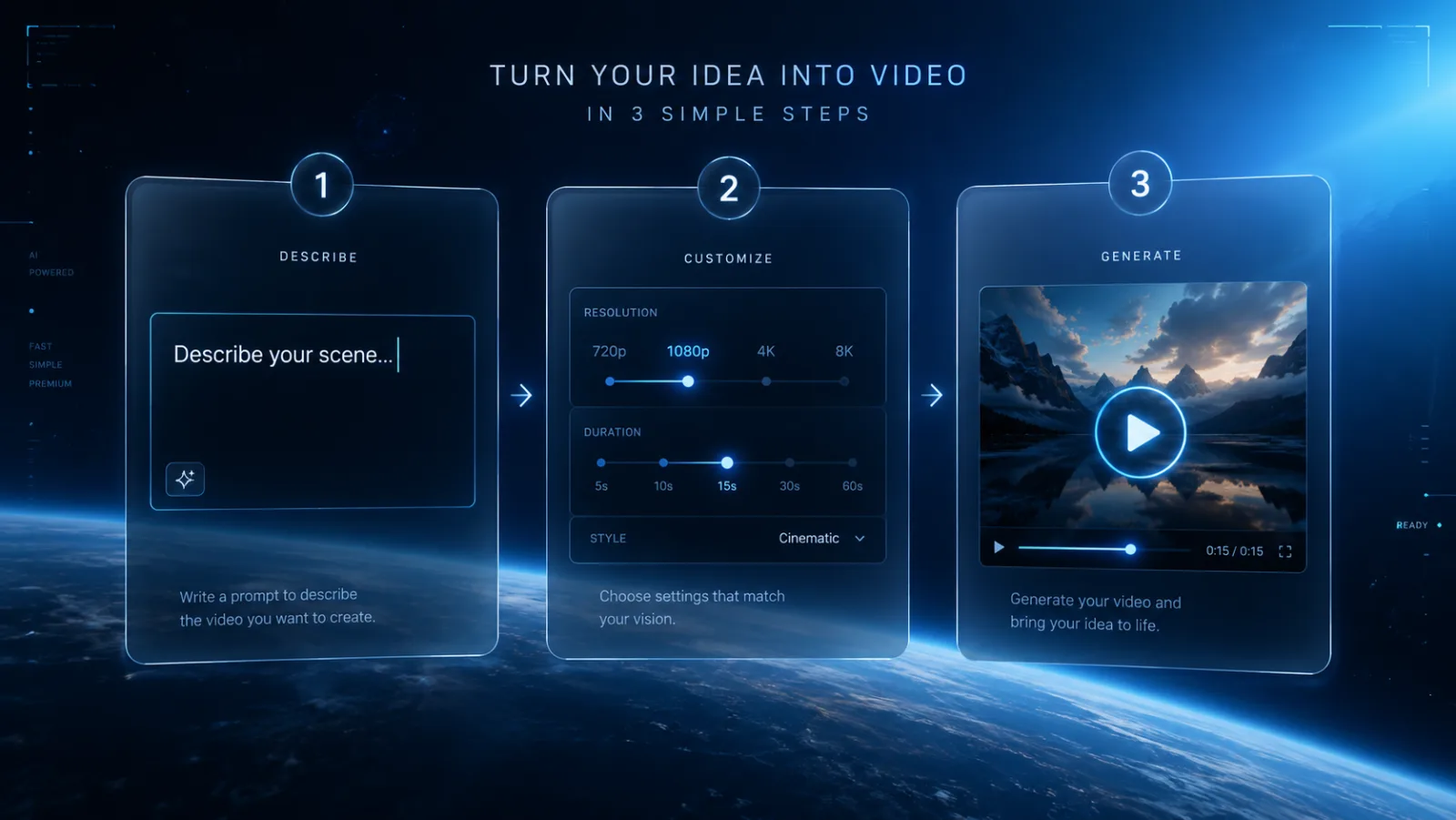
How to Use the Gemini Omni Studio
Use one page for the full Gemini Omni workflow: character, voice, then final video.
Step 1 - Create reusable assets
Step 2 - Compose the video prompt
Step 3 - Pick output settings and generate
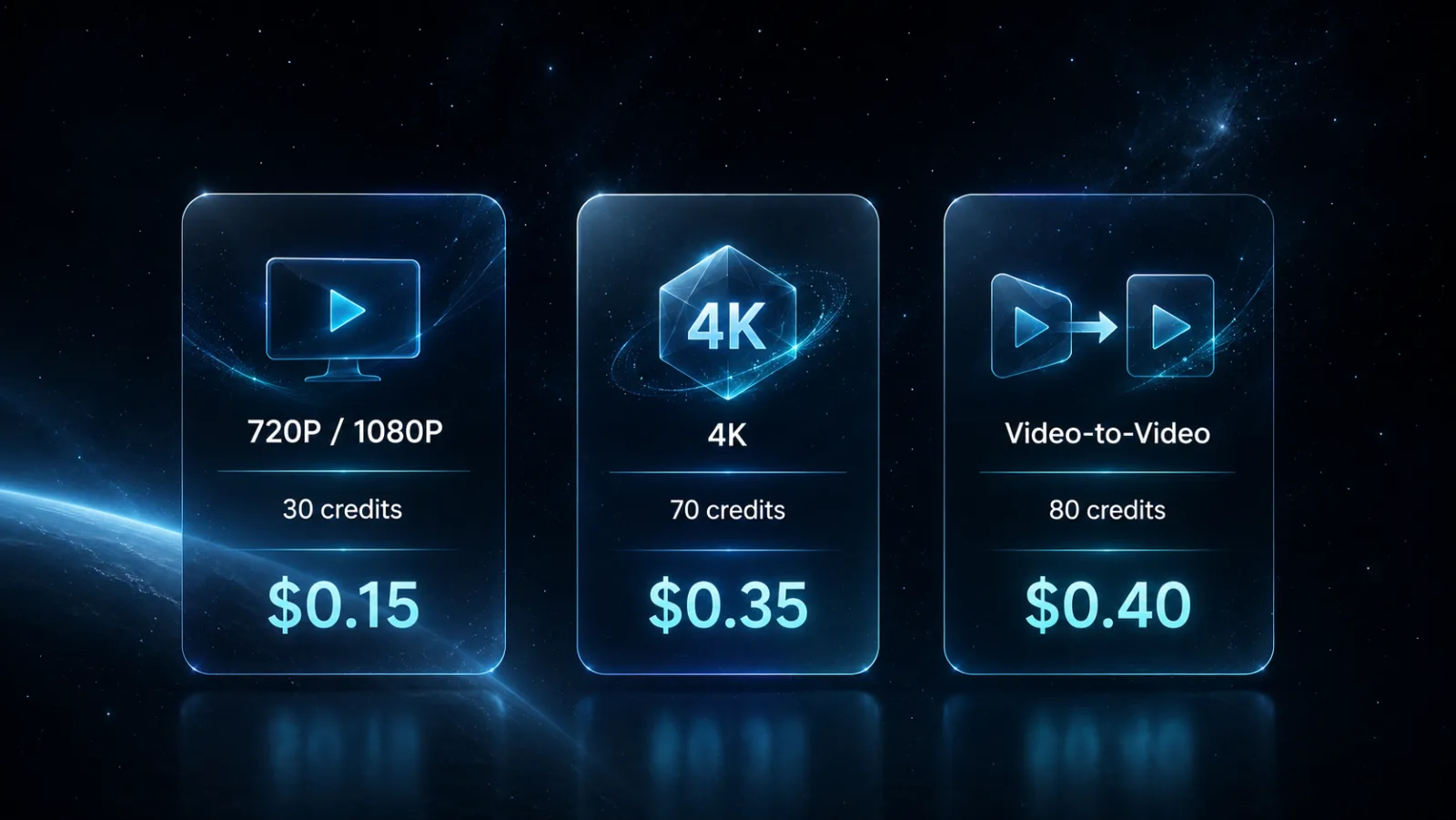
Gemini Omni Pricing — 720P, 1080P & 4K
Pay-as-you-go Gemini Omni pricing on SoraVideo. Retail prices are set from Kie cost to preserve a 70%+ gross margin, while higher Kie top-ups can reduce upstream cost by about 10%.
Text-to-Video & Image-to-Video
Without video input — text prompts, reference images, characters, and optional audio ID
| Resolution | 4 s | 6 s | 8 s | 10 s |
|---|---|---|---|---|
| 720P / 1080P | 45 credits | 60 credits | 75 credits | 90 credits |
| 4K | 105 credits | 120 credits | 135 credits | 150 credits |
Video-to-Video
With video input — Gemini Omni editing and restyling of existing footage
| Resolution | Per Generation |
|---|---|
| 720P / 1080P | 120 credits per generation |
| 4K | 180 credits per generation |
| Character | 20 credits per reusable character |
| Audio | 15 credits per reusable voice profile |
Kie Cost Basis Included
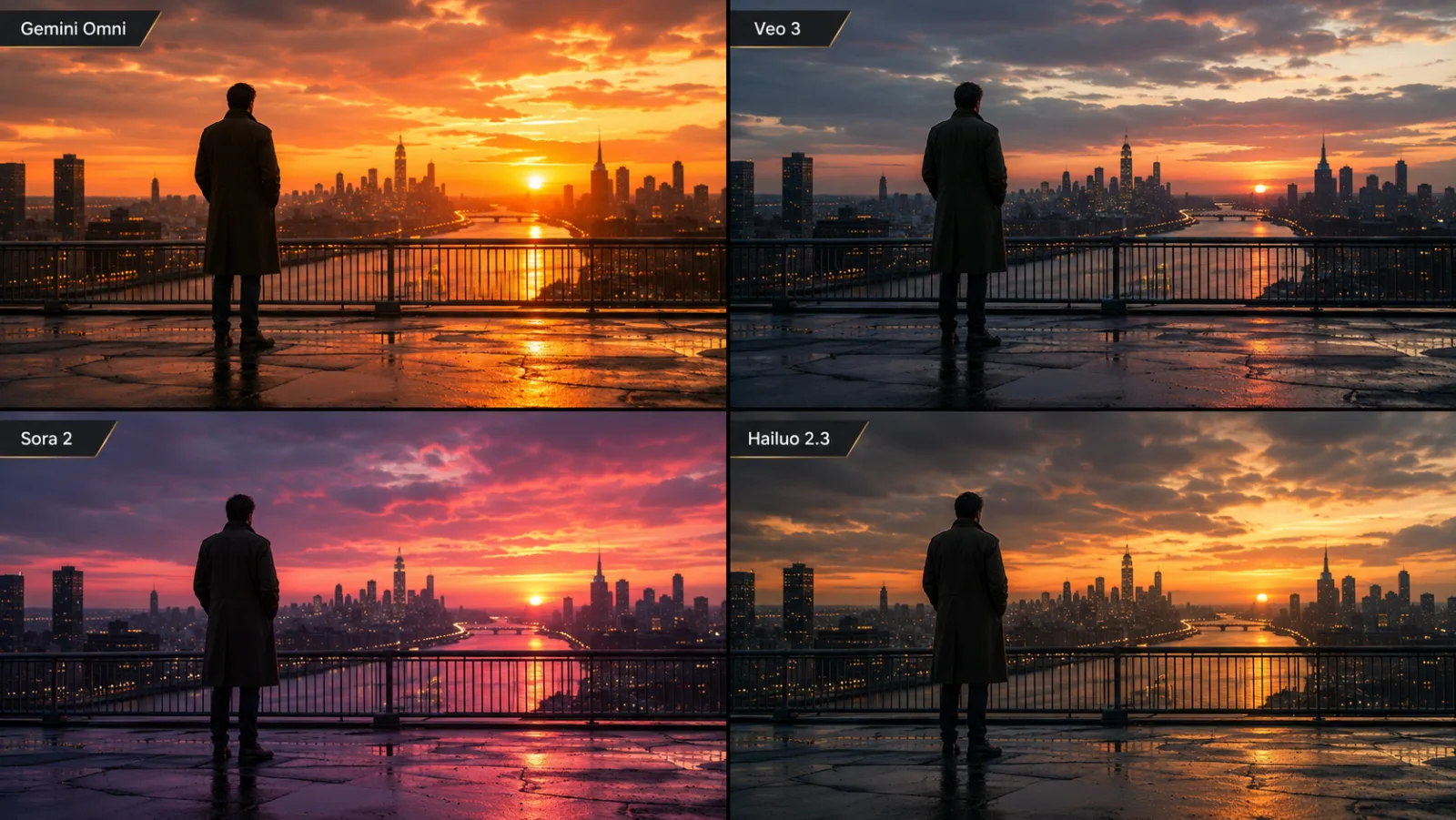
Gemini Omni vs Veo 3 vs Sora 2 vs Hailuo 2.3
How the Gemini Omni model compares to Google Veo 3, OpenAI Sora 2, and MiniMax Hailuo 2.3 — based on Gemini Omni announcements and public benchmarks.
| Feature | Gemini Omni | Veo 3 | Sora 2 | Hailuo 2.3 |
|---|---|---|---|---|
| Max Resolution | 4K | 1080P | 1080P | 1080P |
| Max Duration | 10s | 8s | 20s | 10s |
| Text-to-Video | ||||
| Image-to-Video | ||||
| Video-to-Video | — | — | ||
| Native Audio | Anticipated | — | — | |
| Avatar Mode | — | — | — | |
| Price / 6s 1080P | 60 credits | $0.30 | $0.50+ | $0.15 |
| Generation Speed | ~60s | ~75s | ~90s | ~30s |
Gemini Omni specifications are provisional based on Google announcements and may change at the official Gemini Omni launch.
Frequently Asked Questions about Gemini Omni
Everything you need to know about the Gemini Omni AI video model from Google and how to use Gemini Omni on SoraVideo.
What is Gemini Omni?
How to use Gemini Omni?
How to access Gemini Omni?
Is Gemini Omni free?
When was Gemini Omni released?
What gemini omni model is this built on?
Does Gemini Omni have an API?
Can Gemini Omni generate 4K video?
How many Gemini Omni videos can I generate?
Gemini Omni vs Veo 3 — which is better?
Can Gemini Omni create avatars?
Is Gemini Omni on Reddit?
Related AI Video & Image Tools
Explore other AI video models on SoraVideo while the official Gemini Omni endpoint rolls out — every tool shares the same credits and Gemini Omni-style workflow.
Sora 2 Pro Storyboard→
Hailuo 2.3→
Kling 3.0→
Seedance 2.0→
Nano Banana Pro→
Sora 2 Watermark Remover→
Start Generating with Gemini Omni
Create a reusable character, generate a custom voice ID, then produce the final Gemini Omni video from the same page.
Gemini Omni is a Google product name. SoraVideo.art is an independent aggregator and is not affiliated with Google. Gemini Omni API access on this page is routed through Kie.ai server-side endpoints and may change if upstream model parameters change.