LogoSoraVideo.art
  • Pricing
  • Prompts
  • Blog
  • Docs
Sora 2 GeneratorProStoryboardWatermark RemoverAI Video UpscalerHot
API AccessDashboardPricingBlogDocs
Video Tools
  • Sora 2 Generator
  • Storyboard
  • Watermark Remover
  • AI Video Upscaler
Video Models
  • Kling Motion Control
  • Grok Imagine
  • Seedance 2.0
  • Kling 3 — Coming Soon
Image Models
  • Nano Banana Pro
  • Z-Image AI
Image Tools
  • AI Tattoo Generator
  • AI Hairstyle Changer
Company
  • Features
  • Tools
  • Pricing
  • API access
  • API Documentation
  • Blog
  • Site Updates
  • Privacy Policy
  • Terms of Service
Friends
  • AIStage
  • AiHeron
  • Dang.ai
  • MossAI Tools
  • ShowMeBest AI
  • AI Nav Site
  • ToolPilot AI
  • See What New AI
  • All in AI Tools
  • TryOnR
  • Fast Wan
  • bestnsfw.io
  • AiTop10 Tools
  • BuildWay
  • Kling 3
  • Seedance 2 AI
  • Seedance 2 Tech
LogoSoraVideo.art

Deliver cinematic Sora 2 stories with a production-ready workflow

GitHubGitHubTwitterX (Twitter)BlueskyBlueskyMastodonDiscordYouTubeYouTubeLinkedInEmail
Powered byLogo of SoraVideo.artSoraVideo.art

© 2026 SoraVideo.art All Rights Reserved.

Featured on
Featured on ShowMeBestAIAI Directories BadgeListed on AIDirsFeatured on Tools AI AppFeatured on dironix.comsoravideo.art - Featured on Startup FameSubmit AI Tools – The ultimate platform to discover, submit, and explore the best AI tools across various categories.Featured on Good AI ToolsFeatured on ShowMySitesFeatured on Twelve ToolsFeatured on GoodFirmsMillion Dot HomepageAcid ToolsShinyLaunchLaunchClashAIGC 160Featured on findly.toolsFeatured on FazierFeatured on toolfame.comFeatured on ToolDirsFeatured on Wayfindiosoravideo.art Domain Ratingai tools code.marketSoraVideo.art - Featured AI Agent on AI Agents DirectoryFeatured on ufind.bestSimilarLabs Embed Badge
Home/Video Models/Grok Imagine

Grok Imagine AI Generator - Create Images & Videos Online

Discover how Grok Imagine may transform text prompts into AI-generated images and videos. Learn about its features, creative modes, and how to get started with xAI's image and video generation tool.

Learn MoreView Pricing
0/2500

Be specific and detailed for better results

Aspect Ratio
Credits Required: 20|Balance: 0

Example Result

Output

Select a mode and enter your prompt to generate AI images or videos.

What is Grok Imagine?

Grok Imagine is an AI-powered image and video generation tool developed by xAI, the company behind the Grok AI assistant. This creative tool may enable users to generate images from text descriptions and transform static images into short animated videos.

As part of the Grok ecosystem, Grok Imagine represents xAI's expansion into visual content creation. The tool is designed for creators, marketers, and anyone looking to produce AI-generated visual content quickly and easily.

Grok Imagine typically offers multiple generation modes, allowing users to choose different creative styles based on their project needs. Whether you're creating social media content, marketing materials, or personal creative projects, Grok Imagine may provide an accessible entry point into AI image and video generation.
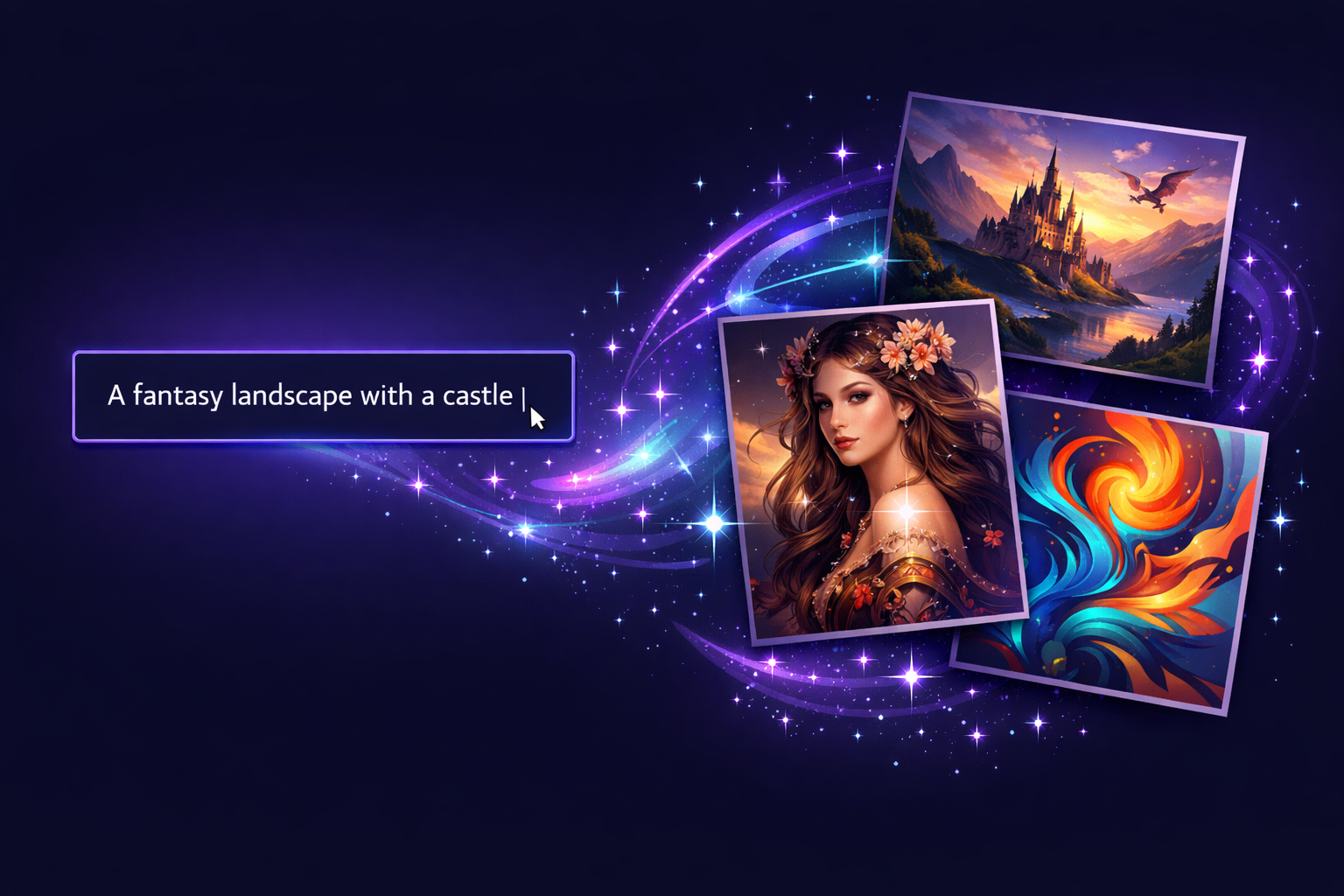
Grok Imagine Text to Image Generation - AI Creates Visual Content from Text Prompts

Key Features of Grok Imagine AI

Explore the capabilities that Grok Imagine may offer for AI-powered image and video creation

AI Image Generation

Grok Imagine may generate images from text prompts. Users describe what they want to create, and the AI produces visual content based on those descriptions. The tool may support various artistic styles and image formats.

Image to Video Conversion

One of Grok Imagine's notable capabilities is transforming static images into short animated videos. This feature may allow users to bring their photos or AI-generated images to life with motion effects.

Multiple Creative Modes

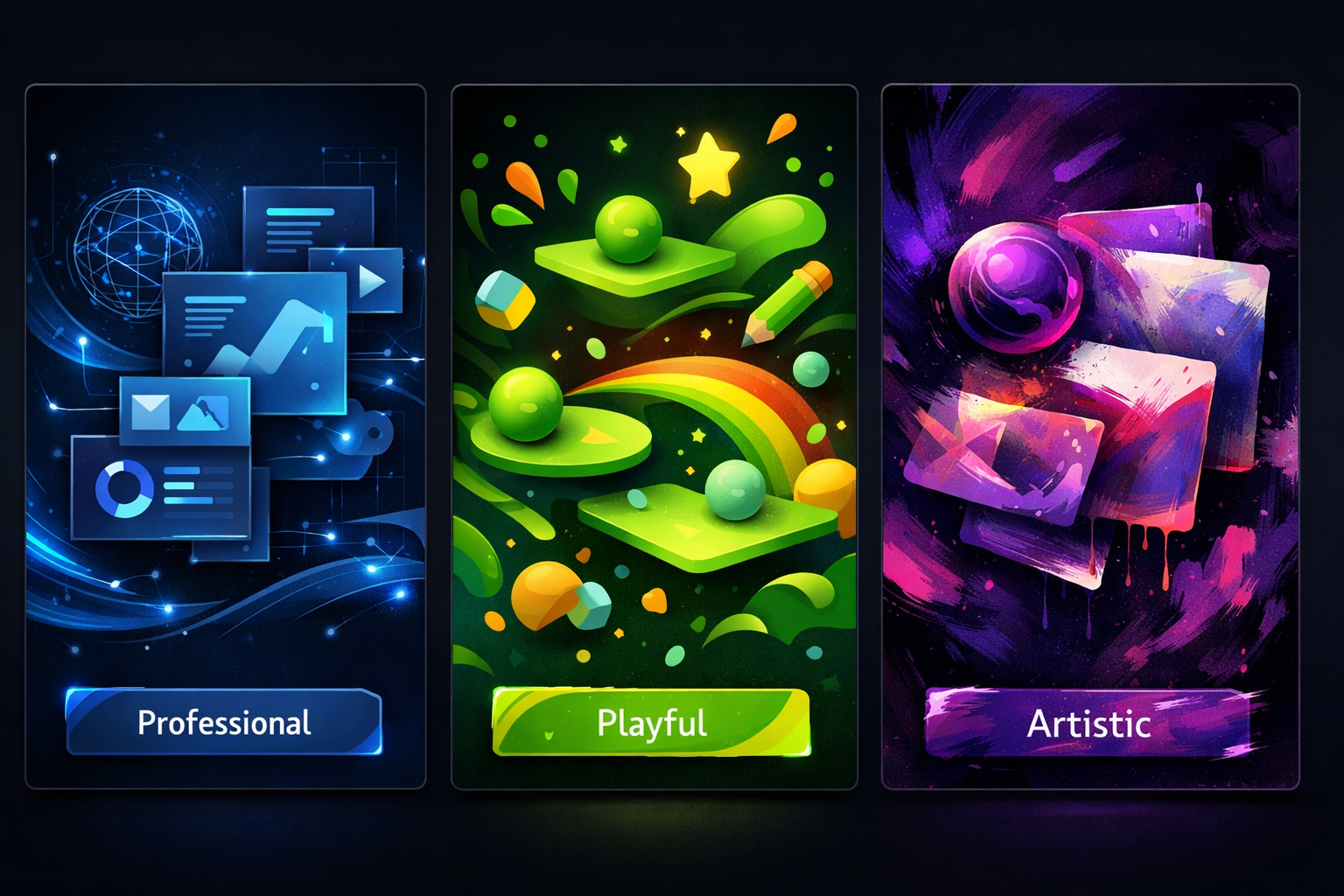
Grok Imagine typically offers different generation modes for various creative needs. These modes may include options for professional content, playful creations, and more expressive artistic outputs.

Audio Integration

Some versions of Grok Imagine may include the ability to add background music or sound effects to generated videos, creating more complete multimedia content without requiring separate audio editing tools.

Multiple Aspect Ratios

Grok Imagine generally supports various aspect ratios for both image and video generation, making it easier to create content optimized for different platforms and use cases.
Grok Imagine Creative Modes - Professional, Playful, and Artistic AI Generation Styles

How to Use Grok Imagine

A general guide to getting started with Grok Imagine for AI image and video generation

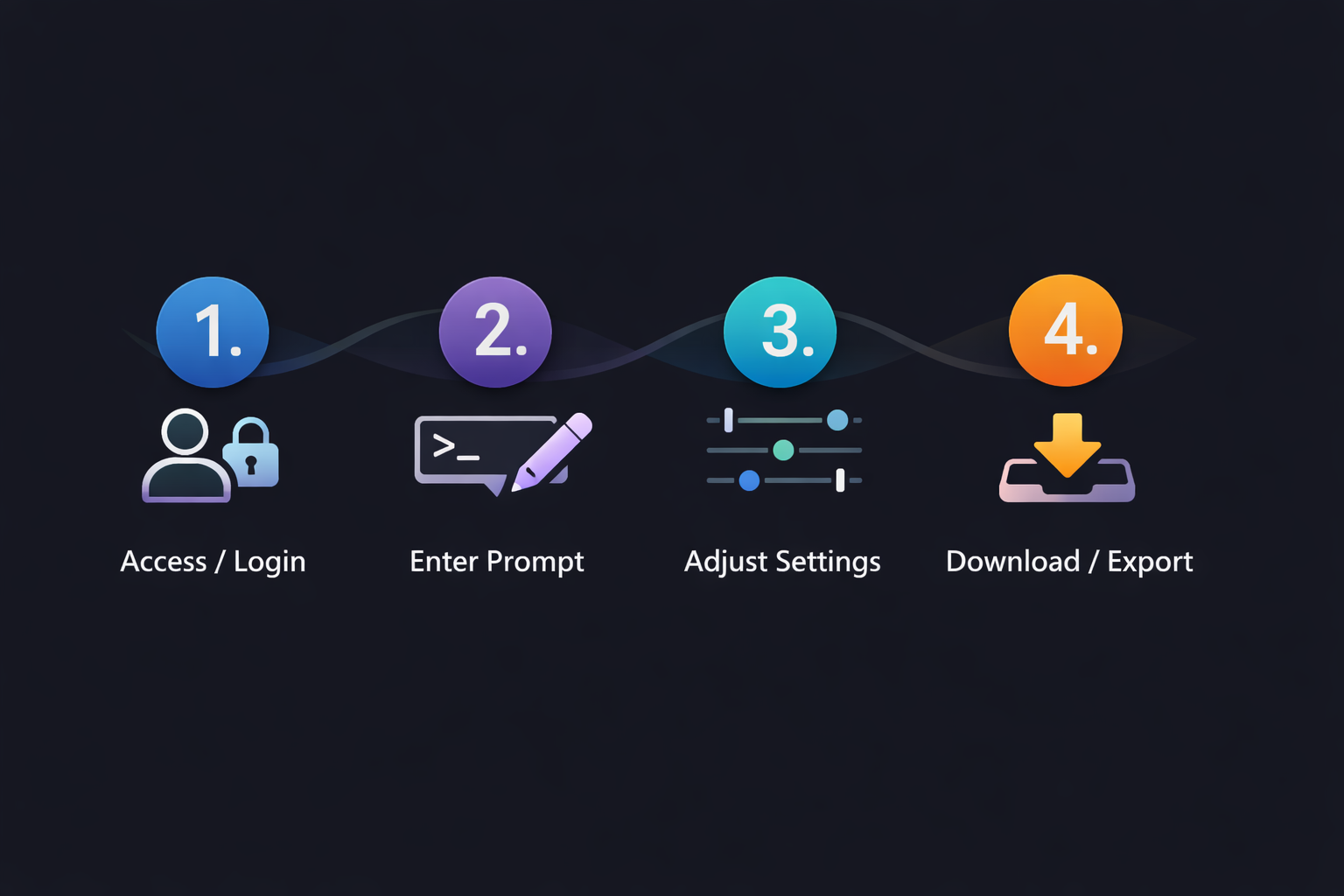
1

Access Grok Imagine

Visit the official Grok website or platform where Grok Imagine is available. You may need to create an account or sign in with your existing Grok credentials.
2

Enter Your Prompt

Describe the image or video you want to create using natural language. Be specific about styles, subjects, colors, and any other details you want the AI to include.
3

Choose Your Settings

Select your preferred generation mode, output format, and aspect ratio. Different settings may affect the style and characteristics of your final output.
4

Generate and Download

Start the generation process and wait for Grok Imagine to create your content. Once complete, review the results and download your AI-generated image or video.
How to Use Grok Imagine - 4 Step Process: Access, Enter Prompt, Adjust Settings, Download

Grok Imagine vs Other AI Generators

How Grok Imagine may compare to other AI image and video generation tools

FeatureGrok ImagineOther AI Tools
Text to ImageCommon
Image to VideoVaries
Multiple ModesTypically offeredVaries
Audio SupportMay be includedVaries
AI Ecosystem IntegrationGrok AI integrationStandalone tools

Note: Features may vary based on your subscription level and platform updates.

Creative Use Cases for Grok Imagine

Discover how Grok Imagine may be used for various creative projects
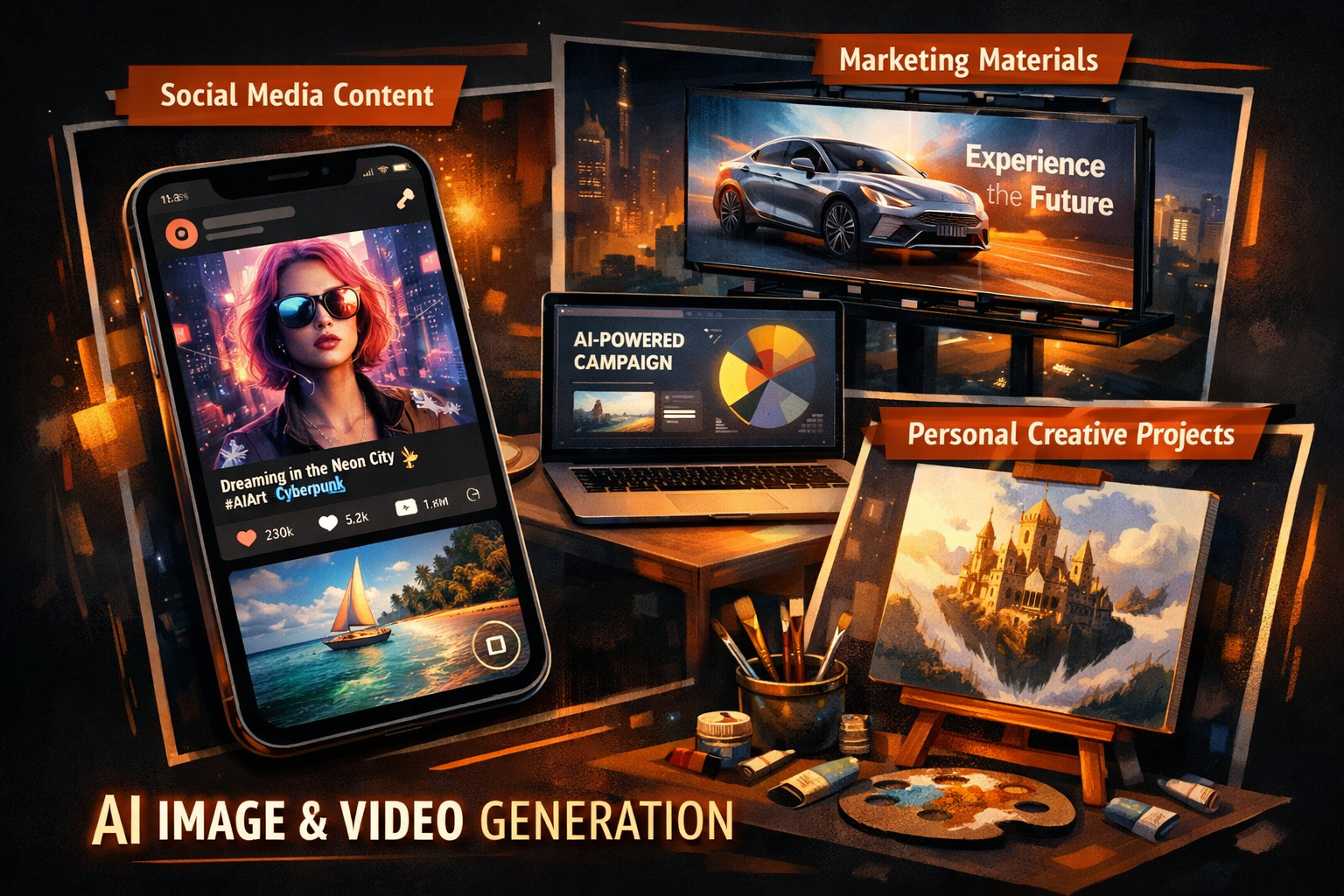
Grok Imagine Use Cases - Social Media Content, Marketing Materials, Personal Creative Projects

Social Media Content

Create eye-catching images and short videos for social media platforms. Grok Imagine may help produce engaging visual content for posts, stories, and promotional materials.

Marketing and Advertising

Generate concept visuals, product mockups, or promotional videos for marketing campaigns. AI-generated content may speed up the creative process during brainstorming and production phases.

Personal Creative Projects

Explore your creativity by generating unique artwork, illustrations, or animated content for personal projects, gifts, or artistic expression.

Grok Imagine Availability and Access

Grok Imagine is available through xAI's Grok platform. Access and features may vary depending on several factors.

  • Platform version: Web, mobile app, or integrated services
  • Account type: Free users may have different limits than premium subscribers
  • Regional availability: Some features may vary by location

For the most current information about pricing, features, and availability, we recommend visiting the official Grok website directly.

Visit Grok Website

Frequently Asked Questions about Grok Imagine

Common questions about using Grok Imagine for AI image and video generation

What is Grok Imagine used for?

Grok Imagine is used for creating AI-generated images and videos. Users may generate images from text descriptions and convert static images into short animated videos for various creative purposes.

How do I access Grok Imagine?

Grok Imagine is typically available through the Grok platform. Visit the official Grok website to learn about current access options and account requirements.

Does Grok Imagine offer different generation modes?

Yes, Grok Imagine typically provides multiple creative modes that offer different styles and outputs. These modes may allow users to customize their generations based on project needs.

Can I create videos with Grok Imagine?

Grok Imagine may include image-to-video capabilities that can transform static images into short animated videos. The specific duration and features may vary based on your account type.

Is Grok Imagine free to use?

Grok Imagine may offer both free and premium access options. Free users typically have usage limits, while premium subscribers may have access to additional features. Check the official Grok website for current pricing details.

What image formats does Grok Imagine support?

Grok Imagine generally supports common image formats for both input and output. Specific format support may vary based on platform updates.

Start Creating with AI Video Tools

While Grok Imagine offers powerful capabilities, SoraVideo provides a comprehensive suite of AI video tools designed for creators and professionals.

Explore Video Tools

Grok Imagine is a product name associated with xAI. SoraVideo is not affiliated with xAI or Grok. Information on this page is for educational purposes and may not reflect the latest features or pricing.

View Pricing Plans