Reve 2.0 — The 4K AI Image Generator Built on Editable Layouts
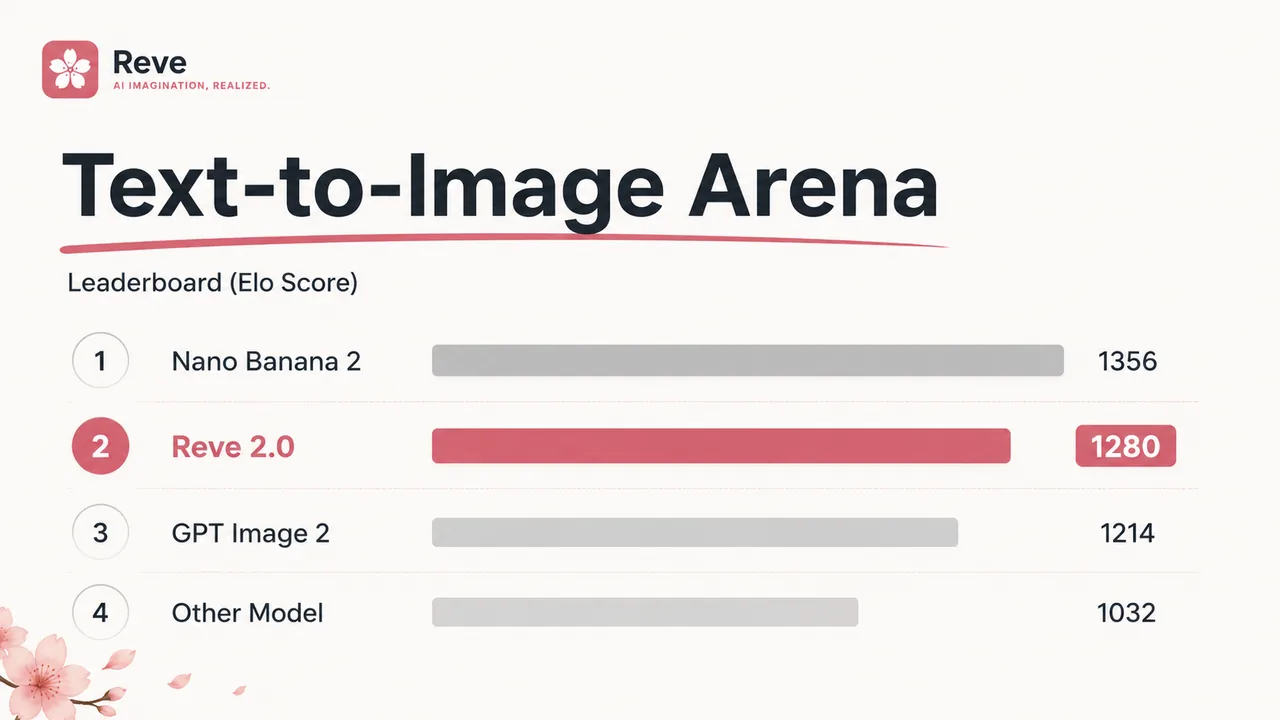
Reve 2.0 is the layout-based AI image model ranked #2 on the Text-to-Image Arena. It turns text and editable layouts into pixel-perfect 4K images — posters, packaging, UI and more, all from one precise, controllable model.
Reve 2.0 Image Generator
Compose a Reve 2.0 image from a prompt or an editable layout — pick a ratio, quality and count, then render crisp 4K results.
Sign-in + credits required - Reve 2.0 - auto ratio - PNG
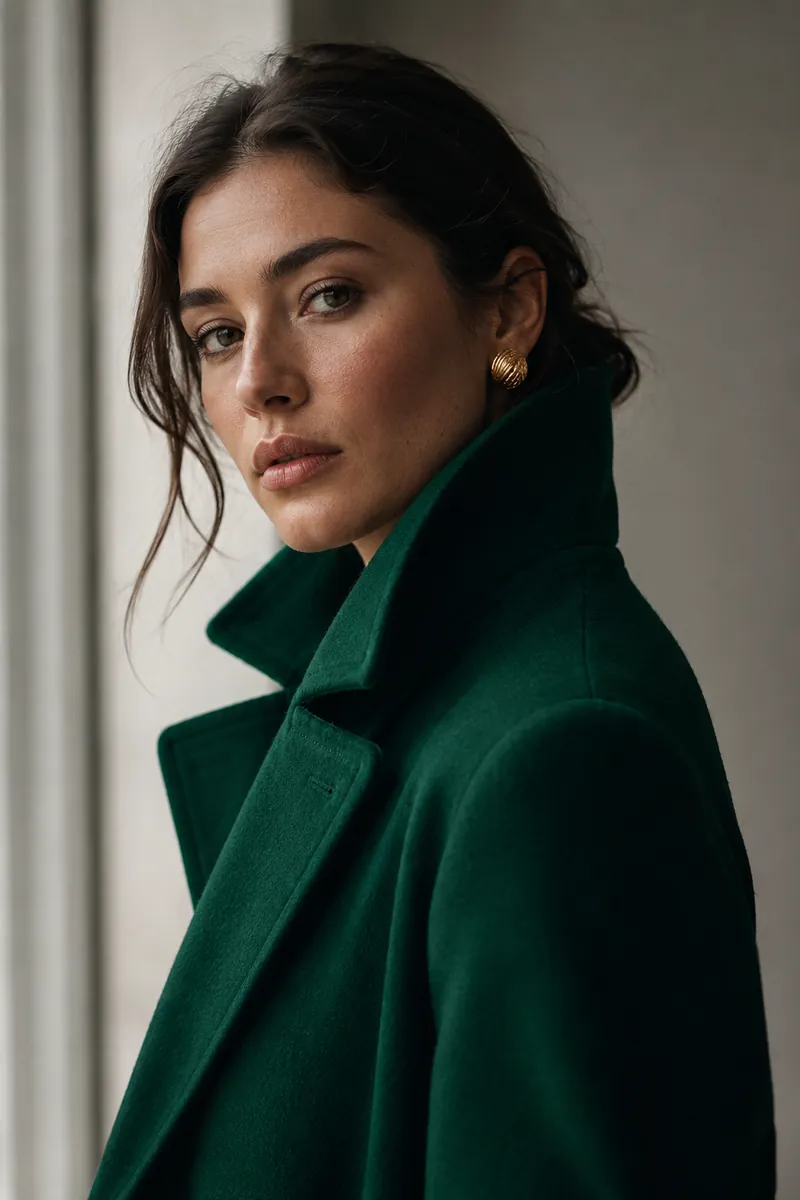
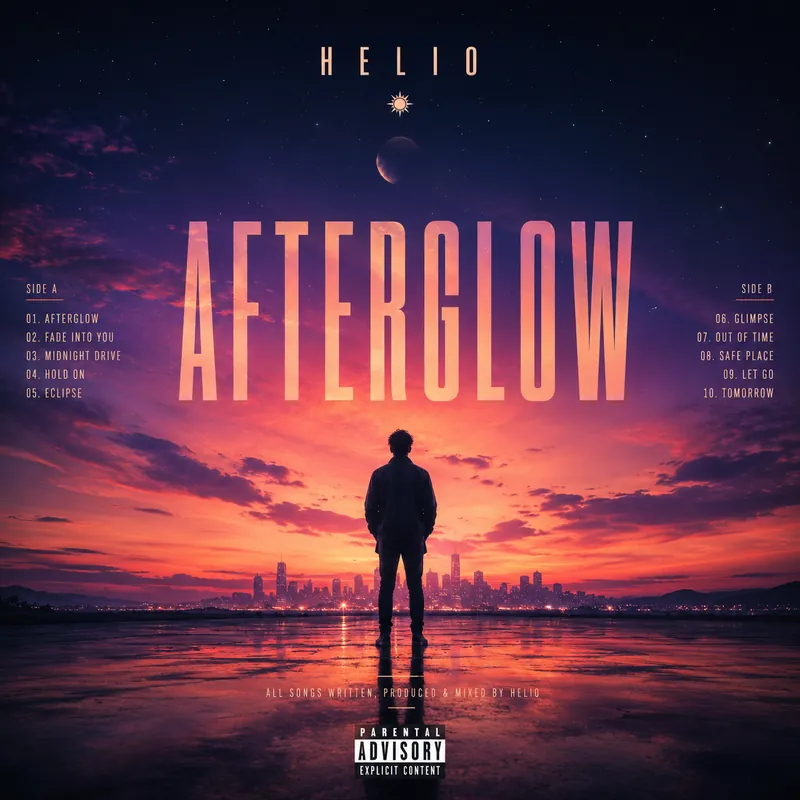
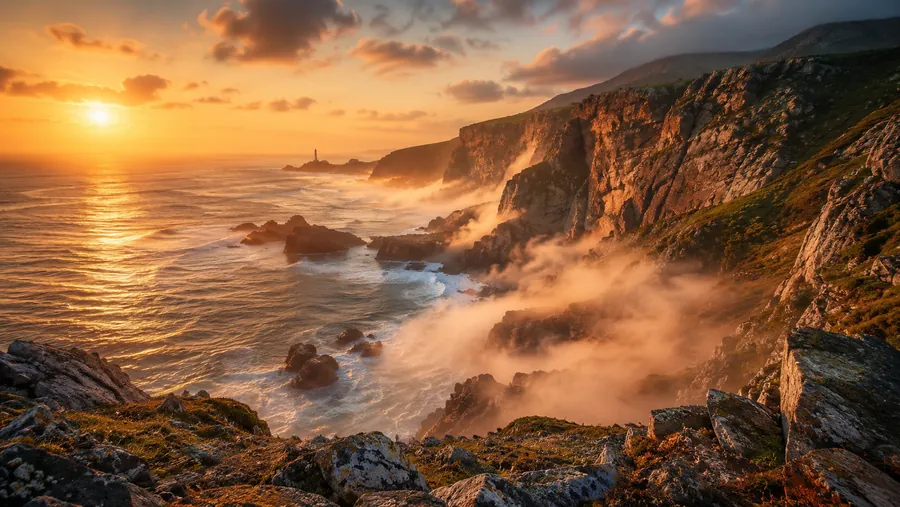
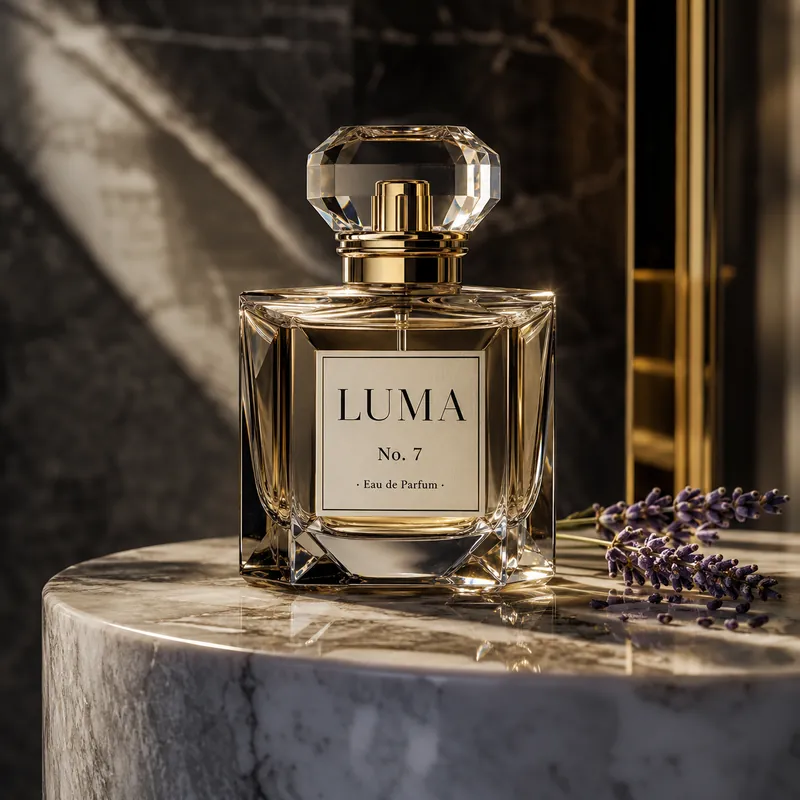
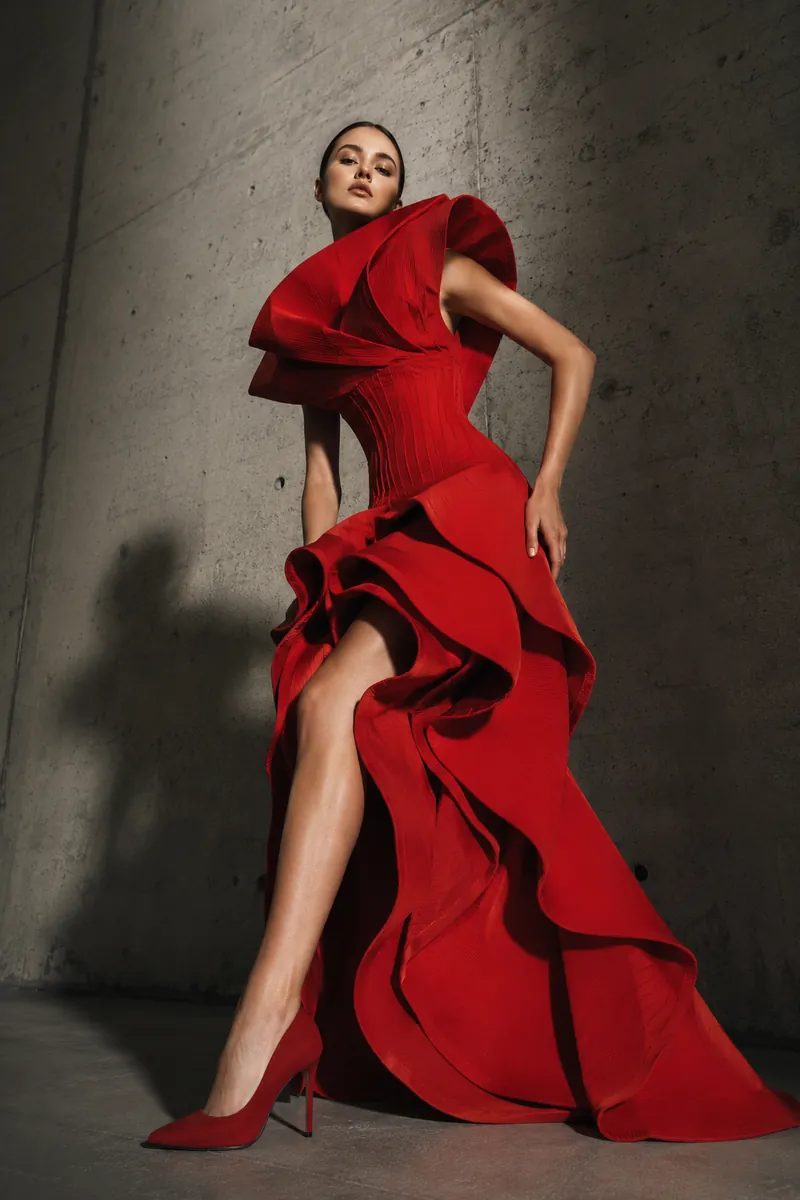
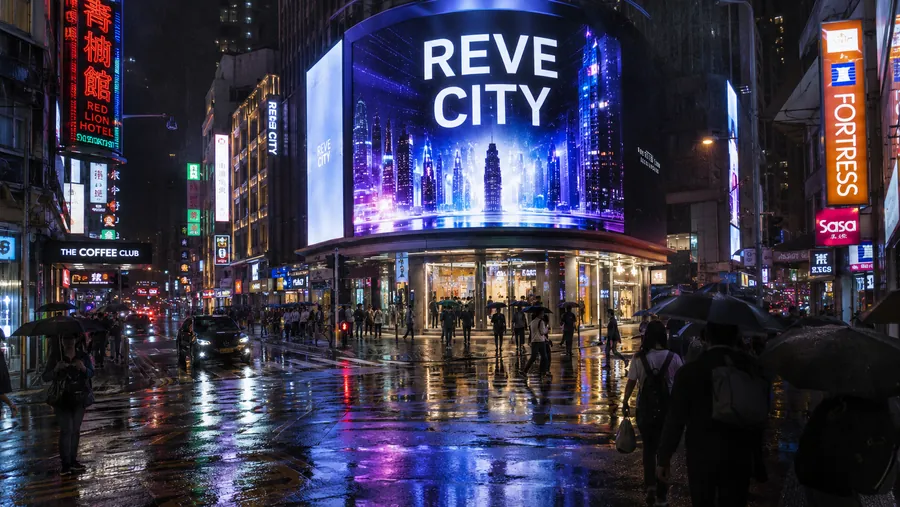
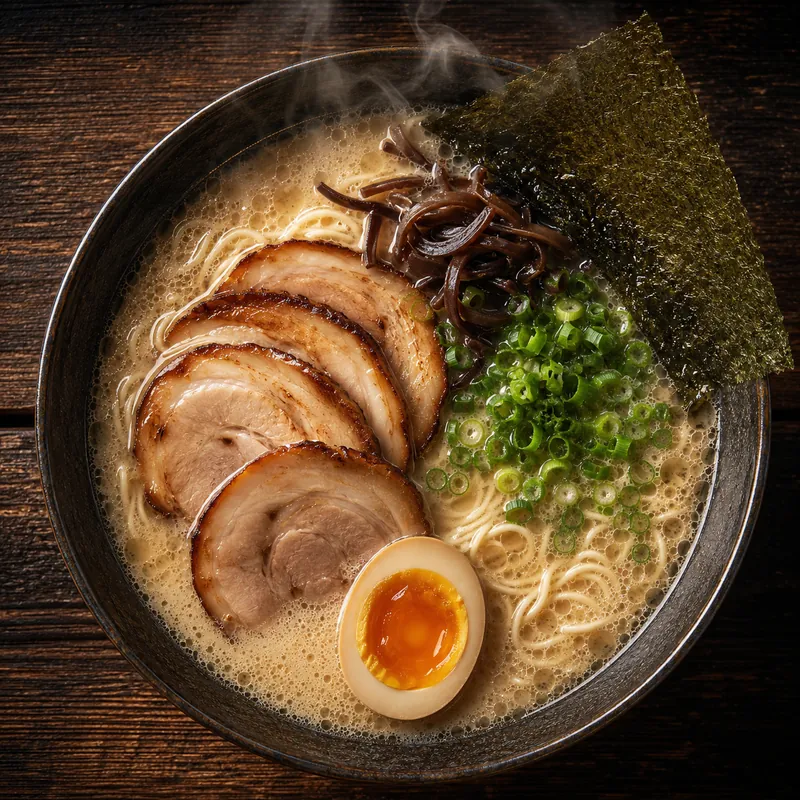
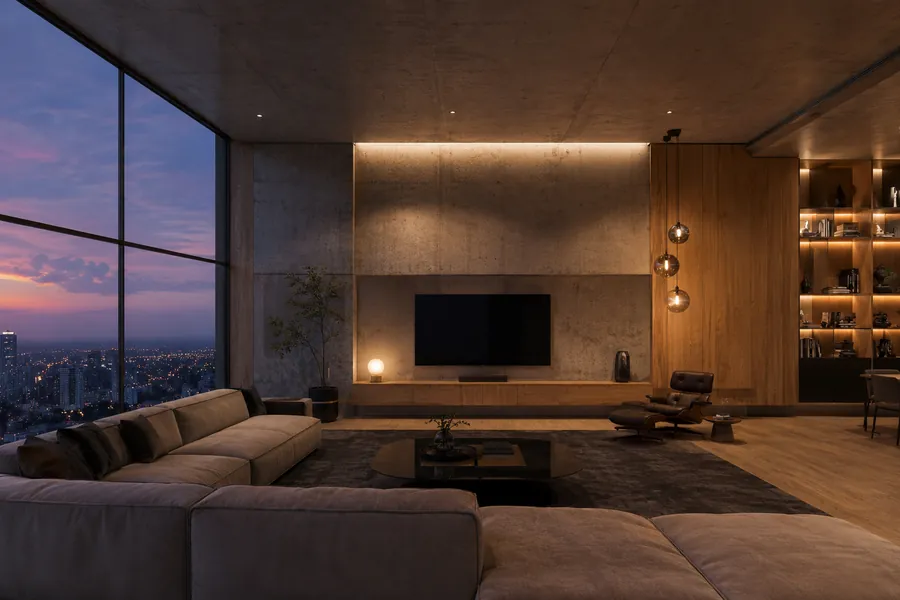
Sample Reve 2.0 outputs
Tap an example, then Generate
What Is Reve 2.0?
Reve 2.0 is the flagship 4K image model from Reve — the same product many people search for as “reve ai” or “reve art.” Launched as a major leap over the previous version, Reve 2.0 landed at #2 on the Text-to-Image Arena, ahead of several larger labs, and is positioned as the best 4K image model in the world.
What makes Reve 2.0 different is the Large Layout Model behind it. Rather than expanding your prompt into prose and painting that, Reve 2.0 works out a structured layout from its own reasoning, then renders pixels from it. Every element in a Reve 2.0 image gets a location, size and description — closer to HTML for a web page than to a vague text prompt.
That layout stays readable and editable, so humans and agents can work on the same representation. Change one word or one region and Reve 2.0 updates just that part instead of redrawing the whole frame — precise control that makes the model a genuine production tool, not a slot machine.
Why Reve 2.0 Is Different — Layouts Over Prompts
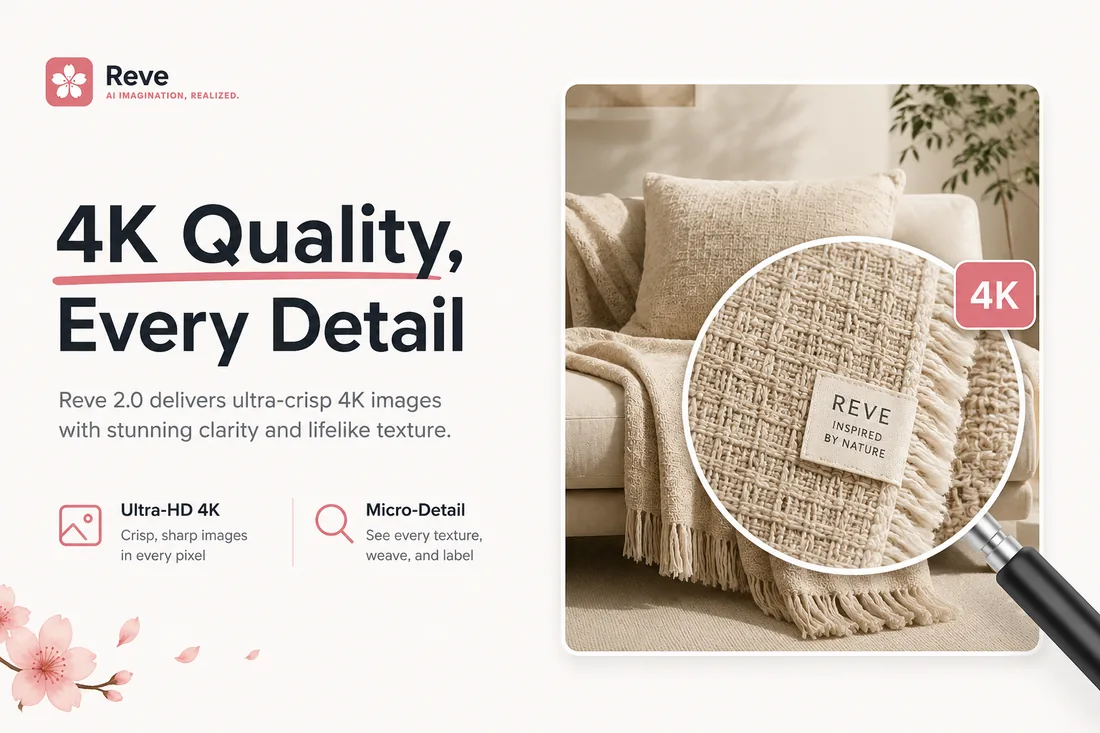
Three things set Reve 2.0 apart from prompt-only generators — resolution, control and text.
Best-in-World 4K Output
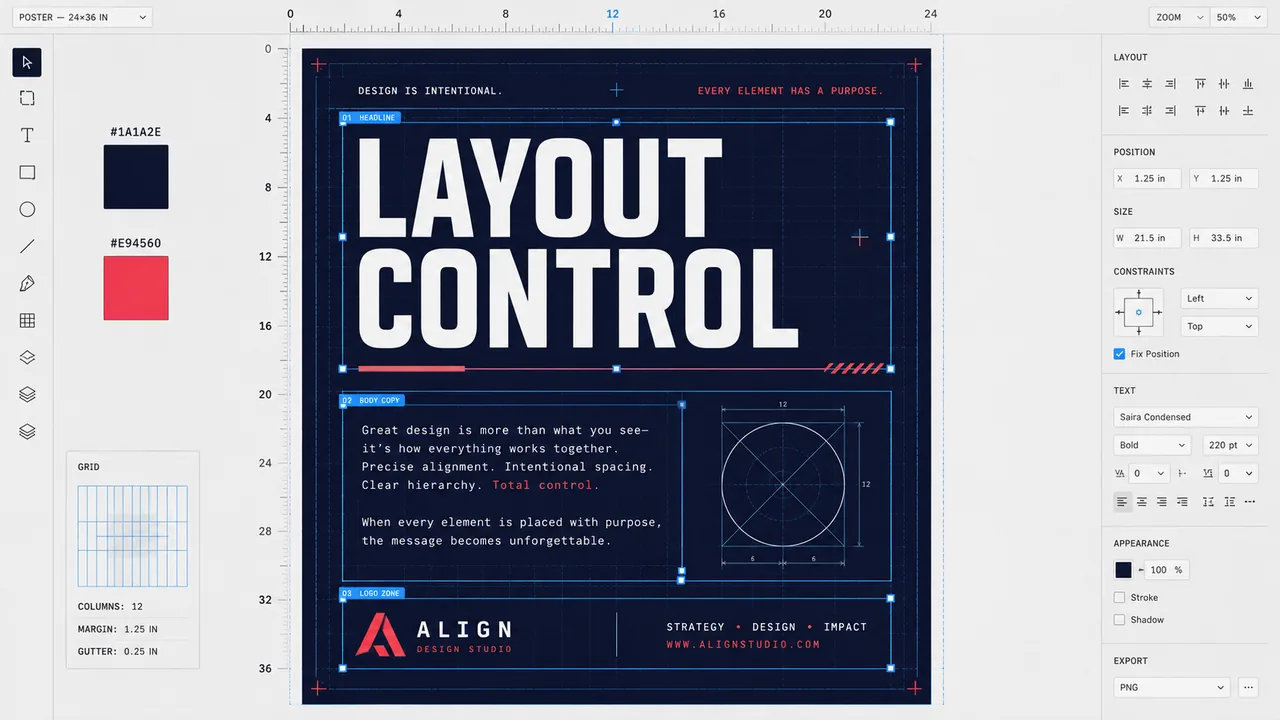
Precise, Editable Layouts
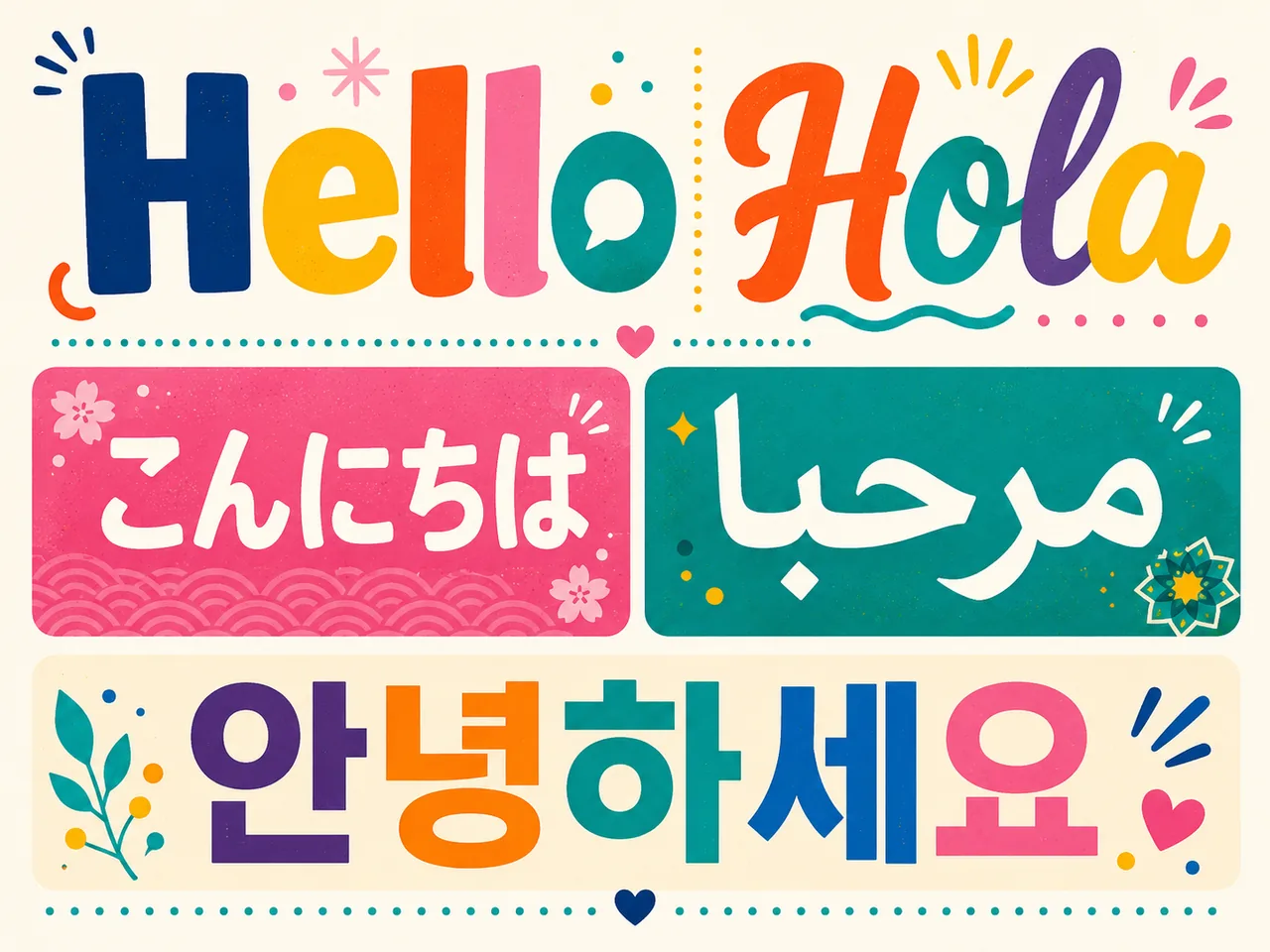
Pixel-Perfect Text
What Can You Make with a Reve 2.0 Image?
Because Reve 2.0 thinks in layouts, it excels wherever text and composition have to be exactly right.
Posters & Marketing
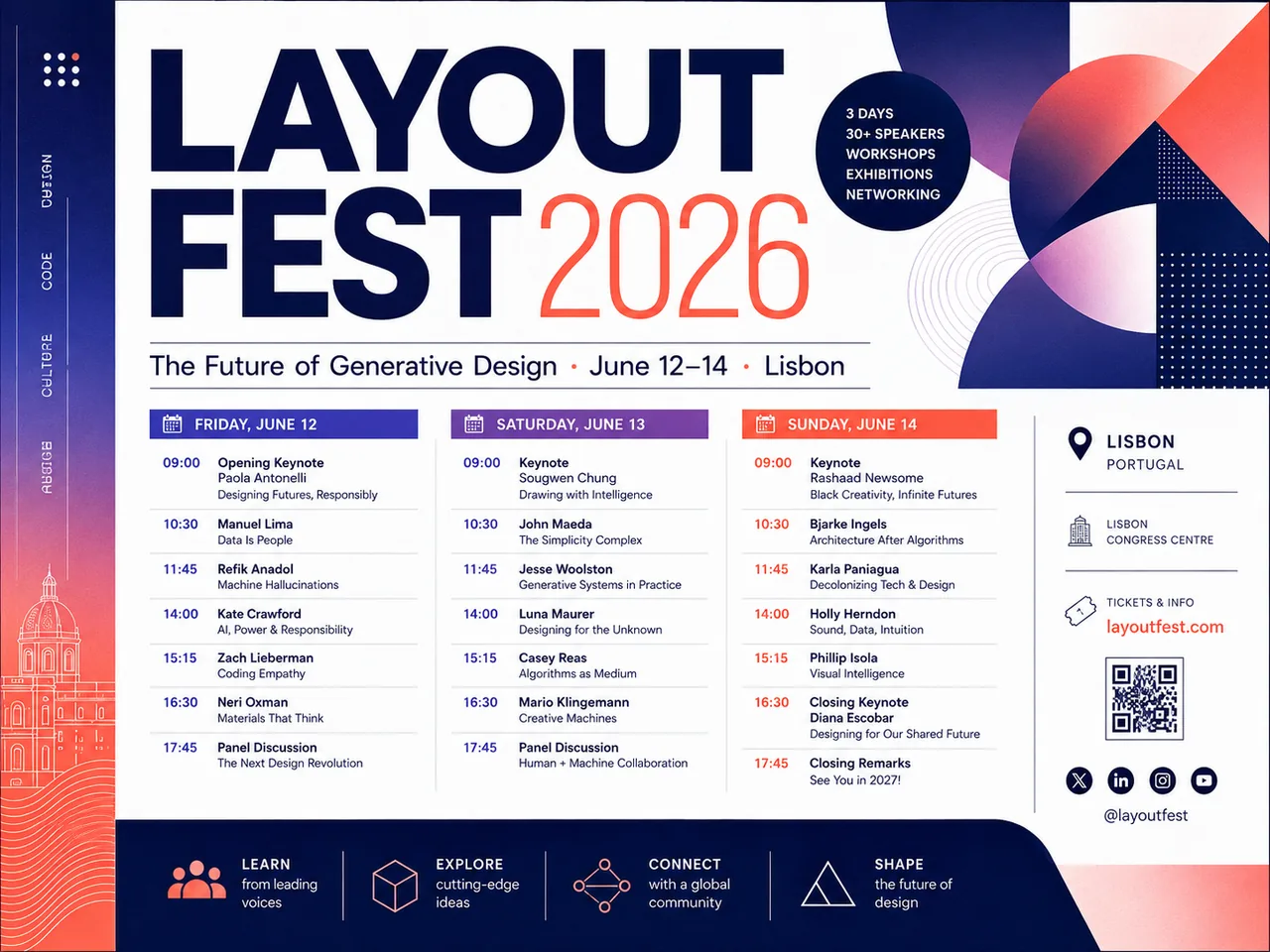
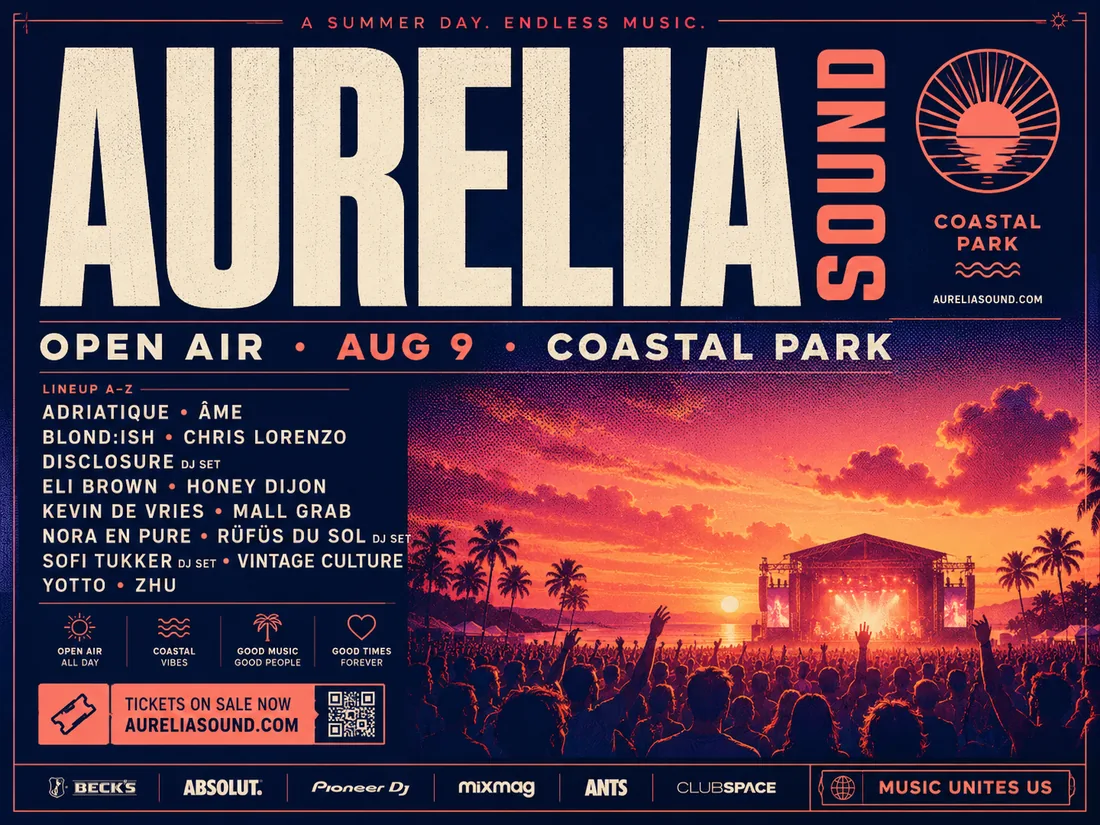
Spin up campaign posters and social creatives with confident typographic hierarchy. Reve 2.0 keeps lineup lists, dates and taglines readable so a Reve 2.0 image is launch-ready, not just pretty.
Product & Packaging
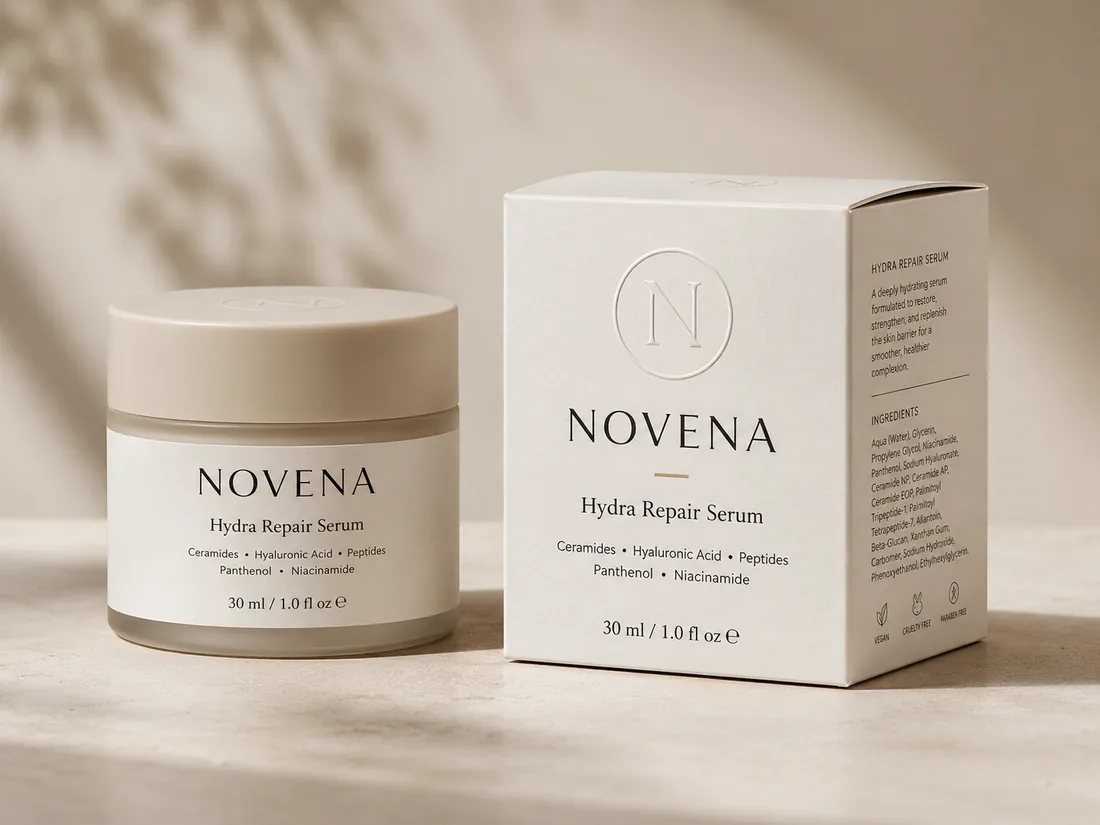
Mock up boxes, labels and product shots with accurate brand names, volumes and ingredient text. Reve 2.0 turns a rough brief into a believable packaging layout in seconds.
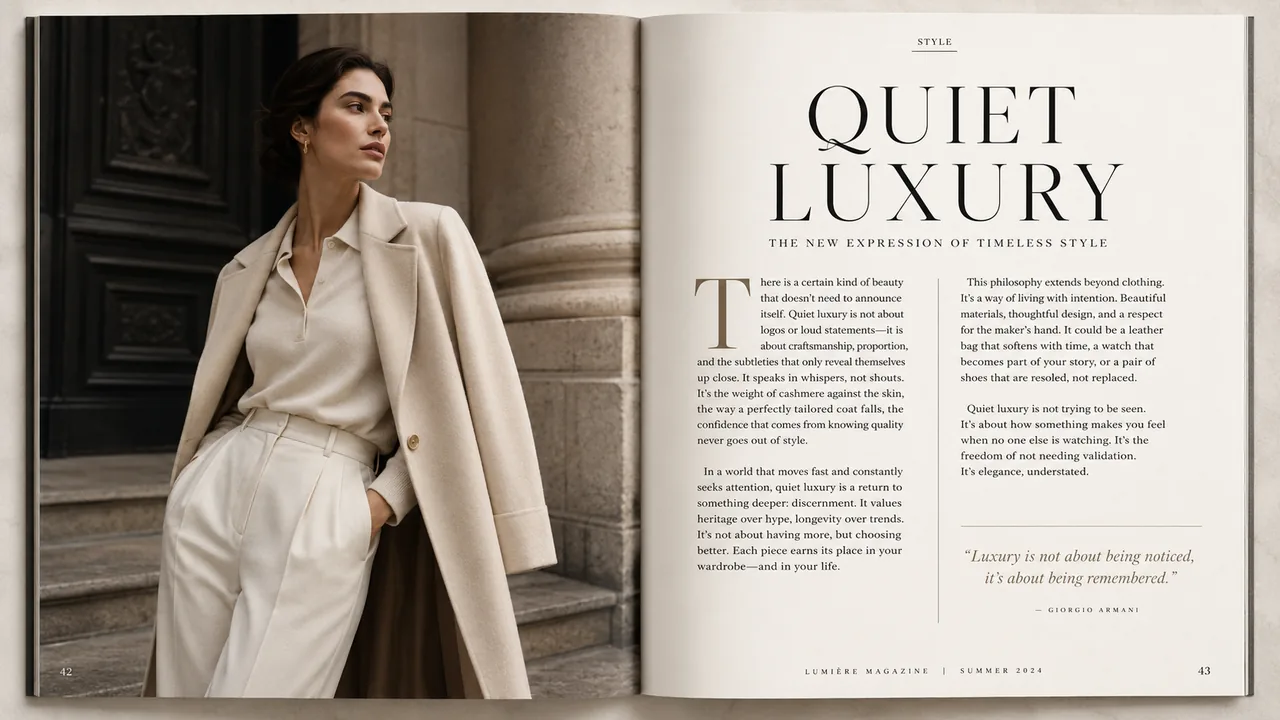
Editorial & Magazine
Design two-page spreads with columns, drop caps and pull quotes that actually sit where you want them. The Reve 2.0 layout model treats a page like a page, not a blur of text.
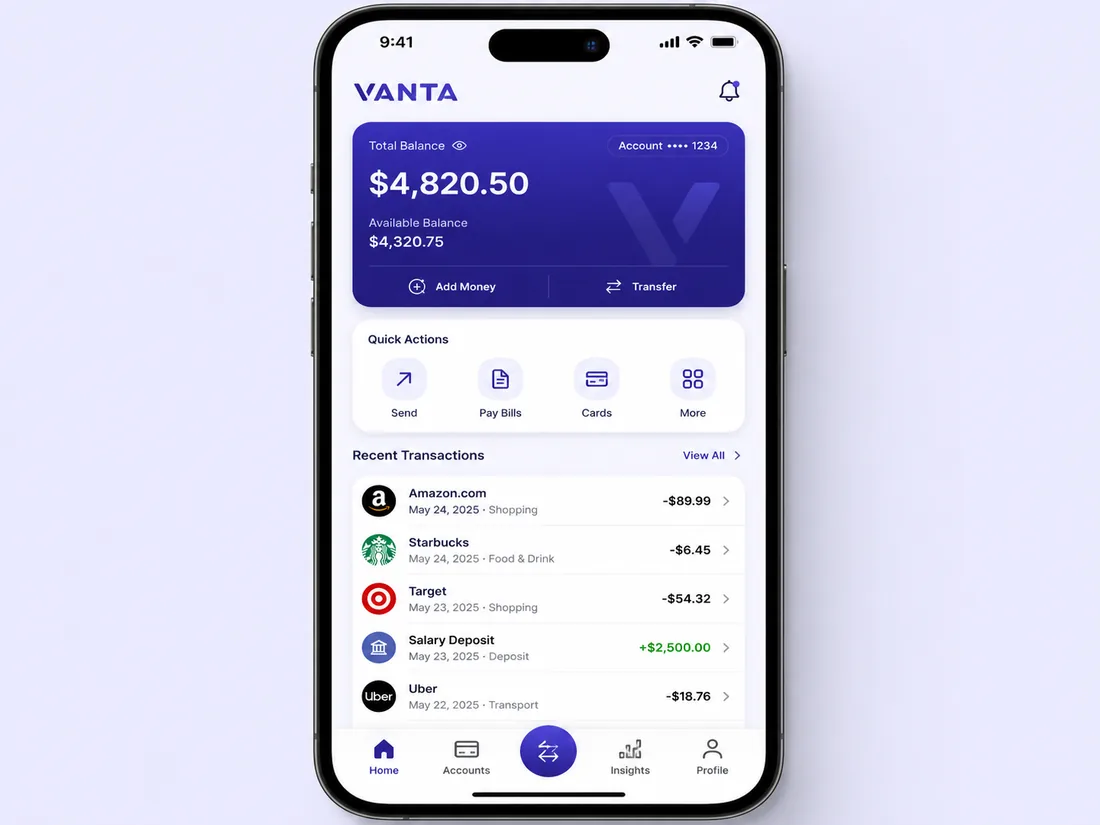
UI & App Screens
Prototype app screens and dashboards where every label, number and button reads correctly. A Reve 2.0 image keeps a fintech card or settings panel aligned to a clean grid.
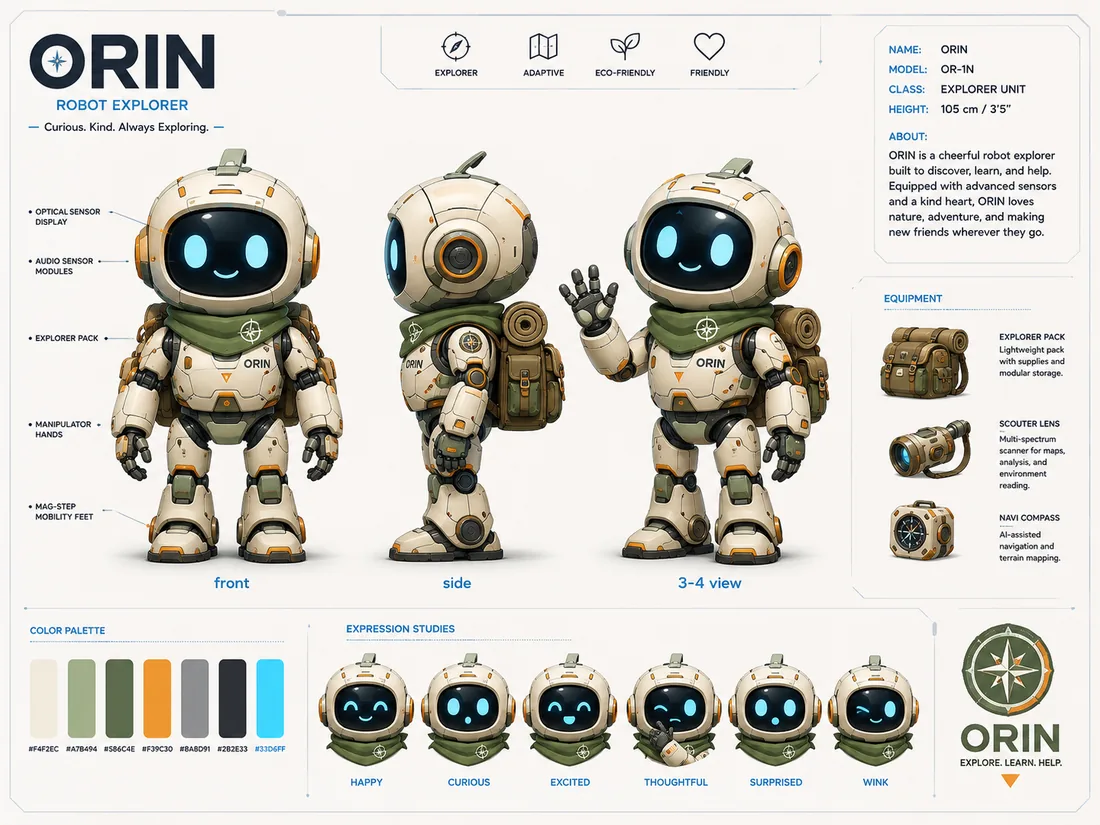
Character & Concept
Build concept sheets with consistent characters across multiple poses, plus palette swatches and labels — ideal for mascots, game art and pitch decks made with Reve 2.0.
How to Make a Reve 2.0 Image in 3 Steps
From idea to a finished 4K Reve 2.0 image in three quick steps.
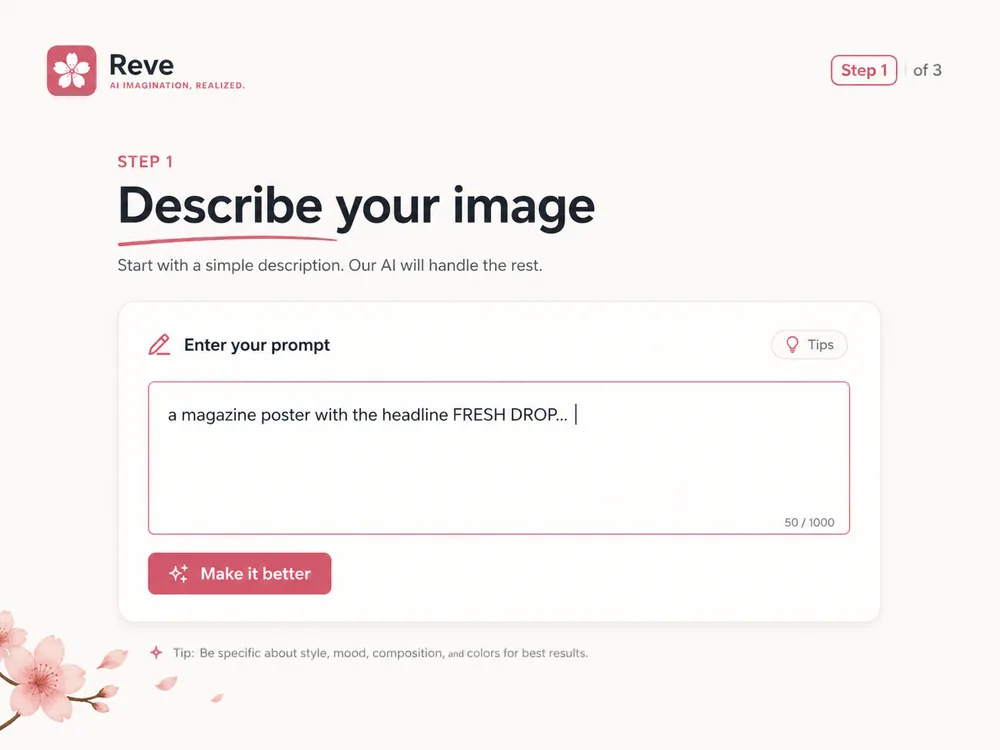
Describe or Lay Out Your Image
Type a prompt, or sketch a layout with regions for the headline, logo and subject. Reve 2.0 reads both, so you can be as loose or as precise as the job needs.
Choose Size, Ratio & Count
Pick an aspect ratio, output size and how many variations to generate. A Reve 2.0 image can be anything from a square social tile to a wide 4K banner.
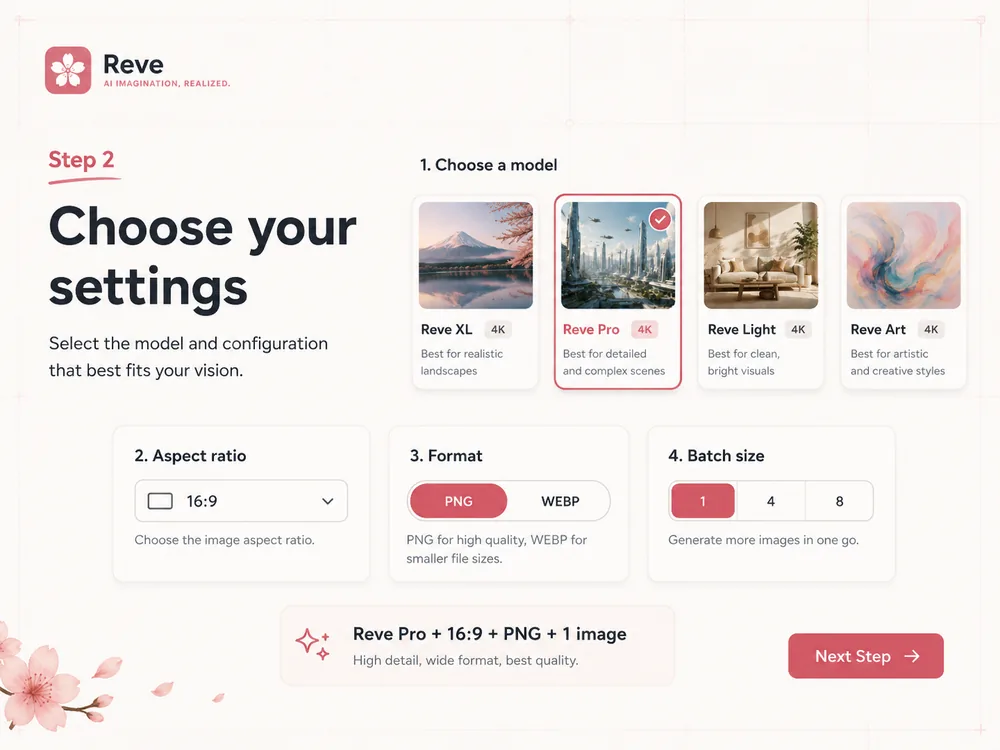
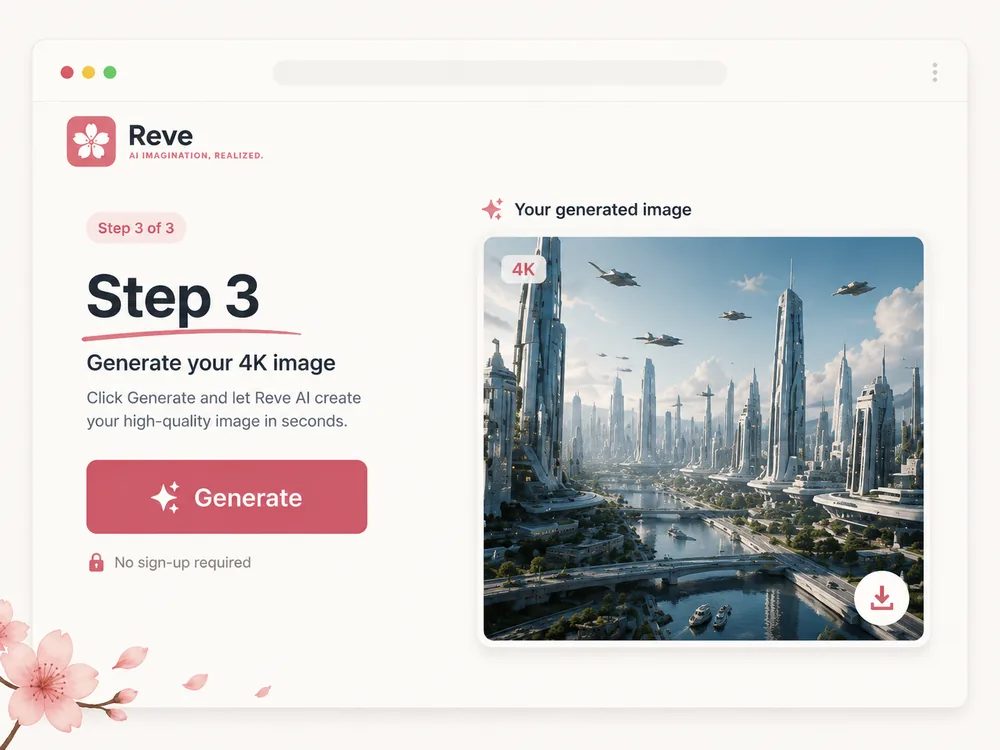
Generate & Refine in 4K
Generate, then tweak a single region without redrawing the whole frame. Download your finished Reve 2.0 image in crisp 4K when it looks right.
Reve 2.0 vs Other AI Image Models
How Reve 2.0 stacks up against models like GPT Image 2, Nano Banana 2, Recraft and Wan 2.2 — the layout approach is the difference.
| Feature | Reve 2.0 | Other models |
|---|---|---|
| Top Text-to-Image Arena rank | #2 | Varies |
| Max resolution | 4K | 1K–2K |
| Editable layouts | Rare | |
| Pixel-perfect text | Mixed | |
| Free to start | Mixed |
Reve 2.0 Pricing — Free to Start
Start Reve 2.0 with the one-time First Creator Pack, then scale into full 4K output when you need it.
Starter Credits
Get 500 credits with the $9.99 First Creator Pack — no subscription required.
Full 4K Quality
Unlock high-volume generation and the full 4K Reve 2.0 quality tier for final, production-ready output.
Reve 2.0 FAQ
What is Reve 2.0?
What does “Reve 2.0” mean, and is it the same as “rev 2.0”?
Is Reve 2.0 the same as reve art or reve ai?
How does Reve 2.0 compare to Nano Banana 2 and GPT Image 2?
Can I edit a Reve 2.0 image after generating it?
Does Reve 2.0 really output 4K?
Is Reve 2.0 free to try?
Explore More AI Image Models on SoraVideo
Reve 2.0 is one of several leading models you can use on SoraVideo. Compare and combine them for the best result.
GPT Image 2
OpenAI’s reasoning image model with strong text rendering.
Nano Banana 2
Fast, balanced image generation for everyday creative work.
Nano Banana Pro
A versatile pro-grade model for detailed, high-quality output.
Z-Image
A budget-friendly model for high-volume image generation.
Wan 2.7 Image
Alibaba’s Wan image model — a strong open-weight alternative.
Kling 3.0
Cinematic AI video generation to bring your stills to life.
Create Your First Reve 2.0 Image
Start free, render in 4K, and edit by layout — the precise way to make AI images.
Reve 2.0 and Reve are trademarks of their respective owner. SoraVideo is an independent platform and is not affiliated with or endorsed by Reve. Sample images are illustrative of layout-based AI image generation.