Kling 3.0 AI Video Model: Features, Omni Mode & Honest Review (2026)
Complete Kling 3.0 guide with real user reviews. Multi-shot sequences, native audio, Omni mode, character consistency, and honest quality assessment for Kling AI 3.0.
I have been testing Kling 3.0 since launch day, and it genuinely changed how I think about AI video generation. The motion control alone is a generation ahead of what we had with Kling 2.6. But it is not perfect — and the pricing catches people off guard. Here is everything you need to know about the Kling 3.0 AI video model before you spend a single credit.
What Is Kling 3.0 AI Video Model?
Kling 3.0 is the latest AI video generation model from Kuaishou, the Chinese tech company behind Douyin (TikTok's Chinese counterpart). This Kling AI video model represents a major generational upgrade over Kling 2.6, bringing multi-shot sequences, native audio with multiple characters, and a new Omni mode that unifies all generation capabilities into one model.
The Kling 3.0 AI model is now fully released and available to all users — no waitlist, no invite code needed. You can access Kling 3.0 through the official Kling AI platform, through third-party platforms like Higgsfield, Freepik, and fal.ai, or directly on SoraVideo.art's Kling 3.0 tool.
What makes this Kling AI model stand out from every other AI video generator right now is the combination of motion quality and character consistency. As one creator put it: "Same face, same walk, same everything across five minutes? That is genuinely insane."
Kling 3.0 AI Video Model Key Features
The Kling 3.0 model introduces several capabilities that were either impossible or unreliable in previous Kling AI versions. Here is what actually works in practice after extensive testing.
Multi-Shot Sequences (3-15 Seconds)
The headline feature of the Kling 3.0 AI video model is multi-shot generation. You can now create sequences with multiple camera angles, scene transitions, and cuts — all generated in a single pass by the Kling 3.0 model.
- Video clips from 3 to 15 seconds with multiple shots
- Automatic scene transitions between shots
- Storyboard UI for planning multi-shot Kling 3.0 video sequences
- Character and environment consistency maintained across cuts
This is similar to what Sora 2 offers with its storyboard feature, but the Kling 3.0 model handles motion and character consistency more reliably across cuts.
Native Audio with Multiple Characters
Kling 3.0 generates video with synchronized audio directly from the AI model — no separate voice generation step needed. The Kling AI model supports multiple characters speaking with distinct voices in the same scene.
- Native dialogue audio generated alongside Kling 3.0 video
- Multiple character voices in one Kling AI generation
- Lip sync that matches the generated audio
- Sound effects and ambient audio
Character Reference and Consistent Voices
You can upload or record a video character as a reference, and the Kling 3.0 AI model will maintain that character's appearance and voice across different generations. This is the feature that has creators most excited about Kling 3.0.
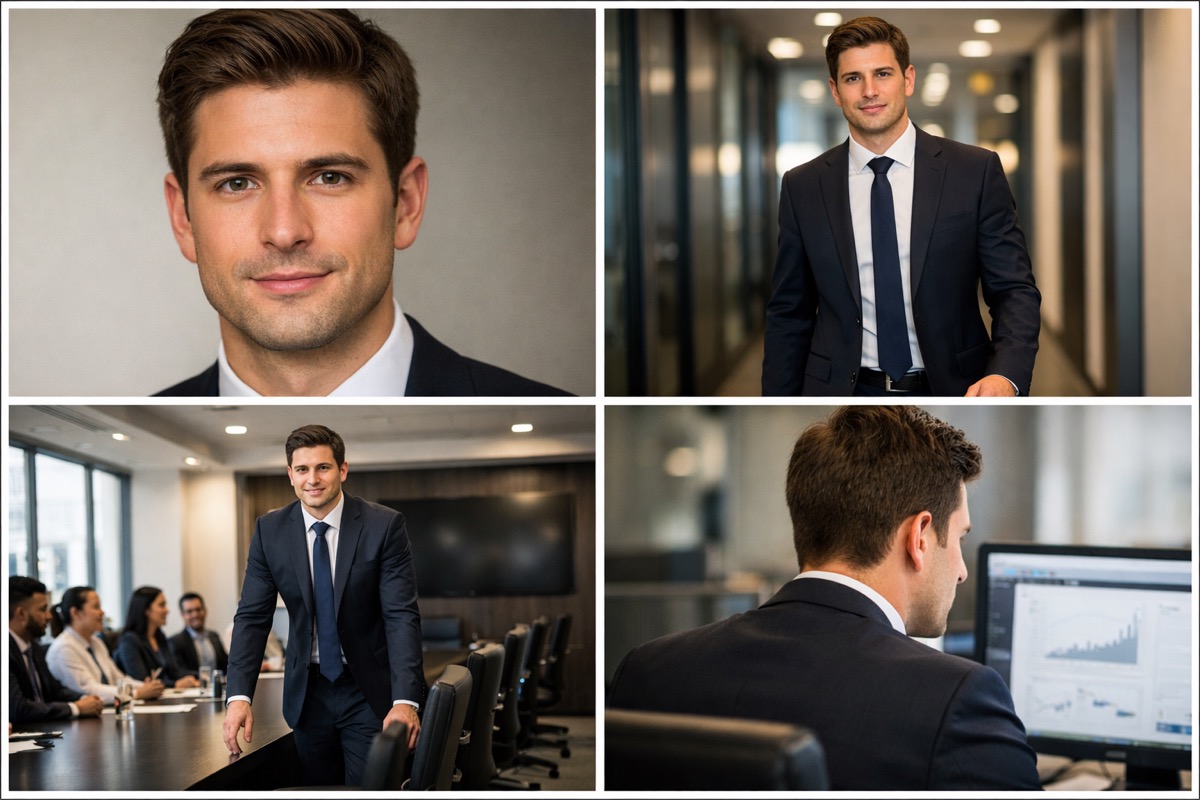
The character reference feature in Kling 3.0 uses the Elements system to lock in faces, clothing, and body proportions. Once you set a character reference in Kling AI, it persists across your entire project.
Kling 3.0 Motion Control
Motion control remains the defining feature of the Kling AI video model, and Kling 3.0 takes it to another level. You can upload a reference video and the Kling 3.0 model will replicate the exact body movement, camera angles, and timing.
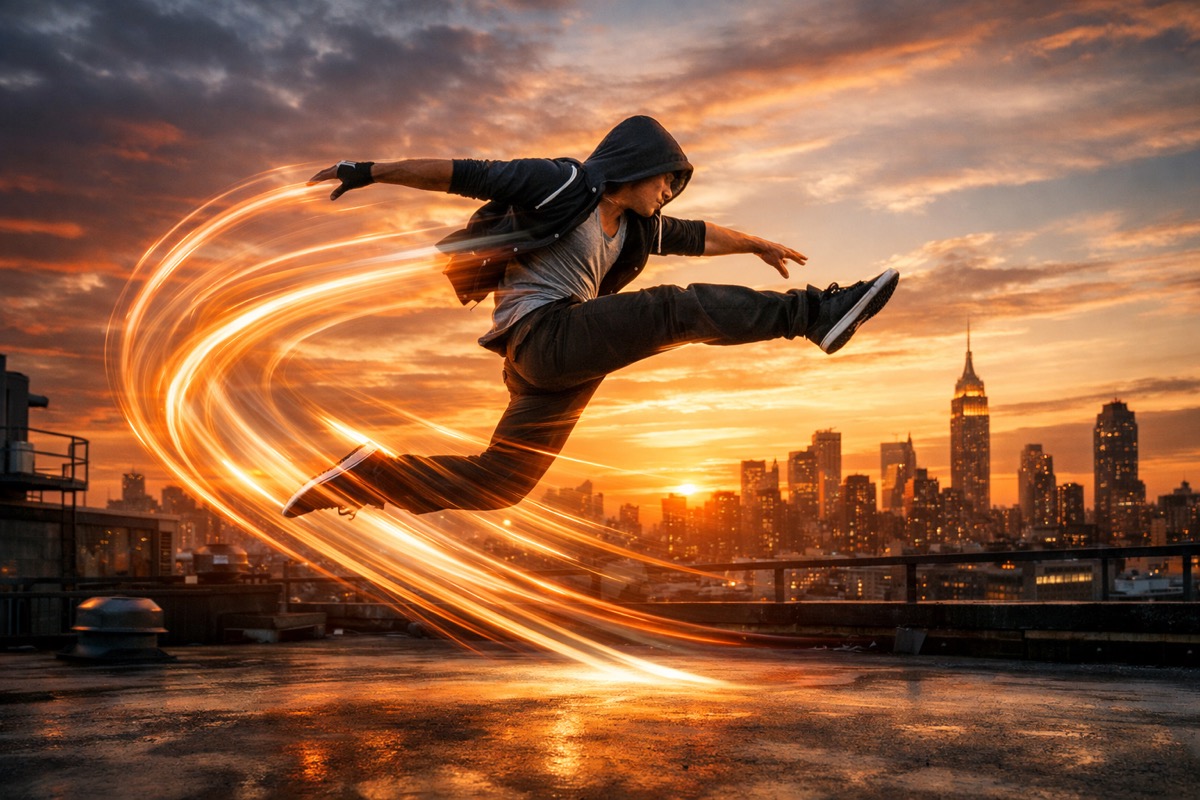
The Kling 3.0 motion control system tracks head tilt, shoulder motion, hand gestures, and timing with near-perfect accuracy. As one user reported: "The model follows the original body movement almost perfectly — head tilt, shoulder motion, timing, and small gestures all transfer really naturally."
You can try Kling 3.0 motion control directly on SoraVideo.art without needing a separate Kling AI account.
Cinematic Quality Video Generation
The Kling 3.0 AI video model generates cinematic-quality video from text prompts, reference images, or a combination of both. The output quality has improved significantly from Kling 2.6:
- 1080p standard output, with 4K support on Pro tier
- Improved texture rendering and lighting accuracy
- Better color consistency throughout Kling 3.0 video clips
- Native support for 9:16 vertical, 16:9 horizontal, and 1:1 square formats
Kling 3.0 vs Kling 2.6 — What Changed
| Feature | Kling 2.6 | Kling 3.0 | Kling 3.0 Omni |
|---|---|---|---|
| Max Duration | 10 seconds | 15 seconds (multi-shot) | 15 seconds (multi-shot) |
| Multi-Shot | No | Yes | Yes |
| Native Audio | No | Limited | Full multi-character |
| Character Reference | Basic | Elements system | Elements + voice lock |
| Motion Control | Advanced | Next-gen precision | Next-gen + video source swap |
| Resolution | 1080p | 1080p / 4K Pro | 1080p / 4K Pro |
| Lip Sync | Good | Improved | Native with audio |
The jump from Kling 2.6 to Kling 3.0 is not incremental — it is a fundamental architecture upgrade. Multi-shot alone changes the entire workflow for AI video creators using Kling AI.
Kling 3.0 AI Video Model Pricing
The Kling 3.0 AI model uses a credit-based pricing system. Here is what you should expect to pay:
- Standard quality (audio off): approximately $0.14 per second
- Pro quality (audio on): approximately $0.28 per second
- 15-second multi-shot video (Pro): approximately $4.20 per clip
The pricing is a real concern for many Kling 3.0 users. One Reddit user summed it up: "Kling's pricing is brutal for iterations. $4.20 per 15 second test kills the experimentation flow."
For a detailed breakdown of every pricing option and the cheapest way to use Kling 3.0, read our complete Kling 3.0 pricing guide.
Save on Kling 3.0 costs
The most cost-effective way to access Kling 3.0 is through bundled platforms. SoraVideo.art gives you Kling 3.0 alongside Sora 2, Seedance 2.0, and other AI video tools in one subscription — no separate Kling AI credits needed.
Kling 3.0 vs Veo 3.1 vs Seedance 2.0
The AI video generation landscape in 2026 has three major contenders. Here is how the Kling 3.0 AI model stacks up:
| Feature | Kling 3.0 AI Video Model | Google Veo 3.1 | Seedance 2.0 | Sora 2 |
|---|---|---|---|---|
| Developer | Kuaishou | Google DeepMind | ByteDance | OpenAI |
| Max Duration | 15s multi-shot | 8 seconds | 10 seconds | 20 seconds |
| Motion Control | Industry-leading | Limited | Good | Moderate |
| Character Consistency | Excellent (Elements) | Good | Good | Good |
| Native Audio | Yes (Omni) | Yes | Limited | No |
| Cinematic Realism | Very good | Best-in-class | Very good | Good |
| Cost (per 10s) | ~$2.80 Pro | ~$3.50 | ~$1.90 | Subscription |
| Best For | Motion + multi-shot | Single cinematic shots | Balanced quality/cost | Long-form video |
Reddit users consistently note that "Kling seems to handle the physics of motion and action sequences much better" while "Veo's output still holds the edge when it comes to capturing that pure, cinematic realism." Seedance 2.0 is frequently mentioned as the best value for balanced quality.
What Kling 3.0 Users Actually Think
After testing Kling 3.0 and reading hundreds of user reports, here is the honest picture.
What Works Well in Kling 3.0
- Motion control quality: "That level of motion consistency is a big step forward for AI video" — the motion control in Kling 3.0 is genuinely best-in-class
- Character consistency across shots: "I could actually create a character and have them appear in multiple shots without looking like a completely different person each time"
- E-commerce product videos: Kling 3.0 is highly effective for generating short product videos. "Kling 3.0 looks really promising for e-commerce product videos"
- Production cost savings: "It saves a lot on production cost and speed, but it is not fully upload and done yet"
Known Kling 3.0 Issues
- Lip sync problems: "Kling lipsync seems totally bullshit and not so great for anything clip longer than 5 seconds" — lip sync is the weakest part of Kling 3.0
- High iteration costs: At $4.20 per 15-second test, experimenting with different prompts gets expensive fast
- Omni model hallucinations: Some users report that "Omni 3 hallucinates, creates extra characters/clones" — the Kling 3.0 Omni mode is powerful but sometimes unpredictable
- Narrative limitations: "We have basically solved 'make a pretty 8 second clip' and completely failed at 'tell a story'" — longer storytelling remains a challenge
For a deep dive into how Kling 3.0 Standard differs from Kling 3.0 Omni, check our complete Kling 3.0 Omni guide.
How to Get Started with Kling 3.0
Getting started with the Kling 3.0 AI video model takes less than five minutes:
You can use Kling 3.0 on the official Kling AI platform, through SoraVideo.art, on Higgsfield, or via Freepik. Each platform has different pricing — see our Kling 3.0 pricing guide for the cheapest option.
Start with a simple scene description. Be specific about camera movement, character action, and lighting. The Kling 3.0 AI model follows detailed instructions well.
Upload a reference video to the motion control panel and the Kling 3.0 model will replicate the movement in your generated video. This is Kling AI's strongest feature.
Toggle multi-shot mode to create 3-15 second sequences with multiple camera angles and scene cuts — all maintaining character consistency in your Kling 3.0 output.
For a complete step-by-step walkthrough, read our how to use Kling 3.0 guide.
Kling 3.0 for E-Commerce and Social Media
The Kling 3.0 AI video model is particularly effective for e-commerce and social media content creation:
- Product videos: Generate 5-10 second product showcase clips from a single image using Kling 3.0 image-to-video
- TikTok and Reels: Native 9:16 vertical video output optimized for short-form platforms
- Ad clips: "Kling works great for short ad clips like 5-10 seconds, especially for scroll-stopping visuals on TikTok or Meta"
- UGC-style content: Use Kling 3.0 character reference to create consistent AI-generated spokesperson content
The practical workflow recommended by experienced creators: storyboard your hero shots first, then feed reference images into Kling 3.0 image-to-video for the final product clips.
FAQ About Kling 3.0 AI Video Model
What is Kling 3.0? Kling 3.0 is the latest AI video generation model from Kuaishou. It features multi-shot sequences up to 15 seconds, native audio with multiple characters, character reference consistency, and industry-leading motion control for AI video creation.
Is Kling 3.0 free to use? Kling 3.0 offers limited free daily credits on the official platform. For unlimited Kling 3.0 access, paid plans start at various price points depending on the platform. Read our Kling 3.0 pricing guide for the cheapest options.
What is the difference between Kling 3.0 and Kling 3.0 Omni? Kling 3.0 Standard handles video generation with basic audio. Kling 3.0 Omni is the unified multimodal model that adds full native audio, character voice consistency, and enhanced video source replacement. Read our Kling 3.0 Omni guide for the full comparison.
How much does Kling 3.0 cost per video? A 15-second Kling 3.0 Pro video with audio costs approximately $4.20. Standard quality without audio is roughly half that. Costs vary by platform — Freepik bundles and SoraVideo.art plans can reduce your per-video cost significantly.
Is Kling 3.0 better than Veo 3? It depends on your use case. The Kling 3.0 AI video model excels at motion control, character consistency, and multi-shot sequences. Veo 3.1 produces more photorealistic single shots with better dialogue audio. Many professional creators use both Kling AI and Veo for different parts of their workflow.
Can Kling 3.0 maintain character consistency? Yes. The Kling 3.0 Elements system lets you lock character faces, voices, and clothing across multiple generations. Character consistency is one of the strongest features of the Kling 3.0 AI video model.
How do I use Kling 3.0 motion control? Upload a reference video showing the movement you want, and the Kling 3.0 AI model will replicate that motion in your generated video. You can try it directly on SoraVideo.art's Kling 3.0 tool.
Start creating with Kling 3.0 today
Ready to try the Kling 3.0 AI video model? Access Kling 3.0 alongside Sora 2, Seedance 2.0, and other AI video tools on SoraVideo.art. Generate cinematic AI video, use Kling 3.0 motion control, and create multi-shot sequences — all in one platform.
Author

More Posts
Sora 2 Commercial Playbook: Five Launch Campaigns in Ten Days
A blueprint for production teams turning Sora 2 renders into polished brand films.
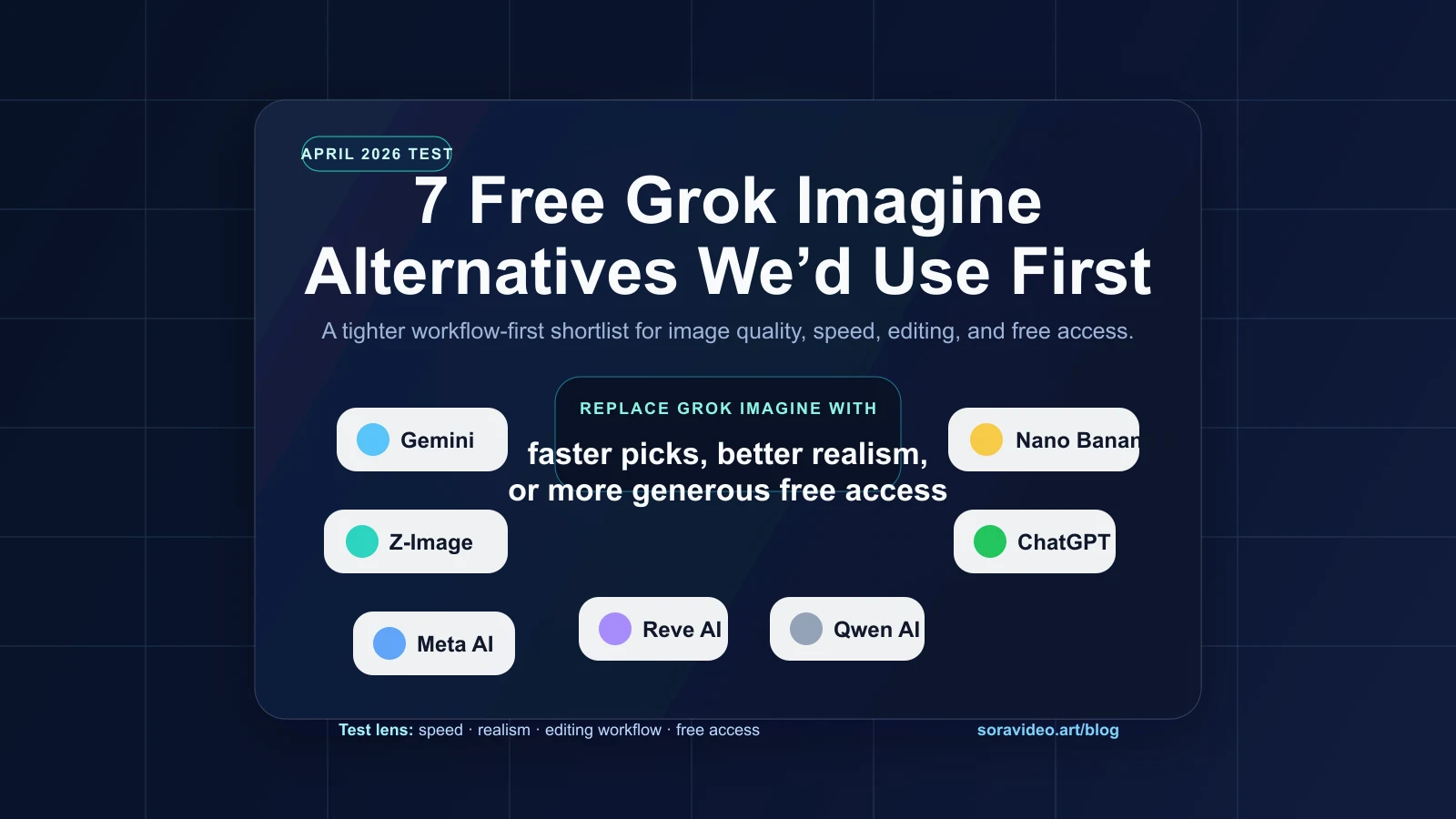
10 Best Grok Imagine Alternatives for AI Images (2026)
We tested 10 AI image tools to find the best Grok Imagine alternatives in 2026, comparing speed, realism, editing, text rendering, and practical free access.
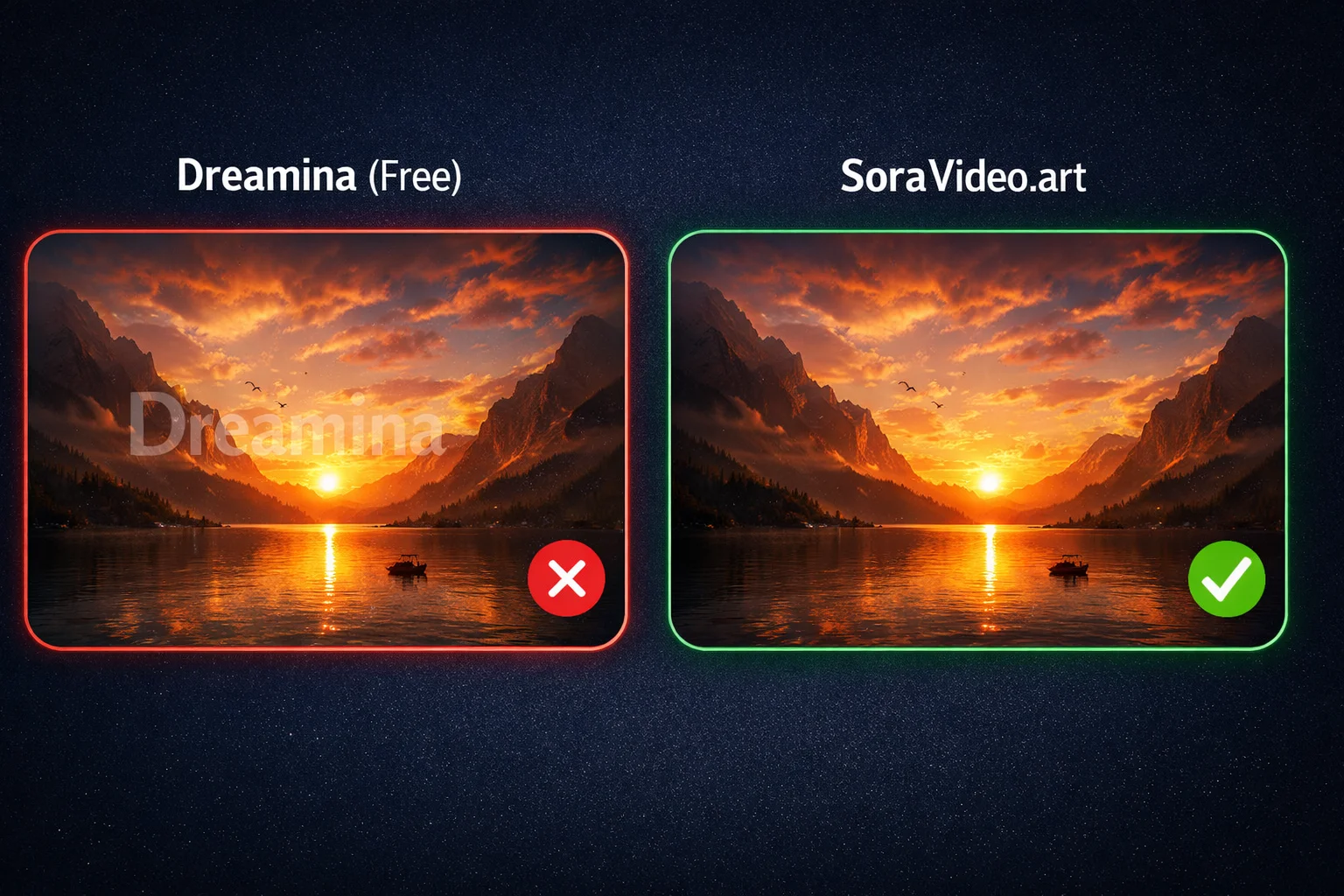
Free Seedance 2.0 Watermark Remover: 7 Ways Without Paying (2026)
7 free ways to remove Seedance 2.0 watermarks or avoid them entirely. From free credits to open-source tools — tested methods that cost nothing.
Newsletter
Join the community
Subscribe to our newsletter for the latest news and updates