Fastest workflow
Nano Banana 2
The closest replacement if Grok Imagine speed was the main reason you used it.
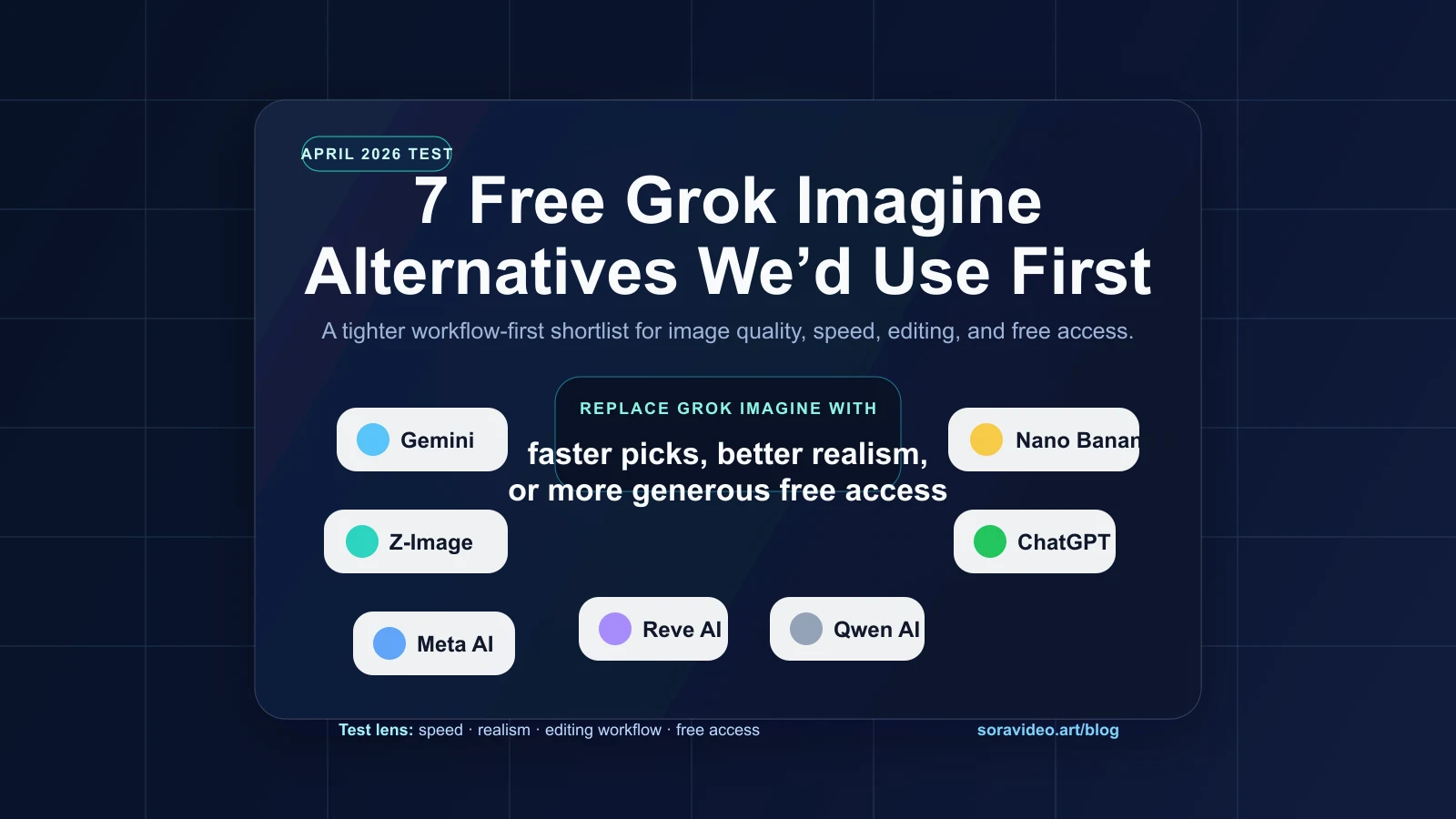
We tested 10 AI image tools to find the best Grok Imagine alternatives in 2026, comparing speed, realism, editing, text rendering, and practical free access.
If you have been searching for the best Grok Imagine alternatives in 2026, the real problem is not just "which AI image generator is free?" It is which tool gets you back to a practical, repeatable workflow fast enough that you stop thinking about Grok Imagine entirely.
That is how we approached this page. Instead of chasing one perfect clone, we tested the tools that felt closest in day-to-day use: the fastest option, the most realistic option, the one with the best editing lane, and the one that still feels generous enough for regular free image work.
Testing note. This article is based on a workflow check we ran on April 5, 2026. Access models, free limits, and generation speed can shift quickly, so treat the rankings below as a practical buying and usage guide, not as permanent platform guarantees.
We are ranking alternatives by actual workflow value, not by hype: how quickly they get you to a usable image, how practical the free path feels, and whether the tool is stronger at realism, editing, or prompt control.
Best first test
Nano Banana 2
The cleanest starting point if you want the speed of Grok Imagine without losing output quality.
Fastest workflow
Nano Banana 2
The closest replacement if Grok Imagine speed was the main reason you used it.
Most generous-feeling free path
Meta AI
The easiest option if you need volume more than perfect prompt control.
Strongest editing lane
Reve AI
The best fit when your workflow includes cleanup, refinement, and repeat passes.
Best overall
Speed read
Observed as the quickest image workflow in our test pass
Free path
Daily credits on SoraVideo.art
Best for
Fast photorealistic images with minimal setup
Tradeoff to remember
Best experience lives inside a credits model, not an open public sandbox
Best for rough drafts
Speed read
Very fast for quick iterations and concept boards
Free path
Daily credits on SoraVideo.art
Best for
Rapid prompt testing before a final render
Tradeoff to remember
Less polished than the best realism-focused tools
Best for realism
Speed read
Quick enough for daily use, slower than the fastest pair
Free path
Free image access available, limits can move
Best for
Natural lighting, product scenes, believable textures
Tradeoff to remember
Free limits and model behavior can change by account and region
Best for prompt accuracy
Speed read
Comfortably usable, but not the fastest lane
Free path
Limited free image generations
Best for
Detailed instructions, layout-sensitive prompts, text-heavy scenes
Tradeoff to remember
Free usage is constrained, so it is better for selective final prompts
Best for broad free access
Speed read
Moderate speed with a generous-feeling free path
Free path
One of the most open free options we checked
Best for
High-volume everyday image generation
Tradeoff to remember
Less deliberate than the strongest prompt-control tools
Best for editing
Speed read
Mid-pack generation time with strong refinement tools
Free path
Energy-style access that feels flexible in bursts
Best for
Upscaling, cleanup passes, and iterative revisions
Tradeoff to remember
Not the simplest option if you only want one-click image output
Best for clean finishes
Speed read
Slower than the others, but can reward patient final passes
Free path
Tighter free usage than the leaders
Best for
Sharper color, neat output, and occasional finishing runs
Tradeoff to remember
Too slow to be your only everyday replacement
Best artistic quality
Speed read
Fast on paid plans, with unlimited Relax mode on Standard+
Free path
No free tier — starts at $10/month
Best for
Stylized art, creative direction, and the most visually distinctive output
Tradeoff to remember
No free option at all — and images default to public unless on Pro ($60/mo)
Best for text in images
Speed read
Free queue can be slow at peak (2-3 min), paid queue is fast
Free path
10-20 slow prompts/day (~40-80 images)
Best for
Logos, posters, signage — any image that needs readable text
Tradeoff to remember
Free images are public and slow — paid plans start at ~$7/month
Best all-in-one studio
Speed read
Free tier is slower, paid plans deliver fast with multiple models
Free path
150 tokens/day (~10-30 images), resets daily
Best for
50+ models, Canvas editor, custom model training, and motion video
Tradeoff to remember
Free generations are public — paid plans start at $12/month
For many users, Grok Imagine was never just another AI image generator. It was the quick one. The low-friction one. The tool you opened when you wanted an idea turned into a usable image without a lot of ceremony.
That is why the search for Grok Imagine alternatives accelerated so quickly. Once the free path stopped feeling dependable enough for everyday use, people were not just comparing image quality. They were looking for a new default workflow.
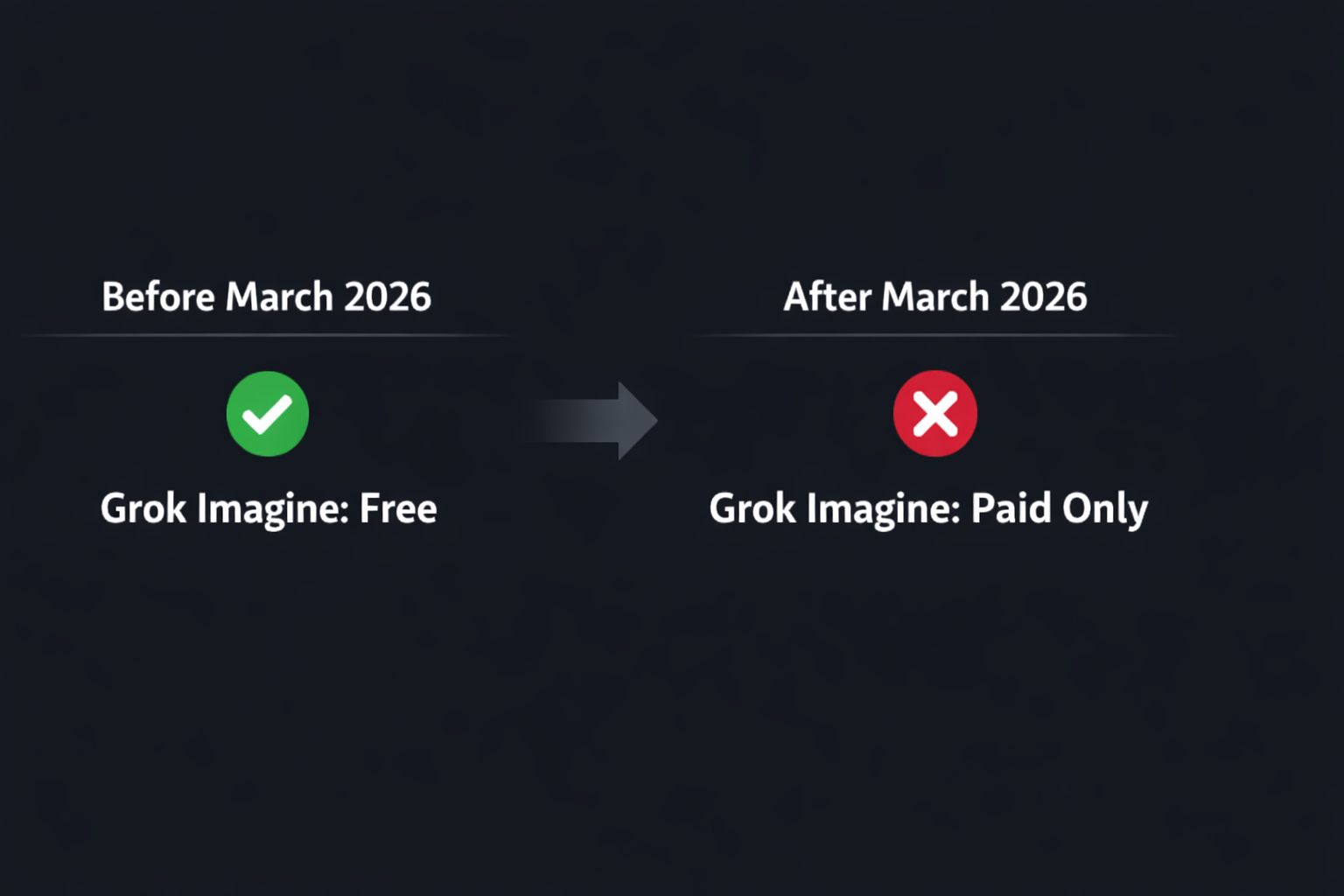
The better question, then, is not "Which tool is exactly like Grok Imagine?" The better question is "Which replacement is best for the reason I used Grok Imagine in the first place?"
If you want the cleanest overall replacement for Grok Imagine AI image generation, start here. Nano Banana 2 was the easiest tool to recommend because it feels fast, looks polished, and works well for the kinds of prompts that people usually throw at a "daily driver" image generator.
The main strength is balance. It does not force a big tradeoff between speed and quality, which makes it the closest thing to a no-drama replacement. If Grok Imagine used to be your first tab, Nano Banana 2 is the one most likely to become the next first tab.
Z-Image is the strongest Grok Imagine alternative for fast draft loops. It is not the one we would pick for every final render, but it is excellent when you want to test several prompt directions quickly and throw away the weak ones.
That makes it especially useful for content teams, solo builders, and marketers who are working through ideas rather than polishing one image for ten minutes. If Grok Imagine was your rapid sketchpad, Z-Image is the closest substitute in spirit.
Gemini is where we would go when the job is realism, product polish, or a clean commercial look. Among the Grok Imagine alternatives in this roundup, Gemini felt strongest when the prompt called for believable lighting, natural surfaces, and images that look less synthetic at first glance.
The tradeoff is that it does not feel as immediate as the fastest tools. But if the end result matters more than shaving off a few seconds, Gemini earns its spot near the top of the list.
ChatGPT is not the fastest tool in this list, but it is one of the best when your prompt is doing a lot of heavy lifting. If you need layout-sensitive instructions, specific scene constraints, or a model that follows a more detailed written brief, ChatGPT can outperform faster generators.
That makes it a smart complement to Nano Banana 2 or Z-Image. Use the faster tools to sketch. Use ChatGPT when the prompt itself is complicated enough that accuracy matters more than momentum.
Meta AI is the Grok Imagine alternative we would test when the top concern is simple: "Can I keep generating without hitting the wall immediately?" It may not be the most art-directed option in every prompt category, but the free path felt broad enough to make it attractive for high-volume use.
That matters more than people admit. A tool can have excellent image quality and still fail as a practical replacement if you feel rationed after a small number of runs. Meta AI works because it often feels easier to stay inside the workflow.
Reve AI earns its spot because not every Grok Imagine user was just generating from scratch. Some were refining, cleaning up, and revisiting images multiple times. For that kind of work, Reve AI is more useful than a pure generation-first tool.
If your real problem is "I need better revision control," this is probably the wrong ranking to ignore. Reve AI is the best choice in this list when the workflow keeps looping back through editing instead of moving on after the first good output.
Qwen AI is the tool we would keep in reserve for finishing passes rather than daily volume. It can reward patience with clean-looking output, but it is not the one we would open first if speed is the whole point.
That still makes it valuable. A slow tool can be worth keeping if it solves the final-mile problem better than your draft tool. As a specialist rather than a default, Qwen AI is a credible alternative to Grok Imagine.
Midjourney is the quality benchmark. If you care about visual distinctiveness and artistic style more than anything else, no tool on this list produces output that looks quite like Midjourney. The images have a signature look — rich color, cinematic framing, and a creative confidence that stands out immediately in a feed.
The catch is obvious: there is no free tier. Not a trial, not a limited daily allowance — nothing. Plans start at $10 per month, images default to public unless you pay $60 for Pro, and the learning curve is steeper than browser-first tools. But if budget is not the constraint and visual quality is the priority, Midjourney earns its reputation.
Ideogram solves a problem that almost every other image generator still handles poorly: text inside images. If you need a poster with a readable headline, a logo with clean lettering, or a social graphic with an actual slogan rendered correctly, Ideogram is the most reliable choice in 2026.
The free tier gives you 10 to 20 slow prompts per day, which translates to roughly 40 to 80 images. That is enough for daily experimentation. The tradeoff is speed — the free queue runs slower during peak hours, sometimes 2 to 3 minutes per generation. But for anyone whose workflow includes text-heavy creatives, the accuracy alone makes it worth the wait.
Leonardo AI is the closest thing to an all-in-one creative studio on this list. It runs in the browser, supports 50+ models (including SDXL, Phoenix, and community fine-tunes), and includes a Canvas editor for inpainting and outpainting — all before you touch the motion video feature.
The free tier gives you 150 tokens per day, which works out to roughly 10 to 30 images depending on the model and settings. That resets daily, so you can run a consistent low-volume workflow without paying. For anyone who wants model variety, built-in editing tools, and the option to train custom models for brand consistency, Leonardo is the most full-featured free starting point in 2026.
The table below is intentionally practical. It is less about abstract ranking and more about what each option replaces inside your image workflow.
| Tool | What it replaces | Best at | Free path | Our note |
|---|---|---|---|---|
Nano Banana 2 Best overall | Observed as the quickest image workflow in our test pass | Fast photorealistic images with minimal setup | Daily credits on SoraVideo.art | Best experience lives inside a credits model, not an open public sandbox |
Z-Image Best for rough drafts | Very fast for quick iterations and concept boards | Rapid prompt testing before a final render | Daily credits on SoraVideo.art | Less polished than the best realism-focused tools |
Gemini Best for realism | Quick enough for daily use, slower than the fastest pair | Natural lighting, product scenes, believable textures | Free image access available, limits can move | Free limits and model behavior can change by account and region |
ChatGPT Best for prompt accuracy | Comfortably usable, but not the fastest lane | Detailed instructions, layout-sensitive prompts, text-heavy scenes | Limited free image generations | Free usage is constrained, so it is better for selective final prompts |
Meta AI Best for broad free access | Moderate speed with a generous-feeling free path | High-volume everyday image generation | One of the most open free options we checked | Less deliberate than the strongest prompt-control tools |
Reve AI Best for editing | Mid-pack generation time with strong refinement tools | Upscaling, cleanup passes, and iterative revisions | Energy-style access that feels flexible in bursts | Not the simplest option if you only want one-click image output |
Qwen AI Best for clean finishes | Slower than the others, but can reward patient final passes | Sharper color, neat output, and occasional finishing runs | Tighter free usage than the leaders | Too slow to be your only everyday replacement |
Midjourney Best artistic quality | Fast on paid plans, with unlimited Relax mode on Standard+ | Stylized art, creative direction, and the most visually distinctive output | No free tier — starts at $10/month | No free option at all — and images default to public unless on Pro ($60/mo) |
Ideogram Best for text in images | Free queue can be slow at peak (2-3 min), paid queue is fast | Logos, posters, signage — any image that needs readable text | 10-20 slow prompts/day (~40-80 images) | Free images are public and slow — paid plans start at ~$7/month |
Leonardo AI Best all-in-one studio | Free tier is slower, paid plans deliver fast with multiple models | 50+ models, Canvas editor, custom model training, and motion video | 150 tokens/day (~10-30 images), resets daily | Free generations are public — paid plans start at $12/month |
Most people do not need one replacement. They need a tighter stack.
If we were rebuilding a Grok Imagine workflow from scratch today, we would do this:
That combination is more robust than chasing a single perfect clone.
Quick picker
The easiest mistake is looking for a one-to-one Grok Imagine clone. A better move is choosing the tool that fits the exact part of the image workflow you repeat most often.
Start with Nano Banana 2, keep Z-Image as your draft lane.
Start with Gemini, then test Nano Banana 2 against your prompts.
Start with Reve AI, especially for revision-heavy workflows.
Start with Meta AI and use ChatGPT for your highest-stakes prompts.
Fastest internal stack
Start on Nano Banana 2, keep Z-Image open for draft loops.
The most useful part of this comparison for SoraVideo.art users is simple: the two fastest internal lanes are already here.
If your workflow starts with still images but ends in motion, that matters even more. You can move from image generation into video creation inside the same product instead of rebuilding context in a second tool. If that is your use case, start with the image tools above, then move into AI video generation on SoraVideo.art.
Shortest path to a working replacement
If you want the fastest way to replace Grok Imagine inside your current image workflow, start with Nano Banana 2 for polished output and keep Z-Image open for rapid concept drafts. That pair covers most of what users liked about Grok Imagine in the first place.

An honest look at how one Sora video generation demo pushed me to keep learning before AI races ahead of me.
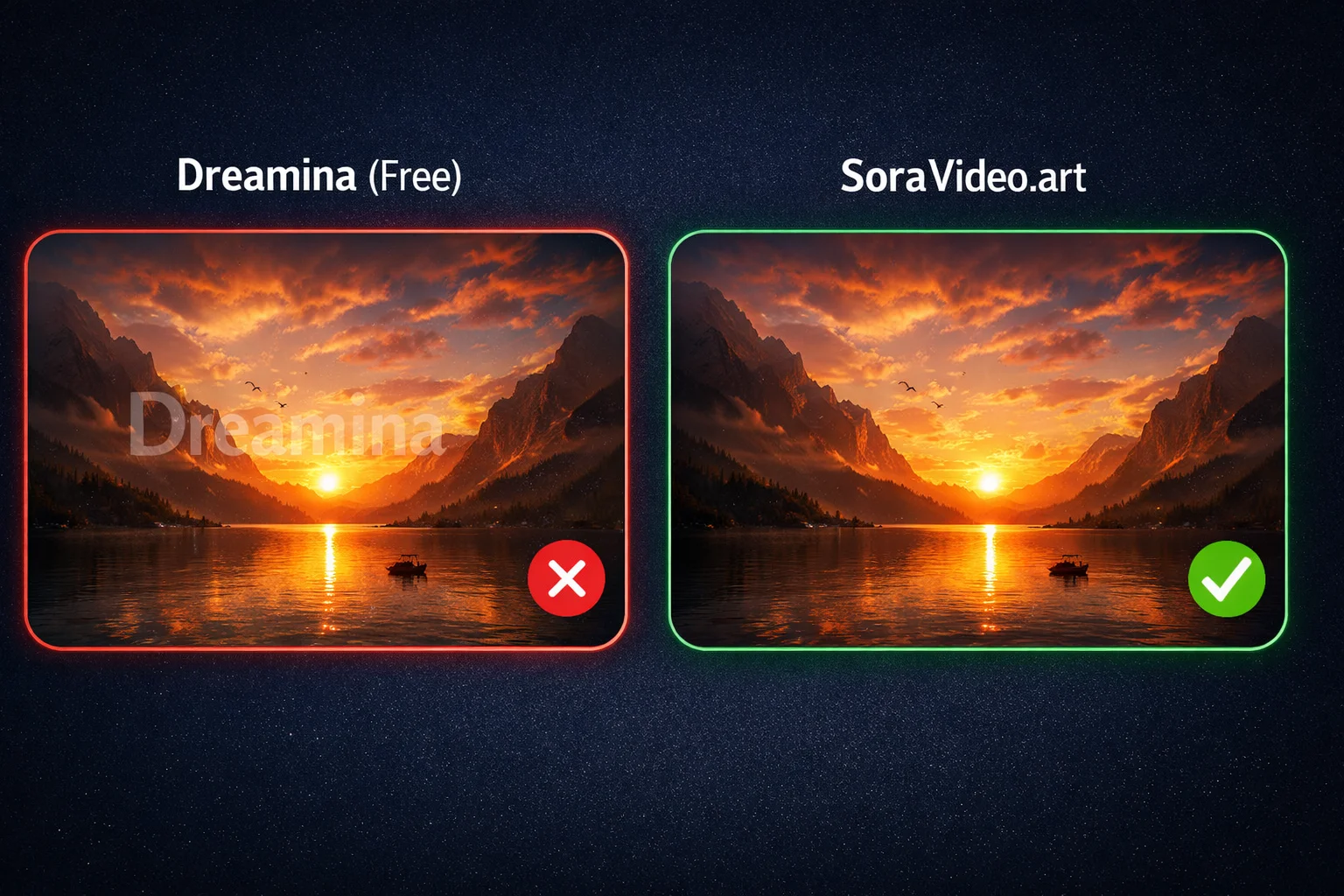
7 free ways to remove Seedance 2.0 watermarks or avoid them entirely. From free credits to open-source tools — tested methods that cost nothing.

Happy Horse 1.0 hits #1 on Artificial Analysis — beating Seedance 2.0, Kling v3 and PixVerse v6. Features, benchmarks, and how to start generating today.
Join the community
Subscribe to our newsletter for the latest news and updates