Free Seedance 2.0 Watermark Remover: 7 Ways Without Paying (2026)
7 free ways to remove Seedance 2.0 watermarks or avoid them entirely. From free credits to open-source tools — tested methods that cost nothing.
Don't want to pay for Seedance 2.0 watermark removal? I get it. The good news: there are 7 genuinely free methods. The even better news: the best free option doesn't remove watermarks at all — it generates videos without them in the first place.
I tested every free Seedance 2.0 watermark remover I could find and separated the truly free options from the ones that bait-and-switch you with hidden costs or their own watermarks. Here's what actually works without spending a cent.
Best Free Option: Generate Without Watermarks
New users get free credits to generate watermark-free Seedance 2.0 videos — no credit card, no catch. Try the Seedance 2.0 Generator →
Quick Comparison: All 7 Free Methods
| # | Method | Quality | Speed | Truly Free? | Catch |
|---|---|---|---|---|---|
| 1 | SoraVideo.art (Generate) | 10/10 | ~60s | Free credits | Limited free credits |
| 2 | SoraVideo.art (Remover) | 9.5/10 | ~30s | Free credits | Limited free credits |
| 3 | DaVinci Resolve | 8.5/10 | 20+ min | 100% free | Learning curve |
| 4 | CapCut Crop | 6/10 | ~2 min | 100% free | Loses content |
| 5 | FFmpeg Command Line | 6/10 | ~10s | 100% free | Technical skill needed |
| 6 | Free Access to Seedance 2.0 | Varies | Varies | Various | Platform dependent |
| 7 | Open-Source GitHub Tools | 5-7/10 | Varies | 100% free | Unstable, no support |
Method 1: Free Credits for Watermark-Free Generation (Best Option)
This is the smartest free approach: instead of generating a video with a watermark and then trying to remove it for free, use free credits to generate the video without a watermark from the start.
How It Works
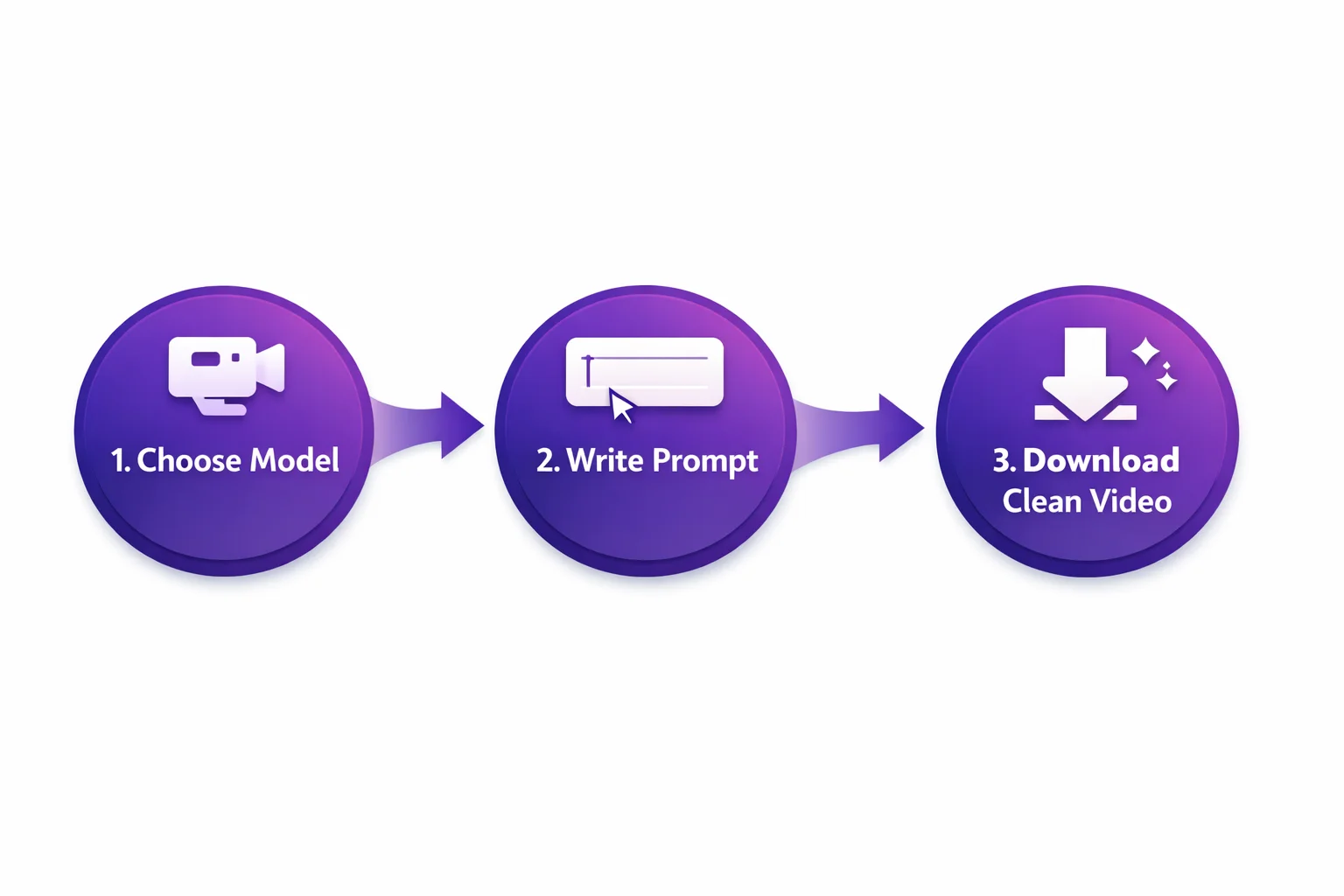
- Choose Seedance 2.0 — Select the model from the dropdown
- Write your prompt — Describe the video you want
- Download your clean video — Zero watermarks, full quality
Getting Started (Step by Step)
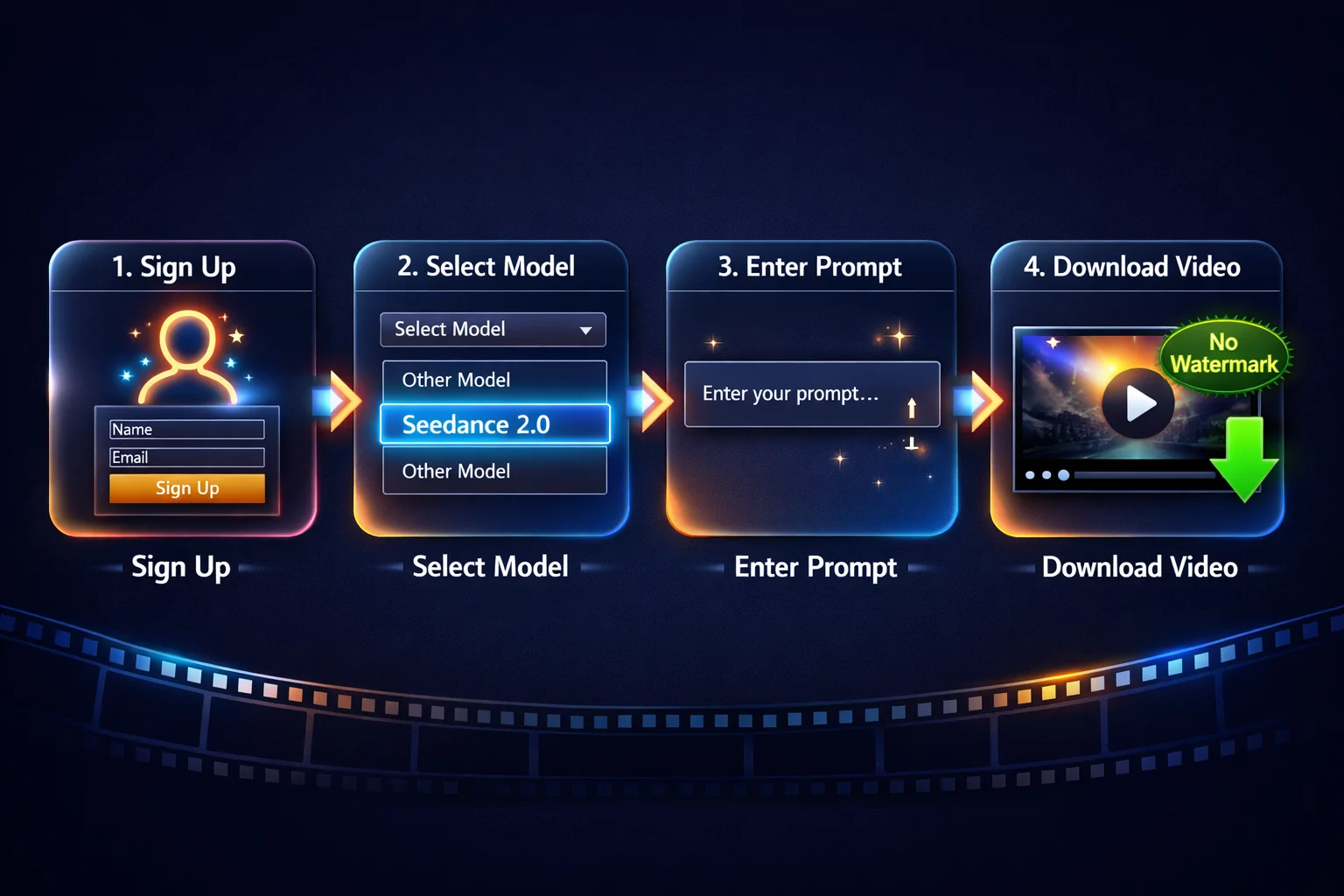
Step 1: Go to SoraVideo.art and create a free account
Step 2: You'll receive free credits automatically — no credit card required, no trial that expires
Step 3: In the generator, select Seedance 2.0 from the model list
Step 4: Enter your prompt and click generate
Step 5: Download your watermark-free video
Why This Beats "Free" Watermark Removers
Most free watermark removal tools have a catch:
- They add their own watermark to the output
- They limit resolution to 480p
- They process only the first 5 seconds
- They require you to share on social media first
With SoraVideo.art's free credits, you get the full experience — same quality, same resolution, same features as paid users. The only limit is the number of free credits.
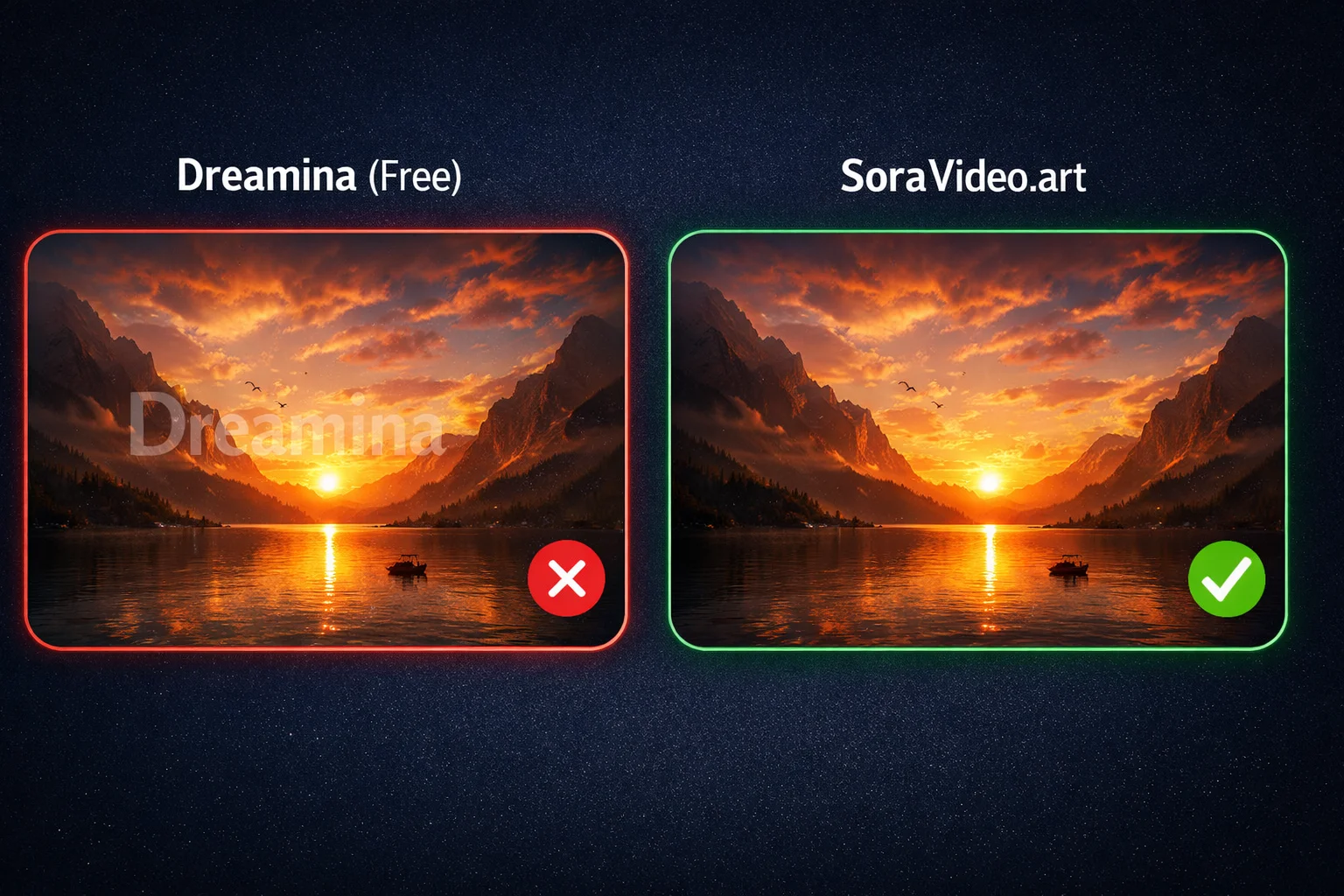
Why Dreamina's "Free" Isn't Really Free
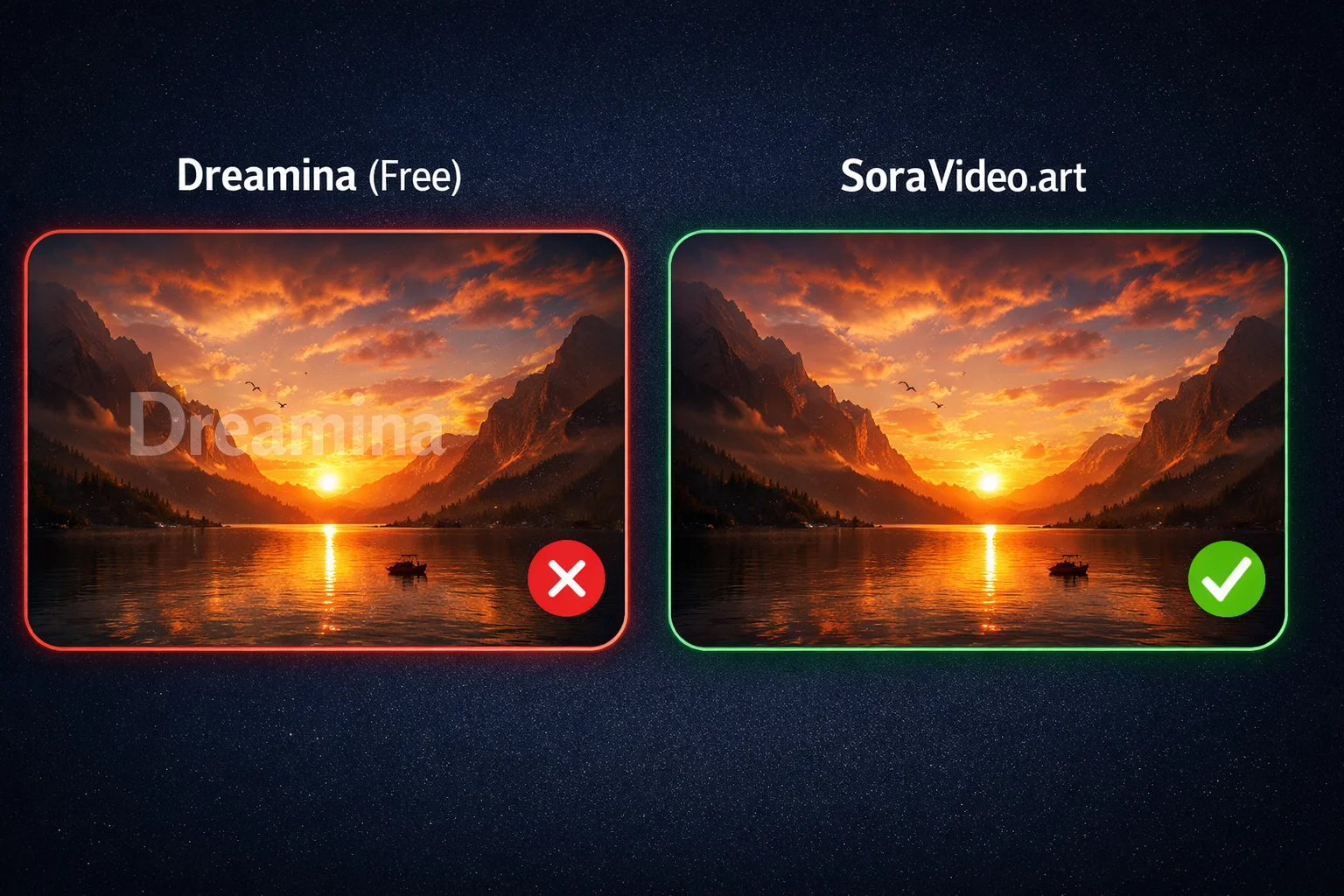
Dreamina (ByteDance's official Seedance 2.0 platform) offers a free tier, but here's what they don't tell you upfront:
- Every video has the "AI Generated" watermark — even on paid plans
- Free tier is limited to short clips and low generation priority
- No watermark removal option — the watermark is baked into the output
SoraVideo.art uses the same Seedance 2.0 model but delivers watermark-free output on every tier, including free credits. That's the fundamental difference.
Method 2: Free Watermark Removal Credits
Already have Seedance 2.0 videos with watermarks from Dreamina or another platform? New SoraVideo.art accounts also include free credits for the watermark removal tool.
How to Use Your Free Removal Credits
- Go to SoraVideo.art Watermark Remover
- Sign up for a free account (if you haven't already)
- Upload your watermarked Seedance 2.0 video
- The AI removes the "AI Generated" badge automatically
- Preview and download your clean video
What Makes This Different from Other "Free" Removers
- No output watermark — Your video comes out clean, not with a different watermark
- Full resolution — No downscaling to 480p or 720p
- Full video length — Processes the entire video, not just a preview
- AI inpainting — Reconstructs pixels instead of blurring
Method 3: DaVinci Resolve (Completely Free)
DaVinci Resolve is a legitimate, professional video editor that's 100% free. No trial, no freemium tricks — the free version includes powerful compositing tools.
Quick Tutorial
- Download DaVinci Resolve (free version, ~2GB)
- Import your Seedance 2.0 video
- Switch to the Fusion page
- Add a Paint node with the Clone brush
- Clone clean pixels over the watermark area frame by frame
- Export from the Deliver page
The Trade-Off
- Quality: 8.5/10 when done properly
- Time: 20-30 minutes per video (manual work)
- Learning curve: Expect a few hours to learn Fusion if you're new
- Hardware: Needs a decent GPU (integrated graphics will struggle)
Best for: People who have time to learn and want professional results without paying anything.
Method 4: CapCut Crop (100% Free)
The simplest free method — crop the video frame to exclude the watermark.
How to Do It
- Open your video in CapCut (free, mobile or desktop)
- Select the crop/resize tool
- Crop from the bottom-right corner to remove the "AI Generated" badge
- Adjust the crop to maintain a clean composition
- Export
Honest Assessment
- Works for: Instagram Stories, TikTok (vertical crop), any use where losing the bottom-right corner is acceptable
- Doesn't work for: Landscape videos where the watermark overlaps important content, professional use, anything requiring full frame
This is the "good enough" solution. It takes 2 minutes and costs nothing, but you're literally cutting away part of your video.
Method 5: FFmpeg Command Line (Free & Open Source)
For technical users, FFmpeg can crop out watermarks with a single command.
The Command
# Crop 50 pixels from the bottom and 120 from the right
ffmpeg -i input.mp4 -vf "crop=iw-120:ih-50:0:0" -c:a copy output.mp4
Adjusting the Crop
iw-120— Removes 120 pixels from the right (adjust based on watermark width)ih-50— Removes 50 pixels from the bottom (adjust based on watermark height)- You may need to experiment with values for your specific video
Pros and Cons
| Pros | Cons |
|---|---|
| Completely free and open source | Command line only — not beginner friendly |
| Instant processing | Only crops, doesn't reconstruct |
| No quality loss in remaining area | Loses content like CapCut crop |
| Works on any OS | Need to install FFmpeg first |
| Scriptable for batch processing | Doesn't look as clean as AI removal |
Method 6: Free Ways to Access Seedance 2.0
Understanding all the free entry points to Seedance 2.0 helps you find the best option for your situation.

Option A: SoraVideo.art (Free Credits)
- Free credits on signup
- Watermark-free output
- No geographic restrictions
- Get started →
Option B: Dreamina (Free Tier)
- ByteDance's official platform
- Free but all videos have watermarks
- May require Chinese phone number or specific region
Option C: ByteDance API (Free Tier)
- Developer-focused
- Limited free API calls
- Videos include watermarks
- Requires technical setup
Option D: Social Media Channels
- Some creators share Seedance 2.0 generation links
- Quality and availability varies
- Not reliable for consistent use
Option E: Third-Party Platforms
- Various platforms integrate Seedance 2.0
- Check watermark policies before committing
- Free tiers often have significant limitations
For more details on using Seedance 2.0, check our How to Use Seedance 2.0 guide →.
Method 7: Open-Source GitHub Tools
The open-source community has created several video watermark removal tools. Here's what I found:
What's Available
- Video inpainting models — AI models that can fill in watermark areas
- Object removal scripts — Python scripts using OpenCV for basic watermark removal
- Batch processing tools — Command-line tools for processing multiple videos
My Honest Assessment
I tested 3 popular GitHub repositories for watermark removal:
- Tool A: Worked on static watermarks but struggled with the Seedance 2.0 animated badge
- Tool B: Required a high-end GPU (16GB+ VRAM) and took 10+ minutes per video
- Tool C: Left visible artifacts on 4 out of 5 test clips
Open-source tools can work, but they require:
- Technical Python/command-line knowledge
- A decent GPU for AI-based methods
- Patience for setup and troubleshooting
- Acceptance that results are inconsistent
My recommendation: Use open-source tools only if you enjoy tinkering and don't mind spending time debugging. For reliable results, the free credits from Method 1 or Method 2 are far more practical.
Seedance 2.0 Model Comparison: Which Is Worth Generating?
If you're using free credits to generate, you want to pick the right model. Here's how Seedance 2.0 compares:
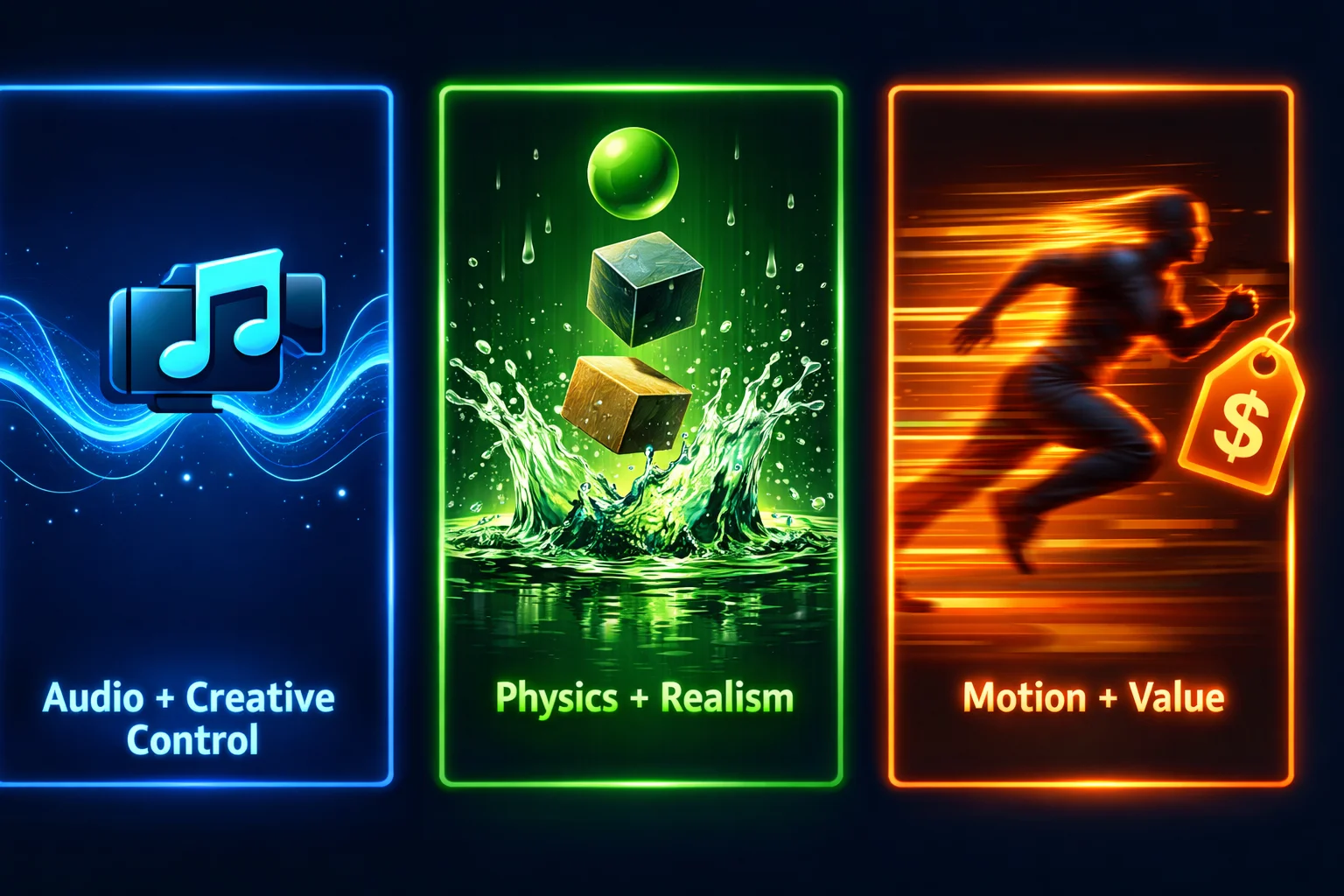
- Audio + Creative Control: Some models offer built-in audio and more style control
- Physics + Realism: Seedance 2.0 excels here — objects interact realistically with their environment
- Motion + Value: Seedance 2.0 delivers smooth, natural motion at competitive pricing
For detailed pricing information, see our Seedance 2.0 Pricing guide →.
The "Free" Trap: What to Watch Out For
Not all "free" watermark removers are honest about what you get. Here are the most common traps:
Trap 1: Adds Their Own Watermark
You remove the Seedance "AI Generated" badge... and the tool slaps its own logo on your video. This is the single most common complaint on Reddit.
Trap 2: Resolution Downgrade
The tool processes your video but outputs it at 480p or 720p instead of the original resolution. You don't notice until you try to use it professionally.
Trap 3: "Free Preview" Only
You get a watermark-free preview of the first 3 seconds. The full video requires payment. This is technically accurate advertising, but it feels like a scam.
Trap 4: Social Share Required
Some tools require you to share on Twitter/TikTok before downloading. You've now promoted their service for "free."
Trap 5: Browser Extensions
Multiple Reddit users have reported security concerns with watermark removal browser extensions. Some request excessive permissions, and the privacy implications are unclear.
How to avoid traps: Stick to the methods in this guide. If something seems too good to be true — a completely free, unlimited, high-quality watermark remover with no catch — it probably has a catch you haven't found yet.
FAQ: Free Seedance 2.0 Watermark Remover
Is there a truly free Seedance 2.0 watermark remover?
Yes. DaVinci Resolve is 100% free for manual removal, CapCut offers free cropping, and FFmpeg is free and open source. For AI-powered results, SoraVideo.art offers free credits for both watermark-free generation and watermark removal.
What's the best free method for removing Seedance 2.0 watermarks?
The best free method is generating watermark-free videos directly using SoraVideo.art's free credits. For existing videos, the free watermark removal credits at SoraVideo.art provide the highest quality.
Can I remove Seedance 2.0 watermarks without software?
Yes. Browser-based tools like SoraVideo.art's Watermark Remover work in any browser without downloading software. Free credits are available for new users.
Is DaVinci Resolve really free for watermark removal?
Yes. DaVinci Resolve's free version includes the Fusion compositing tools needed for watermark removal. There's no trial period, no feature limitations for this use case, and no watermark on exports.
How many free videos can I process?
It depends on the method. DaVinci Resolve, CapCut, and FFmpeg are unlimited. SoraVideo.art's free credits typically cover several videos — enough to test the quality before deciding.
Do free watermark removers reduce video quality?
Manual methods (DaVinci, CapCut crop) don't reduce quality in the remaining video area. FFmpeg crop is lossless for the preserved content. AI-powered tools with free credits (SoraVideo.art) maintain near-original quality. Avoid random "free online" tools — they often compress heavily.
Can I use free methods for commercial videos?
Yes, all methods listed here produce output suitable for commercial use. DaVinci Resolve doesn't add watermarks to exports. SoraVideo.art's free credits produce the same commercial-ready output as paid credits.
Are there free Seedance 2.0 watermark remover apps for mobile?
CapCut's mobile app is free and supports basic cropping. SoraVideo.art's watermark remover works in mobile browsers. For AI-quality results on mobile, the browser-based option is recommended.
The Bottom Line: Best Free Options Ranked
Here's my final ranking of free Seedance 2.0 watermark solutions:
- SoraVideo.art Free Credits (Generate) — Best quality, no watermark at all, limited free credits
- SoraVideo.art Free Credits (Remove) — Best for existing videos, AI-powered, limited free credits
- DaVinci Resolve — Unlimited free use, professional quality, requires learning
- CapCut Crop — Instant and unlimited, but loses content
- FFmpeg — Free and scriptable, but crop only
- Free Access Channels — Various options, quality varies
- Open-Source Tools — Free but inconsistent and technical
The watermark doesn't have to be a dealbreaker — and it definitely doesn't have to cost you money. Want even better quality? Upscale your Seedance video to 4K after removing the watermark — it's free.
Want the full tool comparison? Seedance 2.0 Watermark Remover: 8 Tools Tested and Ranked →
Need step-by-step instructions? How to Remove Seedance 2.0 Watermark: 5 Methods That Work →
Start Creating Watermark-Free Videos for Free
Get free credits to generate Seedance 2.0 videos without any watermark. No credit card, no catch — just clean videos. Generate Free Videos Now →
Author

Categories
More Posts
How to Use Kling 3.0: Motion Control, Multi-Shot & Prompt Guide
Step-by-step guide to using Kling 3.0 AI video generator. Master motion control, write effective prompts, create multi-shot sequences, and build character consistency.
Kling 3.0 Pricing: Is It Free? Credits, Cost & Cheapest Plans
Is Kling 3.0 free? Yes — with limits. Full Kling 3.0 pricing breakdown: $0.28 per second on Pro, credit costs per platform, free tiers compared, and the cheapest way in.
10 Best Grok Imagine Alternatives for AI Images (2026)
We tested 10 AI image tools to find the best Grok Imagine alternatives in 2026, comparing speed, realism, editing, text rendering, and practical free access.
Newsletter
Join the community
Subscribe to our newsletter for the latest news and updates