How to Use Seedance 2.0 Free: Step-by-Step Access Guide (2026)
How to access and use Seedance 2.0 outside China — complete step-by-step guide. Free on Dreamina, Jimeng, or BytePlus API. No credit card or VPN required.
I spent three hours trying to figure out how to use Seedance 2.0 when it first launched. The official ByteDance page had no clear signup link. Dreamina worked — but only if you knew where to look. Here is everything I figured out so you can skip the frustration and start generating immediately.
Where Can You Access Seedance 2.0 Right Now?
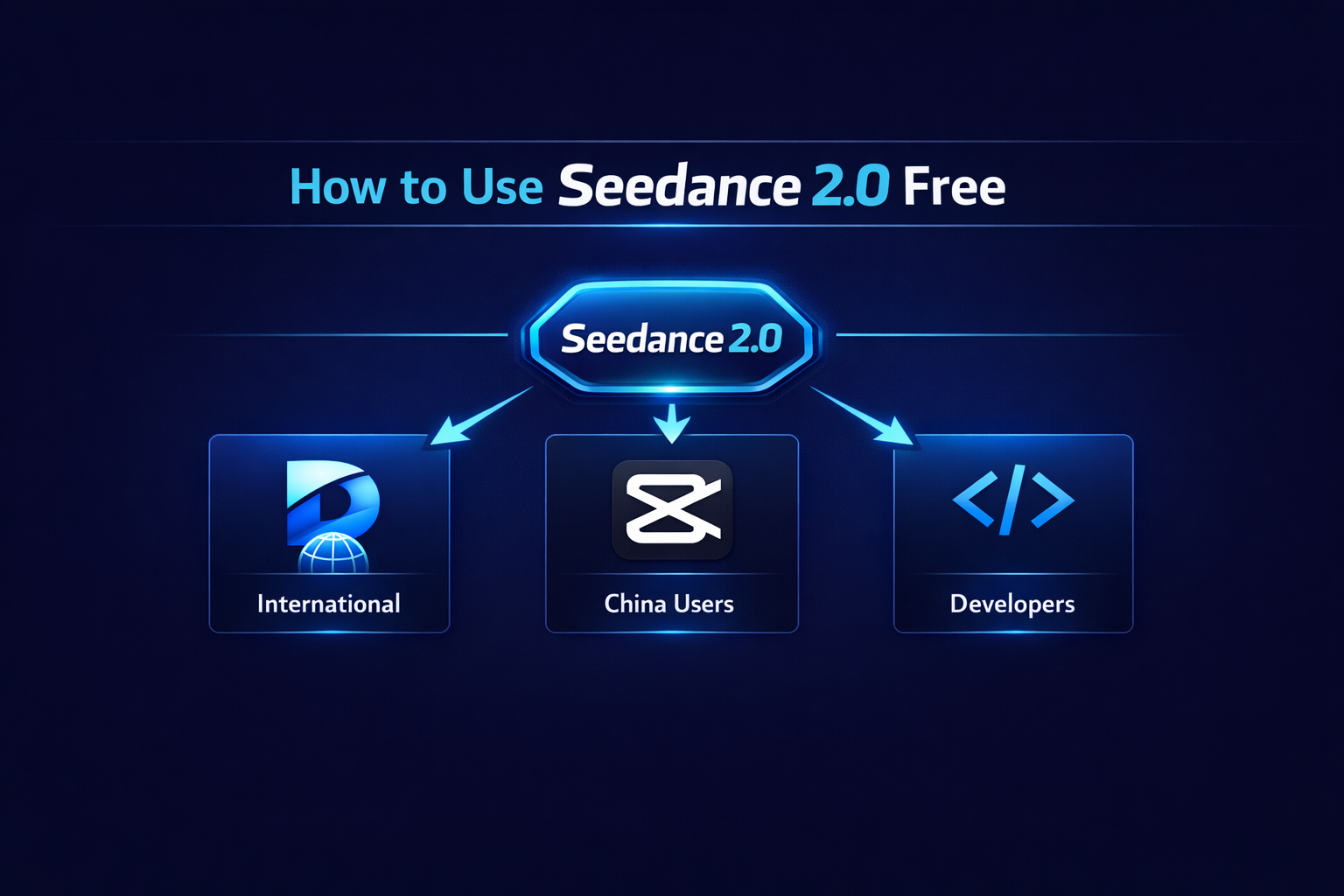
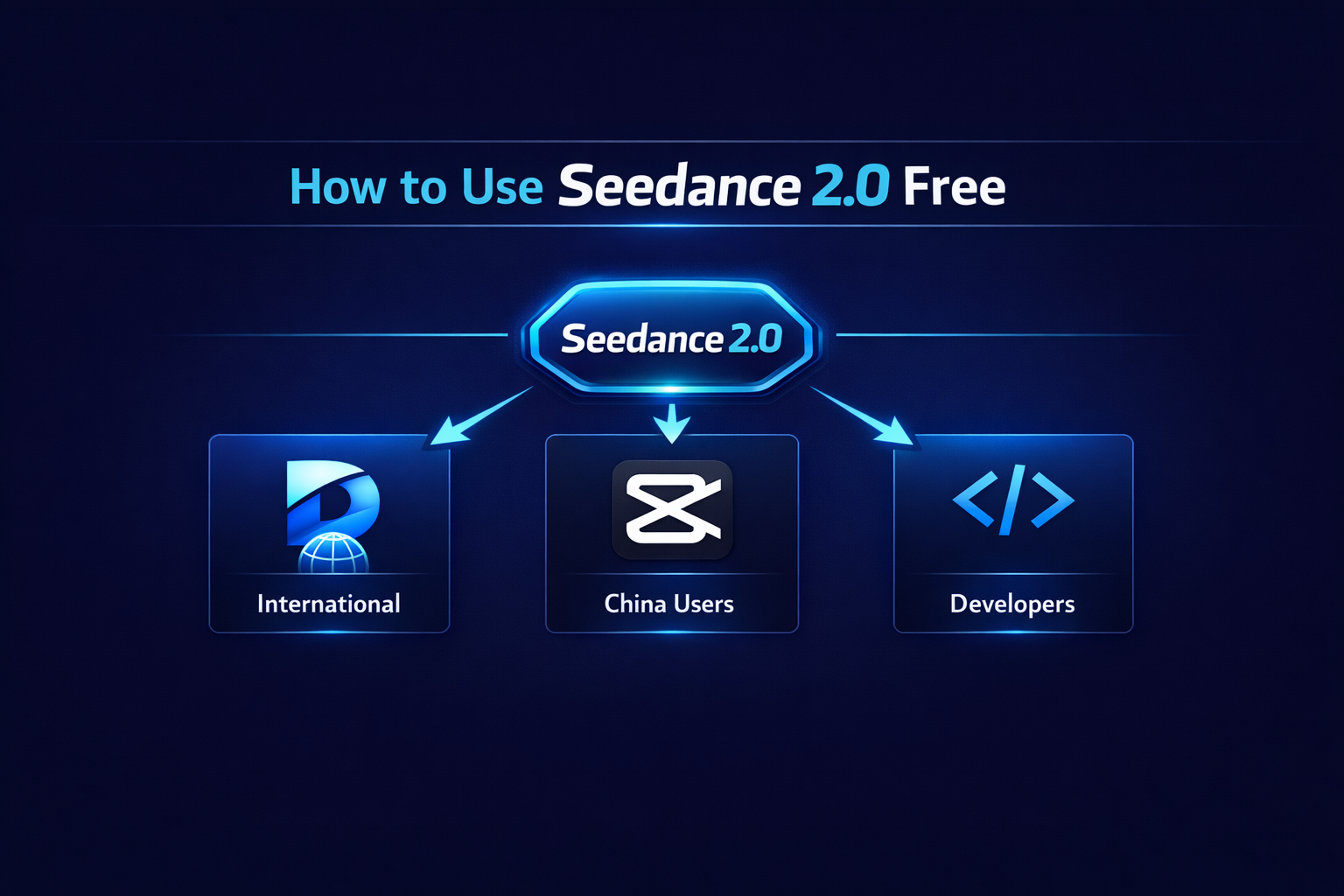
Seedance 2.0 is available on three platforms right now. You do not need an invite or a waitlist — you just need to know which platform matches your situation.
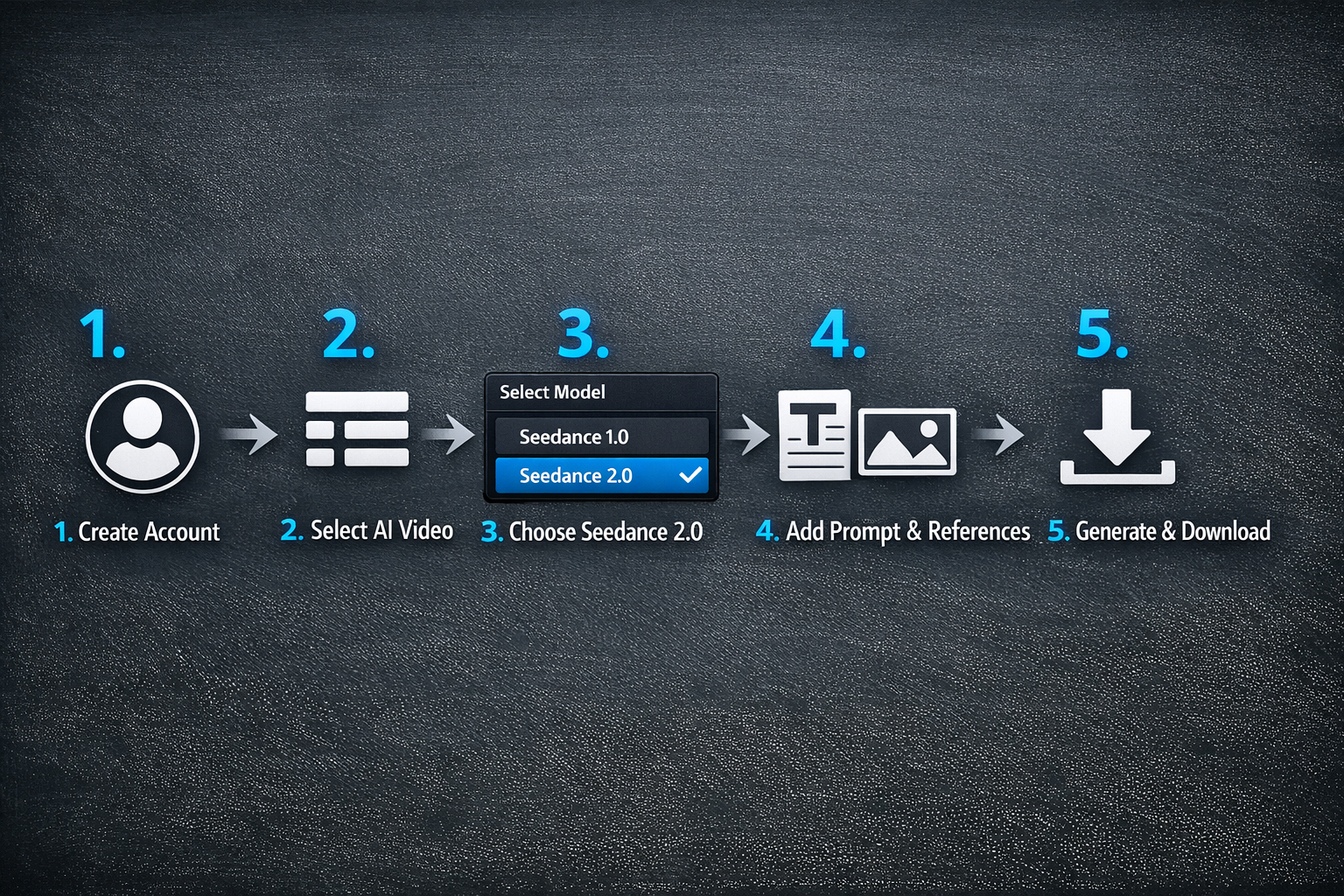
The fastest free path is Dreamina — ByteDance's international AI creation platform. Create a free account, head to the AI Video tab, select Seedance 2.0 from the model picker, and you are generating in under two minutes. No credit card. No waitlist.
Quick start: Try Seedance 2.0 free today
The fastest way in is Dreamina for international users. If you are in mainland China, use Jimeng (即梦). You can also use SoraVideo.art's Seedance 2.0 tool directly in your browser — no separate signup needed.
4 Ways to Access Seedance 2.0
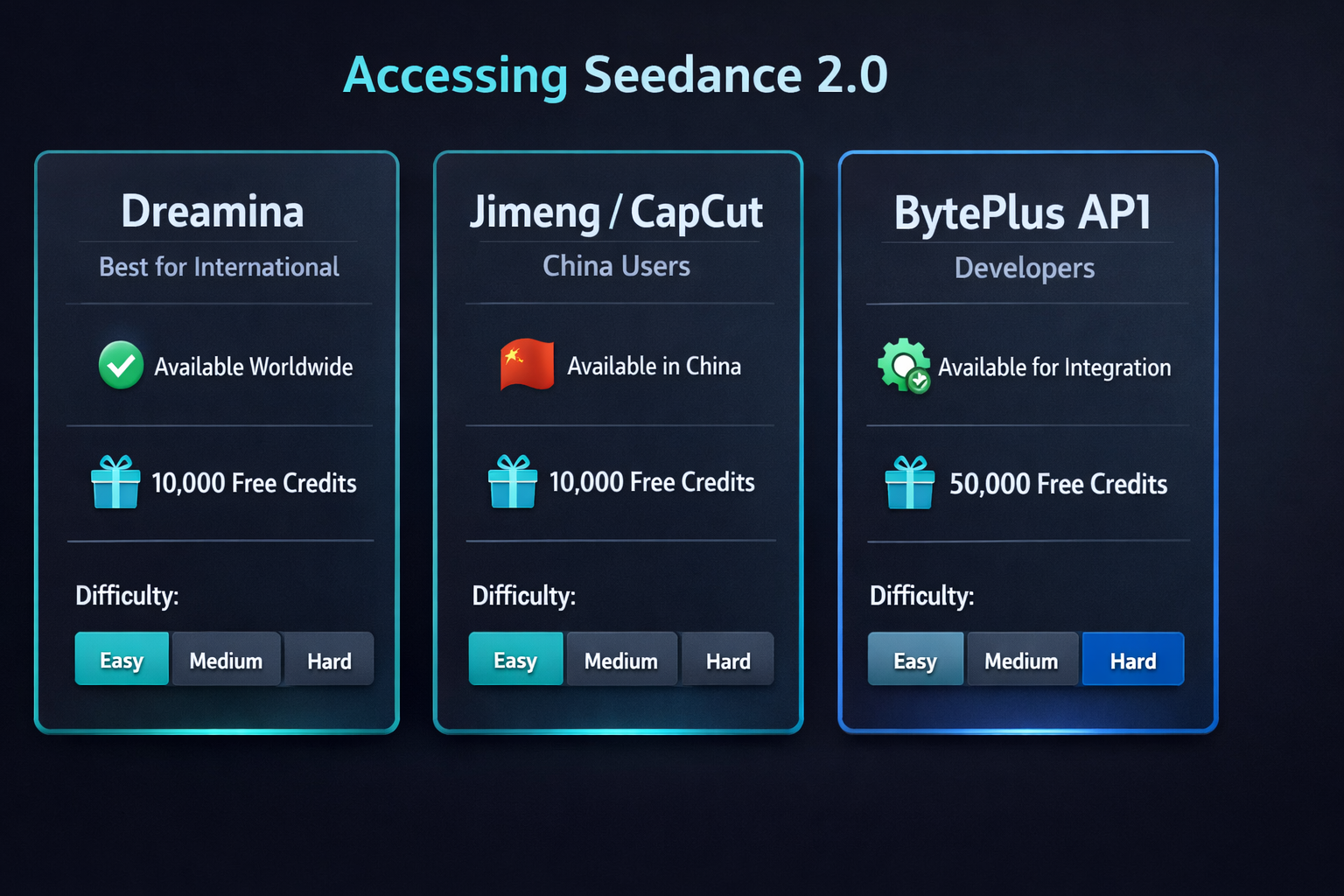
Here is a quick comparison of your four access options before I walk you through the full steps:
Option 1 — Dreamina (Best for International Users)
Dreamina is ByteDance's global AI creation suite and the primary way to access Seedance 2.0 outside China. The platform gives you daily free credits that reset every 24 hours. No subscription required.
What you get free: Daily credits for 2–3 standard Seedance 2.0 video generations per day. Supports both text-to-video and image-to-video with Seedance 2.0.
Option 2 — Jimeng / CapCut (For Mainland China Users)
If you are in mainland China, the official Seedance 2.0 access point is Jimeng (即梦) at jimeng.jianying.com — built directly into the CapCut ecosystem. Seedance 2.0 appears under the AI Video tab with a daily free allowance.
What you get free: Daily free credits with full access to Seedance 2.0 in a Chinese-language interface. Higher credit limits on paid plans.
Option 3 — BytePlus API (For Developers)
Developers can integrate Seedance 2.0 directly through the BytePlus ModelArk API. New accounts receive 2 million free tokens — enough to generate hundreds of test videos before paying anything.
What you get free: 2M free API tokens for new BytePlus accounts. Pricing after free tier starts at $0.010 per second of generated video.
Option 4 — SoraVideo.art (Easiest for International Users)
SoraVideo.art's Seedance 2.0 tool gives you direct browser access to Seedance 2.0 without signing up for a separate ByteDance platform. Works alongside Sora 2 Storyboard, Kling Motion Control, and the watermark remover — all in one place.
What you get: Seedance 2.0 text-to-video and image-to-video in one platform. See plans.
How to Use Seedance 2.0 on Dreamina: Step-by-Step
This is the exact process I follow every time I generate a Seedance 2.0 video on Dreamina:
Go to dreamina.capcut.com and sign up with your email or Google account. Account creation takes under 60 seconds — no approval required.
Once logged in, click the AI Video section in the left sidebar. This is where all Seedance 2.0 video generation controls live.
Open the model selector dropdown and choose Seedance 2.0. If you see Seedance 1.5 or Seedance Lite listed, make sure you select version 2.0 for full 2K output and quad-modal input support.
Enter a descriptive text prompt for your video scene. With Seedance 2.0's quad-modal input, you can also attach reference images, video clips, and audio tracks by typing @ in the prompt field.
Click Generate and your Seedance 2.0 video will be ready in under 60 seconds. Preview the output, refine your prompt if needed, and download your final clip.
How to Use Seedance 2.0 Outside China
This is the question I get asked most. Here's the answer: Seedance 2.0 works outside China through Dreamina. It is available in most countries worldwide without any special workaround.
Can You Use Seedance 2.0 in India?
Yes. Dreamina is available in India with no restrictions. Go to dreamina.capcut.com, create your account, and Seedance 2.0 is ready immediately with free daily credits. Multiple users have confirmed access from India with no issues.
Can You Use Seedance 2.0 in the US?
Yes. Dreamina is fully available in the United States. The interface is in English and the free daily credits system works the same as everywhere else. No VPN or workaround needed.
Can You Use Seedance 2.0 in Australia?
Yes. Australia is fully supported on Dreamina. Same free tier, same access to Seedance 2.0 — start generating immediately after account creation.
What If Dreamina Is Unavailable in Your Region?
If Dreamina is blocked or unavailable where you are, the BytePlus API is your next best option. It provides programmatic access to Seedance 2.0 from anywhere in the world, with 2M free tokens for new accounts. See the BytePlus documentation to get started.
How to Use Seedance 2.0's Advanced Features
Once you have basic access set up, here is how to unlock the features that separate Seedance 2.0 from every other AI video model.
Image-to-Video Generation
Upload a reference image in the Dreamina interface alongside your text prompt. Seedance 2.0 will animate it into a video, preserving the subject and visual style of your source image while generating natural motion.
Adding Audio with @ Syntax
In your Dreamina prompt field, type @ to open the reference attachment panel. Attach audio files directly to your prompt and Seedance 2.0 will synchronize the video output to your track — whether dialogue, background music, or ambient sound.
Multi-Shot Storytelling
Seedance 2.0 is the only AI video model with native multi-shot generation. Describe multiple scenes in a single prompt and the model generates coherent transitions automatically. No manual stitching, no jump cuts.
FAQ
Is Seedance 2.0 free to use? Yes. Seedance 2.0 is free on Dreamina and Jimeng with daily free credits that reset every 24 hours. No credit card is required to start.
How many Seedance 2.0 videos can I generate for free per day? Dreamina's free tier gives you enough credits for approximately 2–3 standard Seedance 2.0 video generations per day. Credits reset every 24 hours.
Do I need to be in China to use Seedance 2.0? No. Seedance 2.0 is available globally through Dreamina. You do not need to be in China or use a VPN.
What is the difference between Dreamina and Jimeng? Dreamina is ByteDance's international platform with an English interface. Jimeng (即梦) is the China-specific version integrated with CapCut. Both run the same Seedance 2.0 model.
Can I use Seedance 2.0 on my phone? Yes. Dreamina has a mobile-responsive web interface that works on iOS and Android. CapCut's mobile app also provides Seedance 2.0 access for mainland China users.
How long does Seedance 2.0 take to generate a video? A standard 5-second Seedance 2.0 clip takes approximately 41 seconds to generate — 30% faster than Seedance 1.5 Pro.
The Bottom Line
Seedance 2.0 is free and accessible right now — the only thing stopping most people is not knowing which platform to use. For international users, Dreamina is the answer. For mainland China, Jimeng. For developers, BytePlus API.
Once you have access, the five-step process above gets you generating in under two minutes. Ready to start? Try Seedance 2.0 right here on SoraVideo.art — no separate ByteDance account needed. Want sharper output? Upscale your Seedance 2.0 videos to 4K for free after generating. Ready for prompt templates and cinematic techniques? The Seedance 2.0 Tutorial with 15 Prompt Templates is your next step. Want to know more about what Seedance 2.0 can actually do? Read the Seedance 2.0 Complete Guide — and if you want to understand costs before scaling up, check the Seedance 2.0 Pricing guide.
Want watermark-free Seedance 2.0 videos? Check out: How to Remove Seedance 2.0 Watermark: 5 Methods That Work →
Use Seedance 2.0 on SoraVideo.art
Access Seedance 2.0, Sora 2 Storyboard, Kling Motion Control, and more on SoraVideo.art — all your AI video tools in one place. See plans.
Author

Categories
More Posts
Kling 3.0 AI Video Model: Features, Omni Mode & Honest Review (2026)
Complete Kling 3.0 guide with real user reviews. Multi-shot sequences, native audio, Omni mode, character consistency, and honest quality assessment for Kling AI 3.0.

How to Remove Sora 2 Watermark: 5 Methods That Actually Work in 2026
Learn how to remove Sora 2 watermark from your AI-generated videos. We tested Reddit suggestions, CapCut, and professional tools to find the best Sora watermark remover.
Sora 2 Commercial Playbook: Five Launch Campaigns in Ten Days
A blueprint for production teams turning Sora 2 renders into polished brand films.
Newsletter
Join the community
Subscribe to our newsletter for the latest news and updates