Seedance 2.0 Watermark Remover: I Tested 8 Tools (2026 Rankings)
I tested 8 tools for handling Seedance 2.0 watermarks and ranked them by quality, speed, and price. From free generation to pro editing — here are the 2026 rankings.
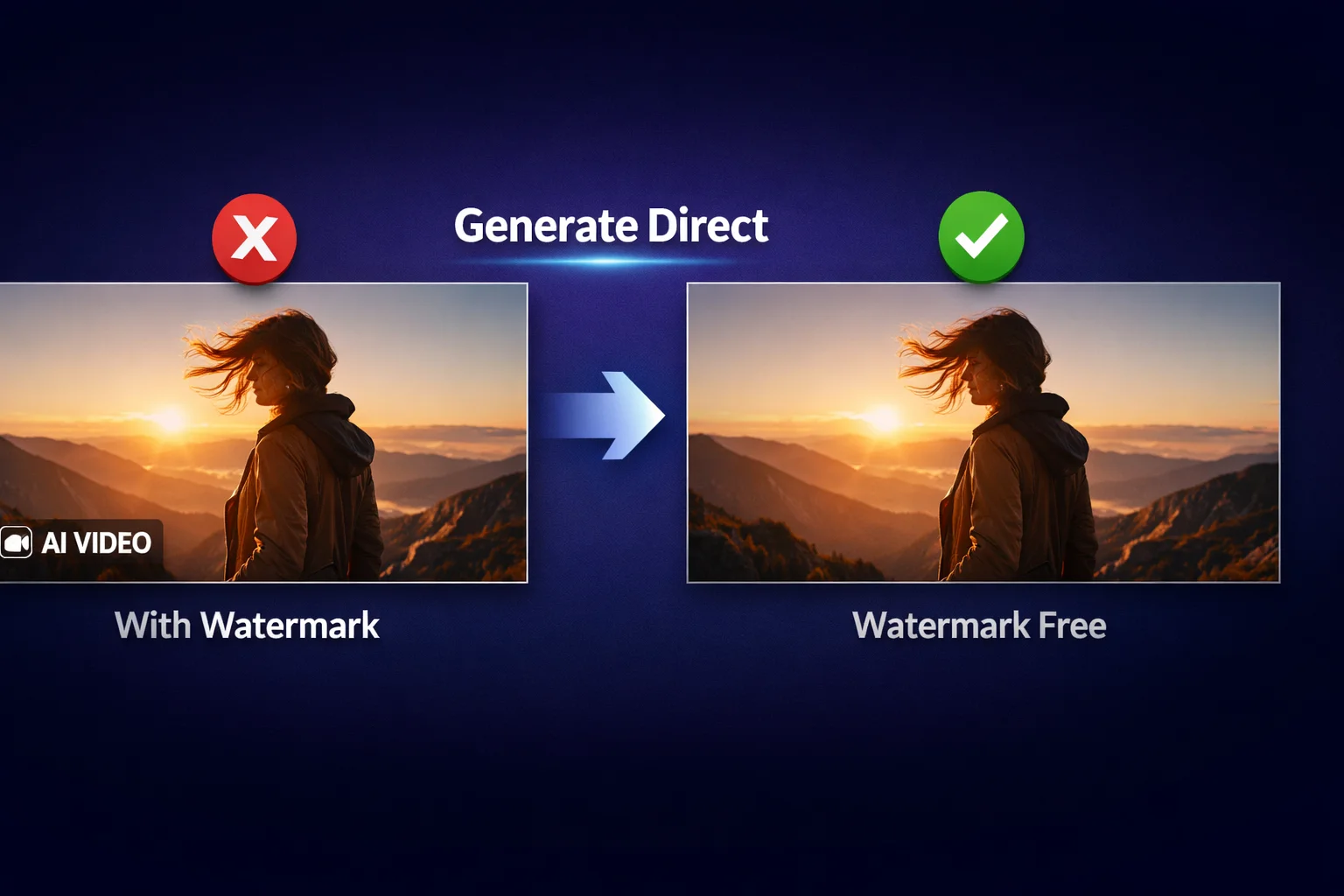
I spent 2 days testing every Seedance 2.0 watermark remover I could find — from free online tools to $50/month professional software. Most were disappointing. But then I realized something: the best "watermark remover" isn't a remover at all. It's generating the video without a watermark in the first place.
Here's what I learned: finding a reliable Seedance 2.0 watermark remover shouldn't cost you days of trial and error. So I'm saving you the trouble.
I tested 8 methods head-to-head using the same Seedance 2.0 clip, scored each one on quality, speed, and price, and ranked them. The clear winner? A method that skips watermark removal entirely.
Just Want the Best Solution?
Skip the comparison and generate watermark-free Seedance 2.0 videos directly with our Seedance 2.0 Video Generator → — free credits for new users, no credit card required.
Quick Verdict: My Top 8 Seedance 2.0 Watermark Solutions
| Rank | Method | Quality | Speed | Free? | Best For |
|---|---|---|---|---|---|
| #1 | SoraVideo.art (Generate) | 10/10 | ~60s | Free credits | All-around best — no watermark at all |
| #2 | SoraVideo.art (Remover) | 9.5/10 | ~30s | Free credits | Already have watermarked videos |
| #3 | Adobe Premiere Pro | 9.5/10 | 30+ min | No ($22.99/mo) | Pixel-perfect professionals |
| #4 | DaVinci Resolve | 8.5/10 | 20+ min | Yes (free version) | Free professional software |
| #5 | CapCut | 7/10 | Manual | Yes | Quick personal use |
| #6 | Manual Crop | 6/10 | ~2 min | Yes | Simple vertical content |
| #7 | API Solutions | 9.5/10 | ~10s | Pay-per-use | Developers & batch processing |
| #8 | Free Online Tools | 5/10 | Varies | "Free" | Last resort |
What Is the Seedance 2.0 Watermark?
Every video generated by Seedance 2.0 — whether through Dreamina, the ByteDance API, or any third-party platform — includes a small "AI Generated" or "AI VIDEO" badge in the bottom-right corner. This watermark is added by ByteDance as part of their responsible AI policy.
The watermark appears on every platform that uses the Seedance 2.0 model:
- Dreamina (ByteDance's official platform) — always adds watermark, even on free tier
- Third-party API integrations — watermark embedded in the model output
- SoraVideo.art — the only platform I found that delivers watermark-free Seedance 2.0 videos
This is why my #1 ranked solution isn't about removing watermarks — it's about never having them.
How I Tested These Seedance 2.0 Watermark Removers
I ran every method against the same test video to keep the comparison fair.
My testing setup:
- Test video: A 10-second Seedance 2.0 clip with complex motion (a woman walking through a cyberpunk city at night)
- Watermark position: Standard "AI Generated" badge, bottom-right corner
- Scoring criteria:
- Quality preservation (40%) — Is there blurring, color shift, or artifacts where the watermark was?
- Processing speed (20%) — How long from start to finished video?
- Price (20%) — What's the real cost per video?
- Ease of use (20%) — Can a non-technical person figure it out in under 2 minutes?
Here's what I found.
#1: SoraVideo.art — Generate Watermark-Free Videos Directly (10/10)
This is the method I use for all my projects now. Instead of generating a video with a watermark and then trying to remove it, SoraVideo.art's Seedance 2.0 Generator lets you create watermark-free videos from the start.
Why This Beats Every Watermark Remover
- No watermark to remove: The output video has zero watermarks — no "AI Generated" badge, no logos, nothing
- Same Seedance 2.0 quality: You get the exact same model output — physics-accurate motion, cinematic quality, realistic details
- 60-second generation: Enter your prompt, pick Seedance 2.0, and download a clean video in about a minute
- No quality degradation: Since there's no removal process, you keep 100% of the original quality
How to Use It (4 Simple Steps)
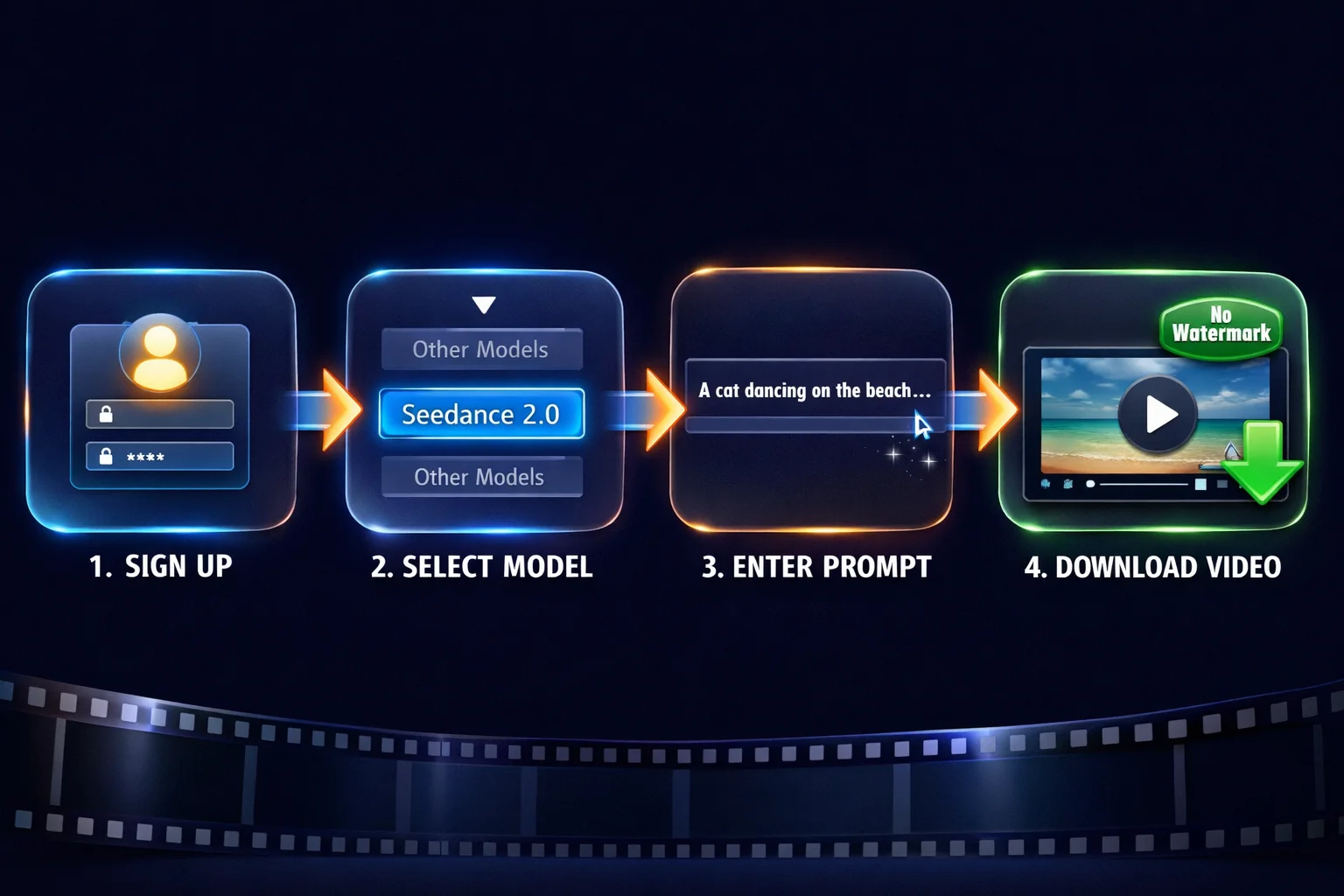
- Sign up at SoraVideo.art (free credits included)
- Select Seedance 2.0 from the model dropdown
- Enter your prompt — describe the video you want
- Download your video — completely watermark-free
Platform Comparison: Why SoraVideo.art Wins
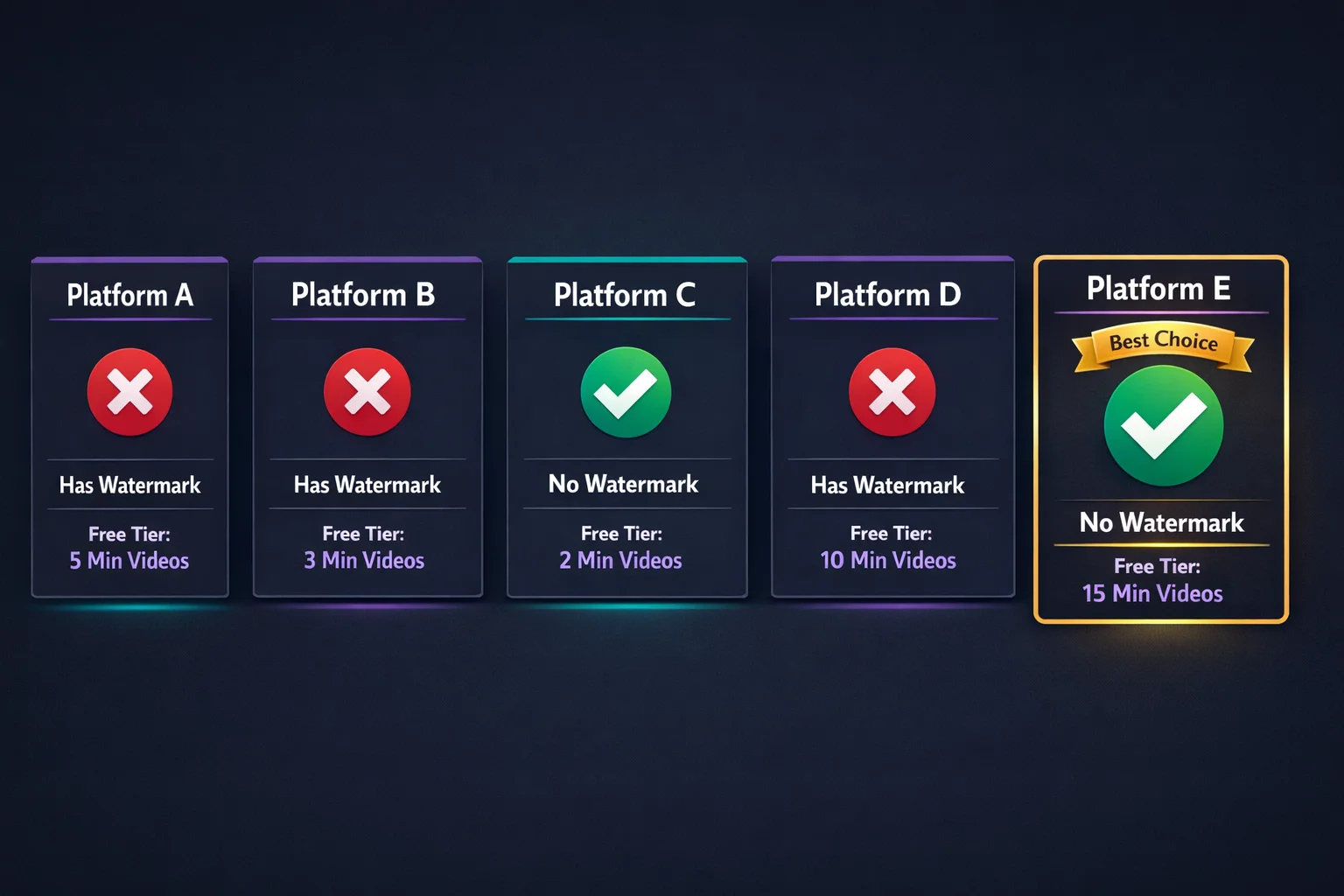
I compared 5 platforms that offer Seedance 2.0 video generation:
- Platforms A, B, D: All add watermarks to generated videos, even on paid tiers
- Platform C: No watermark but limited to 2-minute videos on free tier
- Platform E (SoraVideo.art): No watermark, 15-minute video support, and free tier available
Pricing
New users get free credits — enough to generate several videos and test the quality. After that, credits start at a few cents per video. Compared to spending 30+ minutes manually removing watermarks in Premiere Pro, this is the obvious choice.
#2: SoraVideo.art Watermark Remover — Best for Existing Videos (9.5/10)
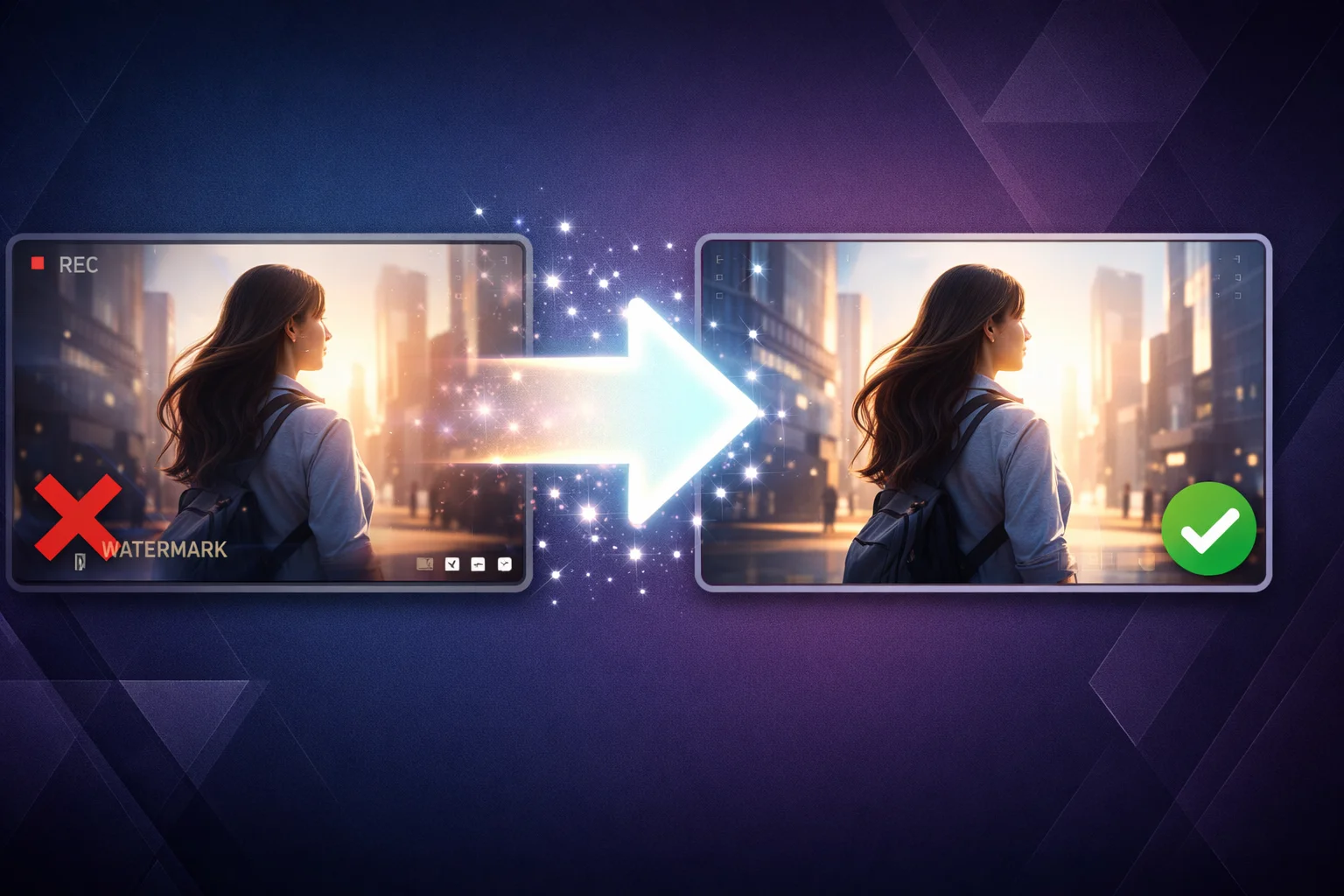
Already have Seedance 2.0 videos with watermarks? The SoraVideo.art Watermark Remover uses AI inpainting to reconstruct the watermarked area.
How It Works
- Upload your watermarked Seedance 2.0 video (MP4, MOV)
- The AI detects and removes the watermark automatically
- Preview the result
- Download your clean video
Why It's #2 (Not #1)
The quality is excellent — 9.5/10 — but any removal process inherently modifies pixels. Generating without a watermark (method #1) preserves 100% of the original. That said, if you already have watermarked videos you need to clean up, this is by far the best tool I tested.
#3: Adobe Premiere Pro — Best for Pixel-Perfect Pros (9.5/10)
If you already have Premiere Pro and need absolute control, Content-Aware Fill works well on Seedance 2.0 watermarks.
Content-Aware Fill Method
- Import your Seedance 2.0 video into Premiere Pro
- Create a mask around the "AI Generated" watermark using the pen tool
- Track the mask across the timeline
- Apply Content-Aware Fill to reconstruct the masked region
- Preview, adjust, and export
The Trade-Off
- Quality: 9.5/10 — Adobe's AI fill is excellent
- Speed: 30+ minutes per video — this is manual work
- Cost: $22.99/month subscription
- Skill level: You need to know Premiere Pro well
Best for: Professional editors who need absolute control and already work in Premiere.
#4: DaVinci Resolve — Best Free Professional Tool (8.5/10)
DaVinci Resolve's free version includes surprisingly powerful watermark removal capabilities through its Fusion page.
How to Do It
- Import your video and create a timeline
- Switch to the Fusion page
- Use the Object Removal or patch tool to select the watermark
- Track the watermark position across frames
- Let the AI fill in the background
- Export from the Deliver page
Why I Like It
- Truly free: Not a trial, not freemium — the free version has what you need
- Professional results: When done right, 8.5/10 quality
- No output watermark: Unlike some "free" tools, DaVinci doesn't brand your export
Why It's Not Higher
- Learning curve: The Fusion page is complex for beginners
- Processing time: 20+ minutes of manual work per video
- Hardware hungry: DaVinci needs a decent GPU
Best for: Users who want pro results for free and are willing to invest time learning.
#5–#8: Other Methods (Quick Summary)
| Method | Score | How It Works | Verdict |
|---|---|---|---|
| CapCut | 7/10 | Crop, overlay, or AI removal (Pro) | Fine for casual social media posts |
| Manual Crop | 6/10 | Crop the frame to exclude watermark corner | Loses content, changes aspect ratio |
| API Solutions | 9.5/10 | Programmatic watermark removal via REST API | Great for developers building products. See API docs → |
| Free Online Tools | 5/10 | Upload and pray | Most add their own watermark or destroy quality |
Seedance 2.0 Video Use Cases
Wondering what you can create with watermark-free Seedance 2.0 videos? Here are the most popular use cases:
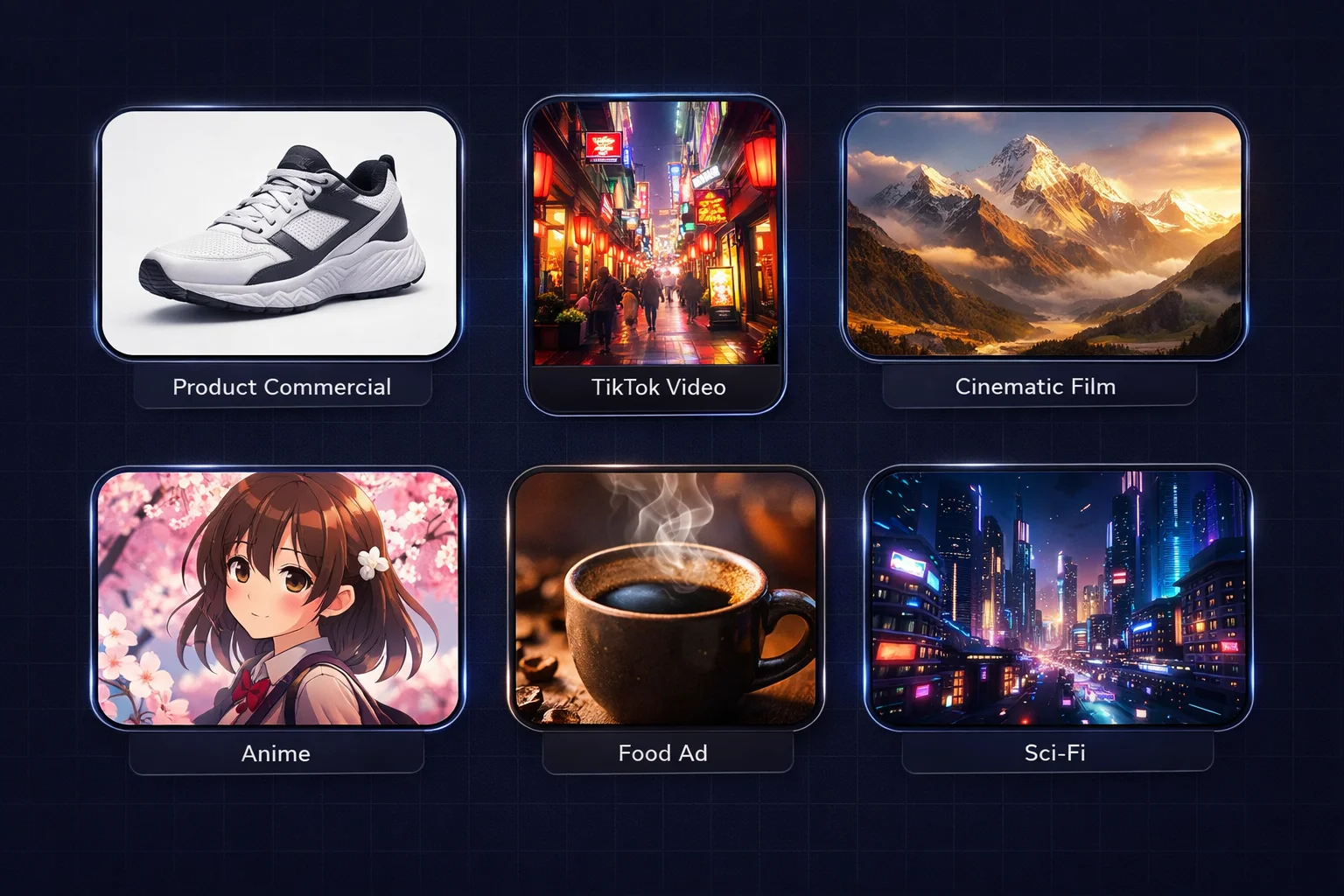
- Product commercials — Clean, professional product showcase videos
- TikTok / Reels content — Vertical video without distracting watermarks
- Cinematic films — High-quality landscape and motion shots
- Anime-style content — Seedance 2.0 excels at stylized animation
- Food & beverage ads — Appetizing close-ups with realistic physics
- Sci-fi & fantasy — Complex visual effects and environments
All of these benefit from watermark-free output — especially for commercial use where a visible "AI Generated" badge isn't acceptable.
What Reddit Says About Seedance 2.0 Watermark Removal
I read through dozens of Reddit threads about Seedance 2.0 watermarks. Here's the consensus:
The Biggest Complaints
- "Free" tools that add their own watermark — The most common complaint. You remove the Seedance watermark only to get a different one.
- Quality loss — Blurry patches where the watermark was, especially on complex backgrounds.
- Dreamina's watermark is persistent — Even paid Dreamina users report watermarks on generated videos.
What Reddit Recommends
- Generate without watermarks when possible — this was the top-upvoted advice
- Avoid browser extensions — multiple security concerns reported
- Professional editing software (Premiere/DaVinci) for one-off projects
- AI-powered tools for batch processing
How to Choose: My Decision Framework
You want the best quality with zero hassle
→ SoraVideo.art Seedance 2.0 Generator — generate without watermarks
You already have watermarked videos to fix
→ SoraVideo.art Watermark Remover — AI-powered removal in 30 seconds
You're a professional editor with existing tools
→ Premiere Pro or DaVinci Resolve — manual but pixel-perfect
You're a developer building a product
→ API solution — automated, scalable
You need a quick fix for personal content
→ CapCut — free, good enough for casual use
Want the full step-by-step walkthrough? Check out our detailed guide: How to Remove Seedance 2.0 Watermark: 5 Methods That Actually Work →
On a tight budget? Read our deep-dive: Free Seedance 2.0 Watermark Remover: 7 Ways Without Paying a Cent →
FAQ: Seedance 2.0 Watermark Remover
What is the best Seedance 2.0 watermark remover?
The best approach is to generate watermark-free videos directly using SoraVideo.art's Seedance 2.0 Generator. For existing watermarked videos, the SoraVideo.art Watermark Remover delivers the best AI-powered results.
Can I remove Seedance 2.0 watermarks for free?
Yes. SoraVideo.art offers free credits for new users — enough to generate several watermark-free videos or remove watermarks from existing clips. DaVinci Resolve is also completely free for manual removal. See our complete guide to free Seedance 2.0 watermark removers →
Why do Seedance 2.0 videos have watermarks?
ByteDance adds an "AI Generated" watermark to all Seedance 2.0 outputs as part of their responsible AI policy. This applies to videos generated through Dreamina, the API, and most third-party platforms.
Is it legal to remove Seedance 2.0 watermarks?
For personal use and commercial projects where you have the rights to the content, removing AI watermarks is generally acceptable. Always check ByteDance's current terms of service for the latest guidelines.
How long does Seedance 2.0 watermark removal take?
It depends on the method: generating watermark-free takes ~60 seconds, AI removal tools take ~30 seconds, and manual editing in Premiere Pro or DaVinci takes 20–30+ minutes per video.
Does removing the watermark affect video quality?
With AI-powered tools, quality loss is minimal. Manual methods in Premiere Pro can be pixel-perfect. The best approach — generating without a watermark — has zero quality impact since no removal is needed.
Can I remove watermarks from multiple Seedance 2.0 videos at once?
Yes. SoraVideo.art supports batch generation of watermark-free videos, and the Watermark Remover handles batch uploads. API solutions can process hundreds of videos programmatically.
What's the difference between Seedance 2.0 on Dreamina vs SoraVideo.art?
Dreamina is ByteDance's official platform — it always adds an "AI Generated" watermark. SoraVideo.art uses the same Seedance 2.0 model but delivers watermark-free output, making it the better choice for clean videos.
Is there a Seedance 2.0 watermark remover API?
Yes. Check our API documentation for integration details and pricing. The API supports both watermark-free generation and removal from existing videos.
Which Seedance 2.0 watermark remover does Reddit recommend?
Reddit's AI video communities most frequently recommend generating without watermarks as the top solution. For existing videos, AI-powered removal tools get the best reviews. Users consistently warn against browser extensions and "free" tools that add their own watermarks.
The Bottom Line
I tested 8 Seedance 2.0 watermark solutions so you don't have to. Here's the short version:
- Best overall: SoraVideo.art Seedance 2.0 Generator — generate without watermarks entirely
- Best for existing videos: SoraVideo.art Watermark Remover — AI-powered, 30 seconds
- Best for pros: Premiere Pro / DaVinci Resolve — manual but perfect
- Best for developers: API — automated and scalable
- Best quick fix: CapCut — free but limited
The Seedance 2.0 watermark doesn't have to hold your videos back. Pick the right method for your situation, and you'll have clean, professional videos in seconds.
Ready to Create Watermark-Free Seedance 2.0 Videos?
Try SoraVideo.art's Seedance 2.0 Generator for free. Enter your prompt, pick the model, and download a clean video — no watermark, no hassle. Generate Watermark-Free Videos Now →
Author

Categories
More Posts

How to Remove Sora 2 Watermark: 5 Methods That Actually Work in 2026
Learn how to remove Sora 2 watermark from your AI-generated videos. We tested Reddit suggestions, CapCut, and professional tools to find the best Sora watermark remover.

Happy Horse 1.0 AI Video Model — Beats Seedance 2.0 & Kling v3
Happy Horse 1.0 hits #1 on Artificial Analysis — beating Seedance 2.0, Kling v3 and PixVerse v6. Features, benchmarks, and how to start generating today.

I Made My First AI Video in Under 60 Seconds — Here's How You Can Too
Discover how SoraVideo.art puts the full power of Sora 2 in your browser. No complex setup, no $200/month subscription — just type your idea and watch AI create cinema-quality video.
Newsletter
Join the community
Subscribe to our newsletter for the latest news and updates