Genie 3: Google DeepMind AI World Model - How to Use It
Genie 3 is Google DeepMind's real-time AI world model that creates interactive 3D worlds. Learn how to use Genie 3, try Project Genie demo, and explore all features.
What if you could type a sentence and walk into a living, breathing 3D world seconds later? That is exactly what Google DeepMind built with Genie 3 — the first real-time interactive AI world model that turns plain text into explorable environments.
What Is Genie 3?
Genie 3 is a foundation world model developed by Google DeepMind. Unlike traditional game engines that rely on hand-coded physics and pre-built assets, Genie 3 learns how the world works entirely from video data. Feed Google Genie 3 a text prompt or a single image and it generates a fully interactive 3D environment you can navigate in real time.
Google DeepMind announced Genie 3 on August 5, 2025, calling it "a new frontier for world models." Then on January 29, 2026, Google launched Project Genie — a consumer-facing prototype on Google Labs that puts the power of Genie 3 directly in your browser.
Genie 3 is now available
Project Genie is live on Google Labs for Google AI Ultra subscribers in the United States. No AI credits required during early access — just describe a world and start exploring.
Google Genie 3 represents a major leap toward artificial general intelligence. By simulating environments that obey learned physics, Google Genie 3 enables researchers to train AI agents in diverse, procedurally generated worlds without expensive manual environment design.
How Does Genie 3 Work?
Google Genie 3 uses the same fundamental mechanism behind large language models — auto-regressive generation — but applies it to video frames instead of text tokens. Every fraction of a second, the Google Genie 3 world model predicts the next frame based on everything that came before plus the user's latest action.
Genie 3 World Model Architecture
The Genie 3 architecture consists of three core components working together:
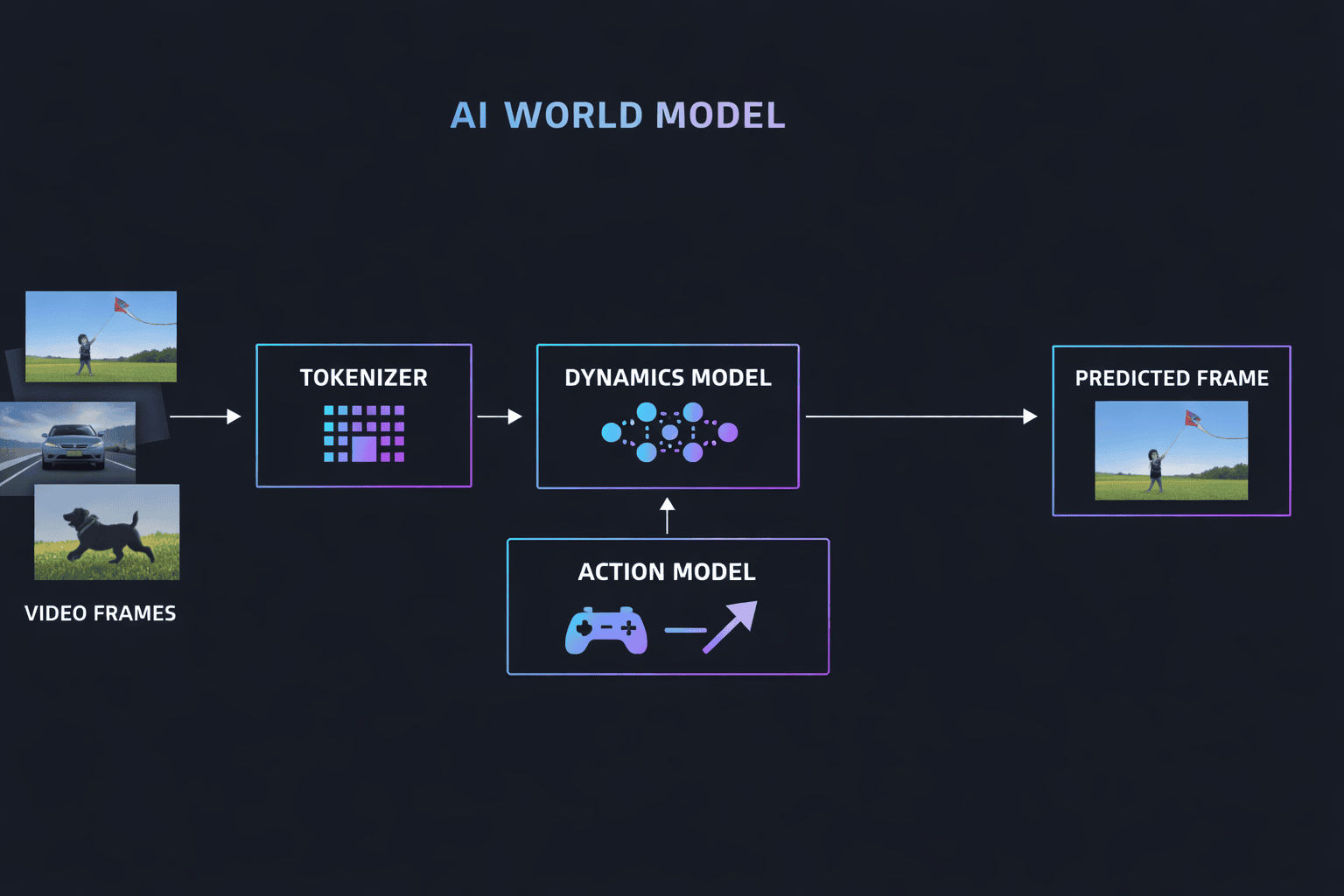
- 🔷 Spatiotemporal Tokenizer — Converts raw video frames into compact token sequences that the Genie 3 model can process efficiently.
- 🔷 Autoregressive Dynamics Model — The heart of Genie 3, this component predicts how tokens evolve over time, effectively simulating world physics frame by frame.
- 🔷 Latent Action Model — Maps keyboard and mouse inputs into the token space so users (or AI agents) can interact with the Genie 3 generated world.
What makes Google Genie 3 remarkable is that no physics engine is hard-coded. The Google Genie 3 world model teaches itself gravity, collision, lighting, and spatial relationships through self-supervised learning on massive unlabeled video datasets.
Genie 3 Real-Time Generation
Previous world models could not run fast enough for real-time interaction. Google Genie 3 changed that:
- ⚡ 24 frames per second — Smooth, real-time navigation through any Genie 3 generated environment.
- 🖥️ 720p resolution — Clear enough for exploration and prototyping in Google Genie 3.
- 🧠 ~1 minute visual memory — If you revisit a location in a Genie 3 world after walking away for 60 seconds, the model remembers what was there.
- ⏱️ Several minutes of continuous interaction — Each Genie 3 session supports extended exploration well beyond a single generation window.
Genie 3 vs Genie 2: Key Differences
Google DeepMind's Genie line has evolved rapidly. Here is how Genie 3 compares to Genie 2 and the original Genie model:
| Feature | Genie 1 (Feb 2024) | Genie 2 (Late 2024) | Genie 3 (Aug 2025) |
|---|---|---|---|
| Input | Sketches / images | Single image | Text prompts and images |
| Output | Short 2D environments | 3D scenes, brief clips | Real-time navigable 3D worlds |
| Resolution | Low | 360p | 720p |
| Duration | Very short | 10–20 seconds | ~60s per generation, minutes continuous |
| Real-Time | No | No | Yes — 24 fps |
| Memory | Minimal | ~10 seconds | ~1 minute visual recall |
| World Events | None | None | Promptable (weather, objects, characters) |
The jump from Genie 2 to Genie 3 is substantial. Where Genie 2 generated brief, non-interactive clips, Genie 3 delivers full real-time exploration with extended memory and dynamic world modification. Google Genie 3 is the first model in this lineage that feels genuinely playable.
Genie 3 Key Features and AI Capabilities
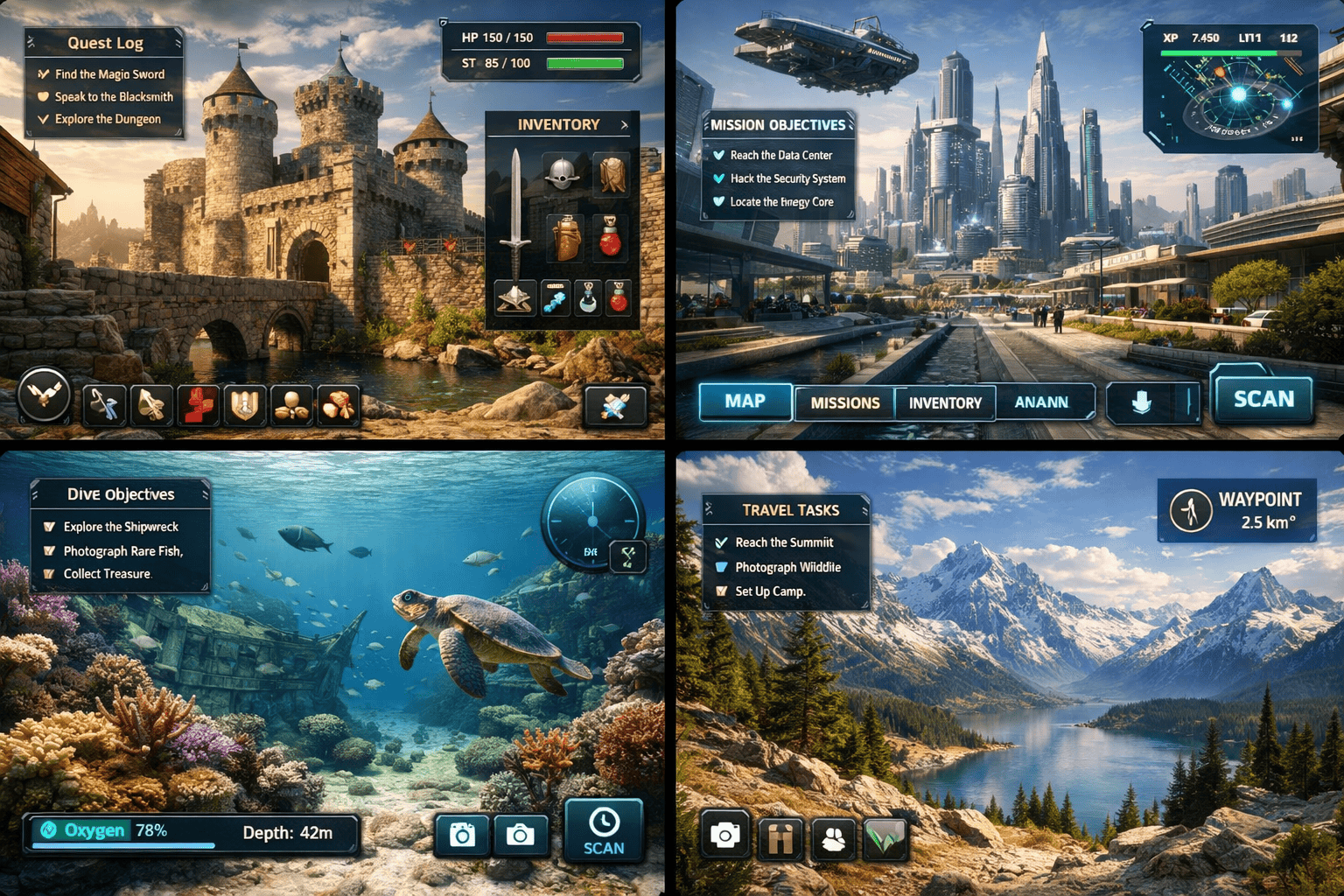
Here is what makes Google Genie 3 stand out among AI world models:
- 🌍 Text-to-World Generation — Describe any environment in natural language and Genie 3 builds it. A moonlit forest, a bustling Tokyo street, an alien desert — Genie 3 handles them all.
- 🖼️ Image-to-World Generation — Upload a reference photo and Genie 3 transforms it into a navigable 3D space.
- 🎭 Promptable World Events — While exploring a Genie 3 world, type commands to change weather, spawn characters, or alter the entire atmosphere dynamically.
- 📷 Camera Perspective Control — Switch between first-person, third-person, and isometric views inside any Genie 3 environment.
- 👤 Character Definition — Describe and customize your in-world avatar when using Google Genie 3.
- 🔬 Self-Learned Physics — No hard-coded rules. Genie 3 discovers gravity, momentum, and collisions from data.
- 🤖 AI Agent Training — Google DeepMind uses Genie 3 with its SIMA agent to train AI that pursues goals inside generated worlds.
- 🔄 World Remixing — Modify any existing Genie 3 world by editing its underlying prompt.
How to Use Genie 3 — Project Genie Demo Guide
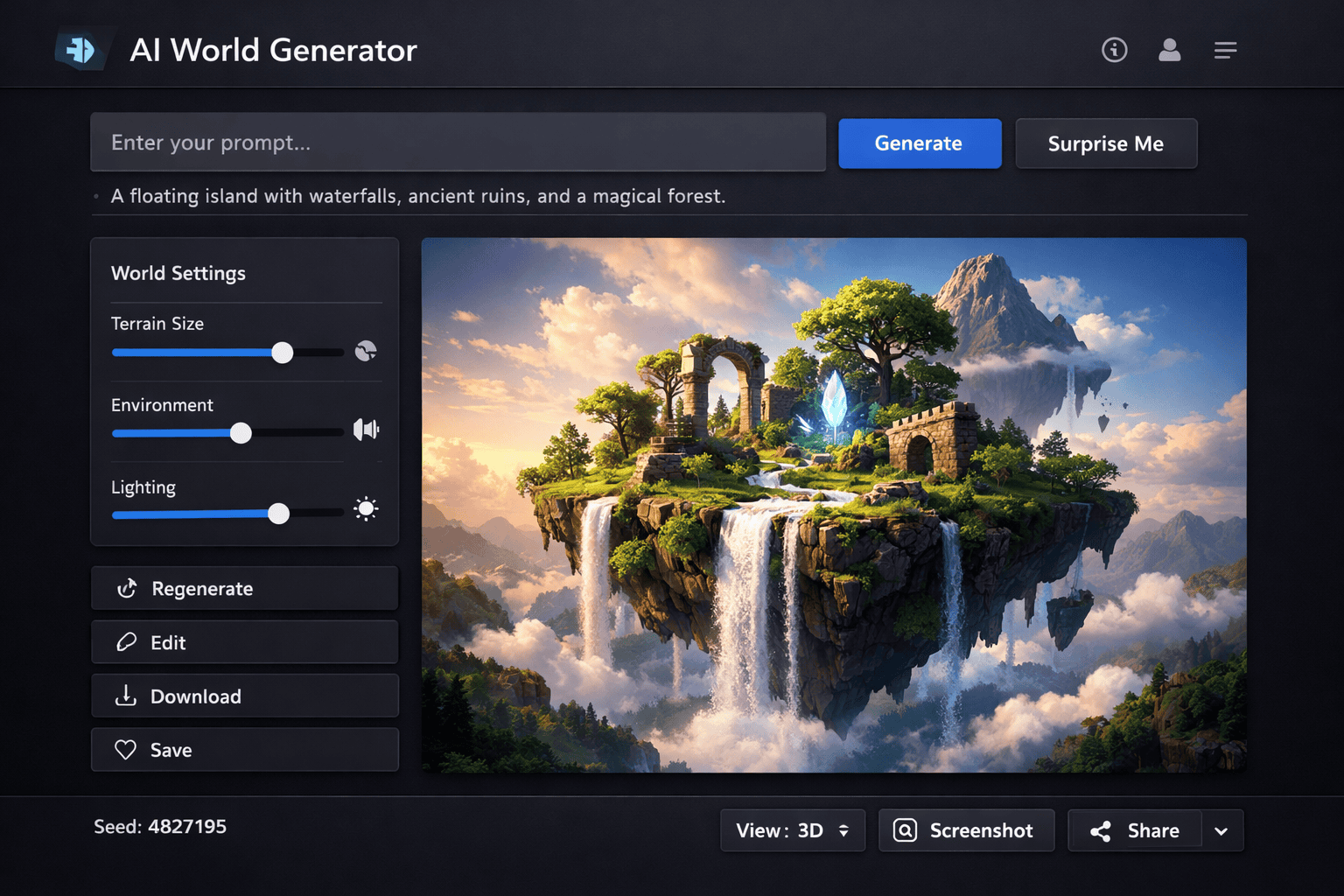
How to Try Genie 3 on Google Labs
Project Genie makes it straightforward to try Google Genie 3 right now. Here is the step-by-step process:
Subscribe to Google AI Ultra if you have not already. This is currently the only way to access Genie 3 through Project Genie. You must be 18+ and located in the United States.
Navigate to labs.google/projectgenie to open the Genie 3 demo. No additional AI credits are required during the early access period.
Enter a text prompt describing the Genie 3 world you want to explore. Be specific about the environment, lighting, mood, and any objects or characters you want present.
Once Genie 3 generates your world, use keyboard and mouse controls to navigate. Try promptable world events — type commands to change weather, add objects, or remix the entire scene.
Expanding access
Google has confirmed that Project Genie and Genie 3 access will expand to more regions beyond the US. No specific timeline has been announced yet for the broader Google Genie 3 rollout.
Genie 3 Prompt Tips for Better Worlds
Writing effective prompts for Google Genie 3 follows a two-part structure recommended by DeepMind:
Describe the environment in detail when prompting Genie 3. Include location type, time of day, weather conditions, lighting, key objects, and overall atmosphere. Example: "A foggy medieval village at dawn, cobblestone streets, flickering lanterns, wooden market stalls, distant castle on a hilltop."
Define your avatar for the Genie 3 world. Specify appearance, clothing, accessories, and perspective. Example: "A knight in silver armor with a red cape, third-person camera following from behind." This helps Genie 3 render a consistent character throughout exploration.
Once inside a Genie 3 world, use text commands to trigger dynamic changes. Try prompts like "start a thunderstorm," "spawn a dragon flying overhead," or "change the season to autumn." Genie 3 processes these as promptable world events in real time.
Genie 3 and AI Video Creation
Genie 3 and AI video generation are converging technologies. While Genie 3 creates interactive 3D worlds you can explore, AI video generators like SoraVideo.art turn text prompts into polished cinematic footage. Together, they represent two sides of the same coin — AI-generated visual content.
Imagine using Genie 3 to prototype a scene's environment and atmosphere, then feeding that visual direction into an AI video creation tool to produce the final cinematic output. The workflow could look like this:
- Explore with Genie 3 — Generate and navigate a world to nail down the look and feel.
- Capture reference frames — Screenshot key angles and lighting setups from your Genie 3 session.
- Generate cinematic video — Use those references as visual prompts alongside detailed Sora 2 prompts to produce broadcast-ready footage.
This Google Genie 3 plus AI video pipeline bridges the gap between interactive exploration and finished production content.
Genie 3 Technical Report and Paper
As of January 2026, no formal peer-reviewed paper has been published for Genie 3. The technical details available for Google Genie 3 come from:
- The official Google DeepMind blog post (August 5, 2025)
- The Genie 3 model page on deepmind.google
- The Genie 3 prompt guide published by DeepMind
The original Genie 1 paper — "Genie: Generative Interactive Environments" — is available on arXiv (arXiv:2402.15391, February 2024). This Genie paper laid the groundwork for the latent action model and self-supervised learning approach that Genie 3 builds upon.
Researchers and developers waiting for a dedicated Genie 3 technical report should monitor the DeepMind publications page for updates on the Genie 3 paper.
Google Genie 3 vs Other AI World Models
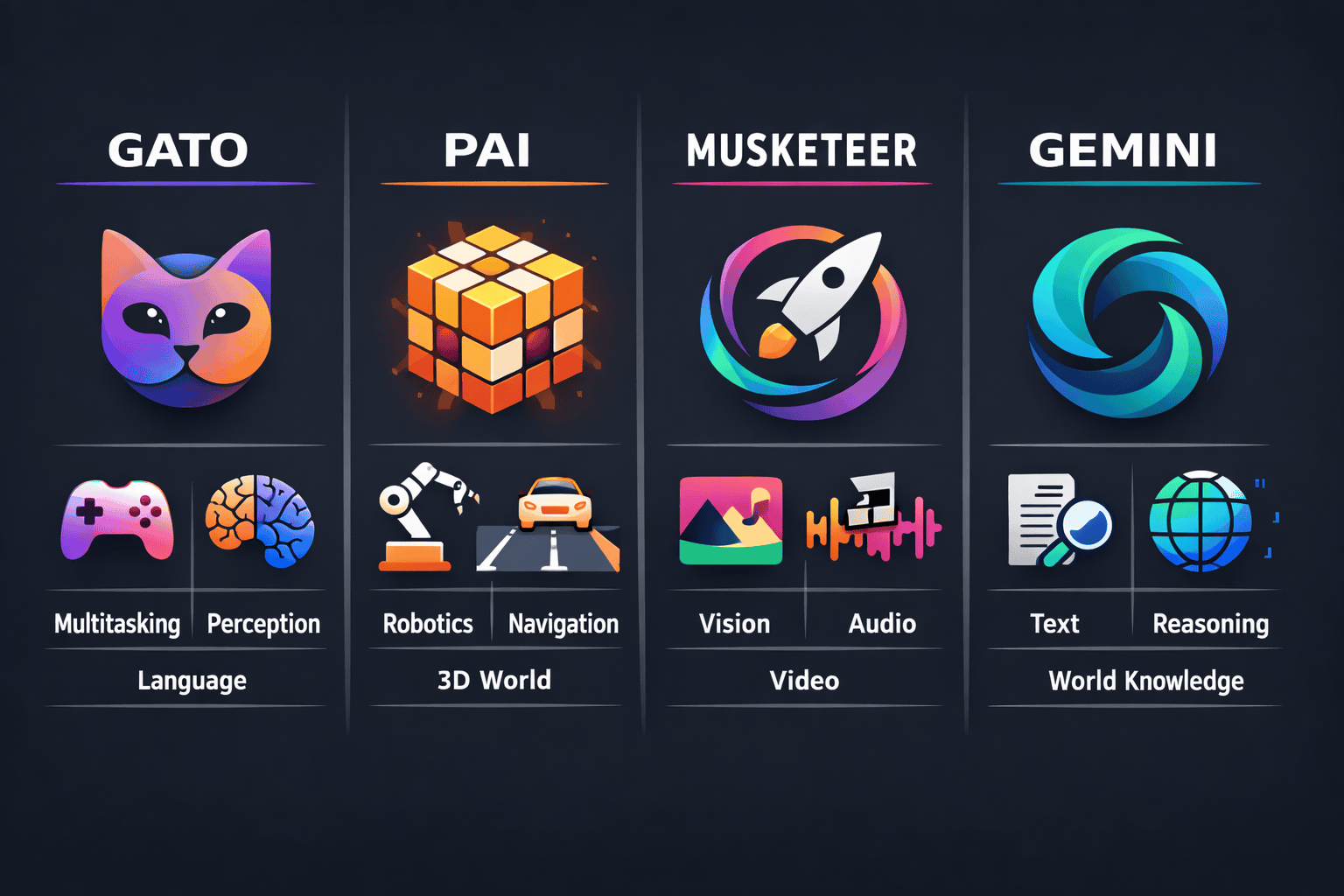
How does Google Genie 3 compare to competing AI world models? Here is a breakdown:
| Model | Developer | Focus | Key Strength | Access |
|---|---|---|---|---|
| Genie 3 | Google DeepMind | General-purpose interactive worlds | First real-time world model, self-learned physics | Google AI Ultra (US) |
| NVIDIA Cosmos | NVIDIA | Physical AI, robotics, autonomous vehicles | Physics-aware generation, commercial license | Open weights |
| Marble | World Labs (Fei-Fei Li) | Commercial world generation | First commercially available world model | Free to $95/month |
| Oasis | Decart | Gaming (Minecraft-like) | Commercialized as a playable game | Public |
Google Genie 3 differentiates itself through real-time interactivity and general-purpose versatility. While NVIDIA Cosmos targets industrial simulation and Marble focuses on commercial 3D content, DeepMind Genie 3 aims to be a universal world simulator that works across any domain — from gaming to robotics training to creative exploration.
FAQ About Genie 3
What is Genie 3? Genie 3 is Google DeepMind's foundation world model that generates interactive, navigable 3D environments from text or image prompts in real time at 24 fps.
How do I use Genie 3? Access Genie 3 through Project Genie on Google Labs. You need a Google AI Ultra subscription and must be located in the US. Visit labs.google/projectgenie to try Genie 3.
Is Genie 3 free to use? Genie 3 requires a Google AI Ultra subscription. However, during the early access period, no additional AI credits are charged for using Google Genie 3 through Project Genie.
When was Genie 3 released? DeepMind Genie 3 was announced on August 5, 2025. The consumer-facing Project Genie demo launched on January 29, 2026, making Genie 3 accessible to the public for the first time.
Does Genie 3 have a technical paper? No formal Genie 3 paper has been published yet. The Genie 1 paper (arXiv:2402.15391) describes the foundational architecture. Technical details for Genie 3 are available on the DeepMind blog and Genie model page.
Can Genie 3 create 3D models? Genie 3 generates interactive 3D environments, not exportable 3D model files. The worlds exist within the Genie 3 runtime and are explored in real time rather than downloaded as assets.
What is the difference between Genie 2 and Genie 3? Genie 2 generated short 3D clips (10–20 seconds) that were not real-time. Genie 3 delivers full real-time interaction at 24 fps with extended visual memory, text-to-world generation, and promptable world events — a generational improvement over Genie 2.
Can I try Google Genie 3 outside the US? Currently, Google Genie 3 access through Project Genie is limited to the United States. Google has confirmed plans to expand Genie 3 availability to more regions but has not announced a specific Genie 3 release date for international access.
Create AI videos while you wait for Genie 3
While Genie 3 expands access, start creating stunning AI-generated video content today. SoraVideo.art puts cinema-quality AI video generation in your browser — no waitlist, no geographic restrictions. Turn your ideas into polished footage in seconds.
Author

More Posts

Sora 2 Watermark Remover: I Tested 10 Tools So You Don't Have To (2026 Rankings)
I tested 10+ Sora 2 watermark remover tools and ranked them by quality, speed, and price. From free online options to professional APIs — here's what actually works for removing Sora watermarks.

Free Sora 2 Watermark Remover: 7 Methods That Work (2026)
I tested every free Sora 2 watermark removal method — from link extraction to open source tools. Here are 7 that actually work, with honest pros and cons.
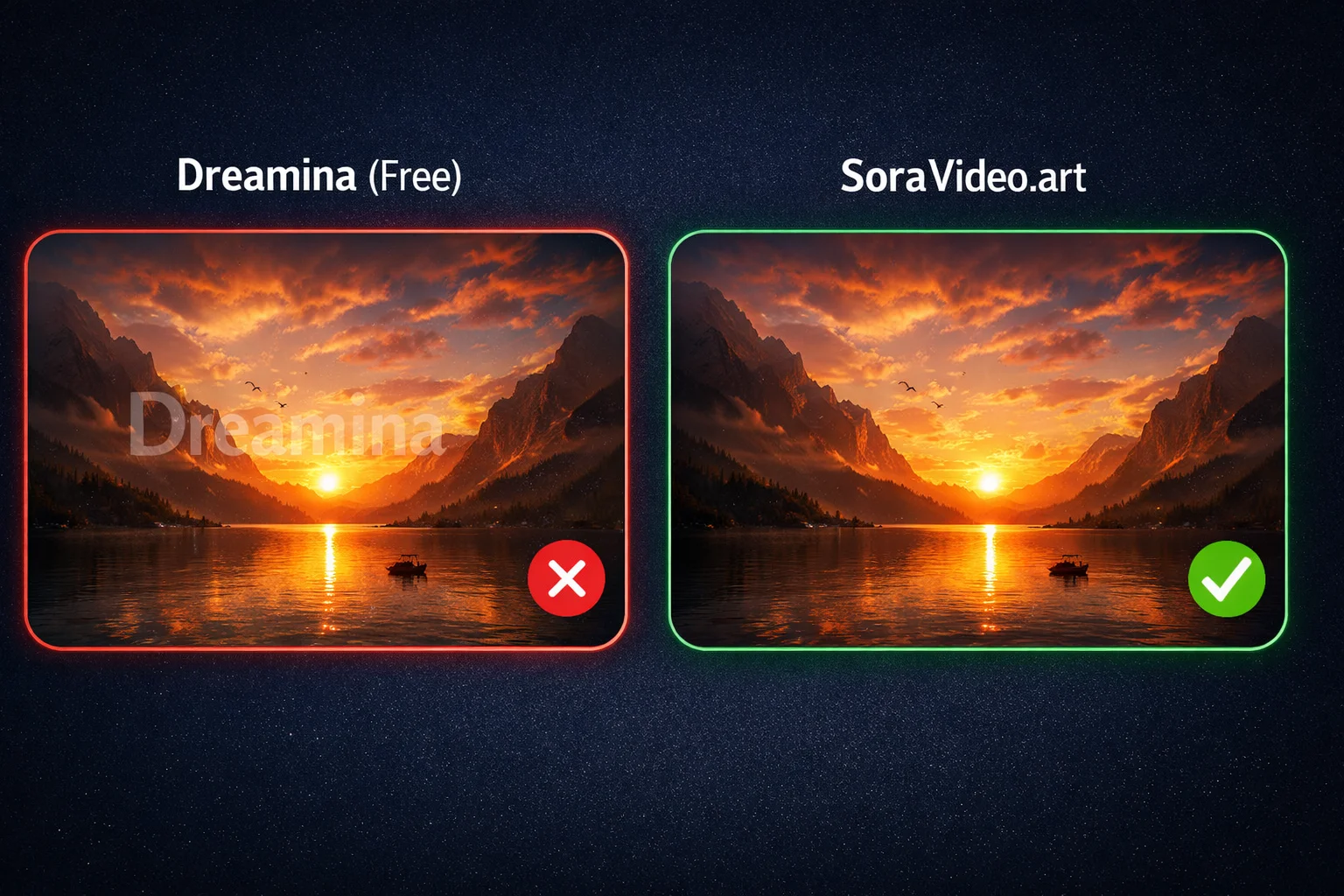
Free Seedance 2.0 Watermark Remover: 7 Ways Without Paying (2026)
7 free ways to remove Seedance 2.0 watermarks or avoid them entirely. From free credits to open-source tools — tested methods that cost nothing.
Newsletter
Join the community
Subscribe to our newsletter for the latest news and updates