
Free Sora 2 Watermark Remover: 7 Methods That Work (2026)
I tested every free Sora 2 watermark removal method — from link extraction to open source tools. Here are 7 that actually work, with honest pros and cons.
When I first started using Sora 2, I refused to pay for watermark removal. I was a creator with big ideas and zero budget. So I spent two weeks trying every free method I could find. Some worked beautifully. Most didn't. A few actually made things worse.
Here's everything I learned — so you don't have to waste two weeks figuring it out yourself.
I'm going to be brutally honest about each method. I'll tell you what's truly free, what has hidden limits, and what's just a marketing trap disguised as "free." By the end, you'll know exactly which free Sora 2 watermark remover works for your situation.
Want the Easiest Free Start?
SoraVideo.art gives new users free credits to remove Sora 2 watermarks — no credit card, no catch. Try It Free →
The Truth About "Free" Watermark Removers
Before we dive in, I need to clear something up. There are three kinds of "free" in the watermark remover world:
- Truly free: No cost, no limits, no tricks. You can use it forever. (Examples: CapCut cropping, DaVinci Resolve)
- Limited free: Free for 1–3 videos per day, then you hit a wall. (Most online tools)
- Free trial: Free credits for new users, then pay-per-use. (Example: SoraVideo.art)
Most tools that advertise "FREE Sora 2 watermark remover!" fall into category 2 or 3. That's not necessarily bad — but you should know what you're getting into before you upload your video.
And here's the biggest red flag: if a "free" tool adds its own watermark to your output, walk away. You'd be swapping one watermark for another. I saw this in at least 3 tools during my testing.
Method 1: Share Link Extraction (100% Free, Unlimited)
This is the method Reddit loves, and for good reason. It's completely free, unlimited, and produces the highest quality output of any free method.
How It Works
- Open your video on Sora 2
- Click "Copy Link" to generate a shareable URL
- Paste the link into a link extraction tool
- The tool fetches the video directly from Sora's servers
- Download the clean, watermark-free result
- Go back to Sora and delete the shareable link (the video itself stays in your library)
Why This Is My #1 Free Pick
- Quality: Since it works with the source file, there's virtually zero quality loss
- Speed: Usually under 5 seconds
- Cost: Truly $0, with no daily limits
- No account needed: Most extraction tools don't require sign-up
The Tradeoffs
- Your video needs to be temporarily shareable — some creators are uncomfortable with this
- Videos made with reference images may still have watermarks (OpenAI's safety measure)
- This method depends on Sora's current sharing system — if OpenAI changes it, it could stop working
Reddit Community Tips
From r/SoraAi:
"Copy Link. This makes it shareable. Paste URL into the tool. Download. Then go back and delete the video link. This won't actually delete the video — it just removes the shareable link."
My verdict: If you're comfortable with temporarily sharing your video, this is the best free option. Period.
Method 2: CapCut Cropping (100% Free, Unlimited)
CapCut is the tool everyone knows, and its cropping method is genuinely free and unlimited.
Step-by-Step
- Open CapCut and import your Sora 2 video
- Select the Crop tool
- Adjust the crop frame to exclude the watermark area (usually bottom-right)
- Preview to make sure no important content is cut off
- Export
When This Actually Works
- Instagram Stories / Reels: Vertical format lets you crop the bottom without losing much
- TikTok: Similar vertical format advantage
- Personal projects: When you don't care about perfect framing
When It Doesn't
- Landscape videos: Cropping the corner noticeably changes composition
- Watermark over important content: If there's action in the watermark area, you'll lose it
- Professional work: Changed aspect ratios look unprofessional
Why I Still Include It
Because it's genuinely 100% free, requires zero technical skill, and for the right use case (vertical social media content), it gets the job done. Just manage your expectations.
My verdict: ⭐⭐⭐ — Solid for social media vertical content. Skip it for anything else.
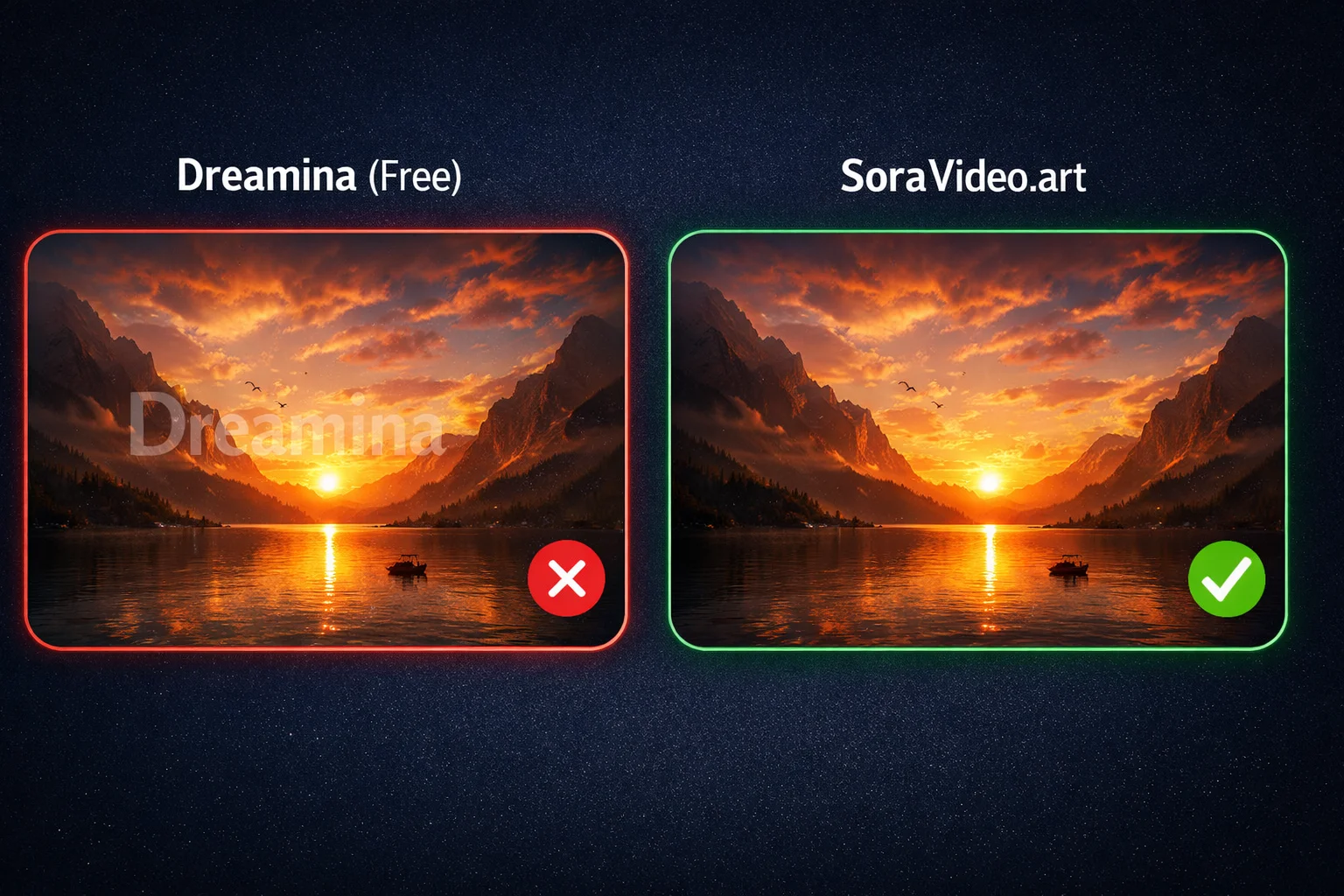
Method 3: SoraVideo.art Free Credits (Best Quality Free Option)
I know what you're thinking — "this is an ad." But hear me out.
SoraVideo.art isn't permanently free, but the new user credits are generous enough to handle your first few videos at a quality level that no other free method can match.
Why I'm Including This in a "Free" List
Because the free credits are real — no credit card required, no surprise charges. You sign up, you get credits, you use them. If you decide not to pay after that, you walk away with clean videos and owe nothing.
How to Get the Most From Free Credits
- Sign up at SoraVideo.art (no credit card)
- Get your free credits
- Prioritize: Process your most important videos first
- Test: Use one credit on a short clip to verify quality before committing the rest
- Keep your remaining credits for future high-priority videos
What Makes It Better Than Other Free Options
- AI inpainting: Reconstructs pixels instead of blurring or cropping
- No quality loss: Output matches original resolution
- 30-second processing: Much faster than manual methods
- No watermark on output: Some "free" tools replace your watermark with theirs
My verdict: ⭐⭐⭐⭐⭐ — Best quality of any free option. The only downside is that credits are limited.
Method 4: DaVinci Resolve (100% Free Software, Professional)
This is the hidden gem of the free watermark removal world. DaVinci Resolve's free version is not a crippled trial — it's a genuine professional editing suite.
Step-by-Step
- Download DaVinci Resolve free version from Blackmagic Design's website
- Import your Sora 2 video and create a timeline
- Switch to the Fusion page
- Use the Object Removal or patch tool to select the watermark area
- Set up tracking to follow the watermark across frames
- Let the AI fill in the background
- Switch to the Deliver page and export
Why This Is Underrated
- Truly free: Blackmagic's free version includes the Fusion tools you need
- Professional results: When done correctly, the output is indistinguishable from the original
- No export watermark: Your output is clean — DaVinci doesn't brand it
- Works offline: No internet needed after download, no privacy concerns
The Learning Curve
I won't sugarcoat it: if you've never used DaVinci Resolve, the Fusion page can feel overwhelming. The first time I tried it, I spent 2 hours just figuring out the node system.
But here's the thing — once you learn it, you have a free, professional-grade watermark remover that works on any video, not just Sora. It's a skill worth developing.
Who This Is For
- Users with some video editing experience
- People who process videos regularly and want a long-term free solution
- Anyone willing to invest 2-3 hours learning the tool
My verdict: ⭐⭐⭐⭐ — Best free professional solution. High quality, but steep learning curve.
Method 5: Free Online Tools (Limited Free Uses)
There are dozens of online tools that offer 1–3 free watermark removals per day. Here's what you need to know.
What to Expect
- Daily limits: Most tools give you 1–3 free removals, then ask you to pay or wait 24 hours
- Quality: Varies wildly. Some produce clean results; others leave visible artifacts
- Speed: Usually 30 seconds to 2 minutes
- Registration: Some require sign-up; others don't
Tips to Maximize Free Uses
- Test with short clips first: Don't waste your daily free removal on a long video without checking quality
- Try multiple tools: Different tools perform differently on different videos
- Incognito mode: Some tools track usage by cookies — incognito may reset your daily limit (though this isn't guaranteed and may violate terms of service)
Red Flags
- Adds its own watermark: Walk away immediately
- Requires software installation: Potential security risk
- "Share to social media to unlock": Your video might end up somewhere you don't want
- No preview before download: You might get a poor result and waste your free use
Reddit's Take on Free Online Tools
The r/SoraAi community is generally skeptical:
"Most free tools either destroy the quality or leave a blurry spot where the watermark was."
"I tried one that said 'free' but then showed me their own branding on the output. Never again."
My verdict: ⭐⭐⭐ — Fine for occasional use, but don't rely on them.
Method 6: Open Source / GitHub Solutions (100% Free, Technical)
If you're comfortable with the command line, there are open-source watermark removal tools on GitHub that work surprisingly well.
What's Available
- Python-based video inpainting tools
- ffmpeg scripts for basic watermark masking
- Machine learning models for video restoration
Requirements
- Python 3.8+ installed
- Basic command line skills
- ffmpeg (for most scripts)
- GPU recommended for ML-based tools (NVIDIA with CUDA)
- Some patience for setup
Realistic Assessment
I tested three GitHub repositories. One was outdated and didn't run. One worked but produced mediocre results. One actually produced good quality output — comparable to mid-tier online tools — but took 15 minutes to set up and 5 minutes to process a 20-second clip.
Who This Is For
- Developers and technical users
- People who want complete control and privacy
- Users who process many videos and want a permanent free solution
My verdict: ⭐⭐⭐ — Good for technical users. Not practical for most people.
Method 7: CapCut AI Object Removal (Free Trial)
This is different from Method 2 (cropping). CapCut's Pro version includes an AI Object Removal feature that can detect and remove watermarks.
How It Works
- Import your Sora 2 video into CapCut
- Select the AI Object Removal tool (Pro feature)
- Draw a selection around the watermark
- CapCut's AI attempts to remove and fill the area
- Preview and export
The Trial Situation
CapCut Pro typically offers a free trial period. During this time, you can use the AI removal feature on unlimited videos.
My Results
Mixed. On a simple background (sky, solid color), the AI did a decent job. On complex scenes (detailed textures, moving elements near the watermark), it left noticeable smudges on 2 out of 3 test clips.
The issue is that CapCut's AI isn't specifically trained for Sora watermarks. It's a general object removal tool, and Sora's semi-transparent watermark is a tricky case.
Important Note
Once the free trial ends, you'll need a CapCut Pro subscription to continue using this feature.
My verdict: ⭐⭐⭐ — Worth trying during the free trial, but results are inconsistent.
Free vs Paid: The Honest Comparison
After testing everything, here's the reality:

| Factor | Free Methods | Paid Methods |
|---|---|---|
| Quality | Medium to Good | Excellent |
| Speed | Slow to Medium | Fast |
| Convenience | Low to Medium | High |
| Batch Processing | Not supported | Supported |
| Privacy | Varies (some risky) | More reliable |
| Consistency | Unpredictable | Reliable |
| Best For | Personal / occasional | Commercial / frequent |
When to Stay Free
- You process 1–5 videos per month
- It's purely personal — not for clients or public content
- You don't mind spending extra time
- You're comfortable with trade-offs (cropping, temporary sharing, etc.)
When It's Worth Paying
- You process videos regularly for work
- Quality matters for your brand or clients
- Your time is more valuable than a few cents per video
- You need consistent, reliable results
Once your video is clean, you can also upscale it to 4K for free to get the sharpest possible output.
Want the full paid tool comparison? Read our Sora 2 Watermark Remover Rankings →
Need a step-by-step guide for any method? Check our How to Remove Sora 2 Watermark →
FAQ: Free Sora 2 Watermark Removers
What is the best completely free Sora 2 watermark remover?
The share link extraction method is the best completely free option — zero cost, no daily limits, and the highest quality among free methods.
Are free watermark removers safe to use?
Most web-based tools are safe, but avoid ones that require software installation or browser extensions. Stick to established tools and always check reviews before uploading content.
Can I remove Sora 2 watermarks for free without losing quality?
Yes. The link extraction method preserves original quality since it works with the source file. DaVinci Resolve also produces high-quality results with no cost.
How many free removals do online tools give per day?
Typically 1–3 per day. Some reset at midnight UTC, others use a rolling 24-hour window.
Is there a free Sora 2 watermark remover with no daily limit?
Yes — CapCut cropping, DaVinci Resolve, link extraction, and GitHub open-source tools all have no daily limits.
Can I use free tools for commercial projects?
Technically yes, but the quality may not meet professional standards. For commercial work, I recommend at least using SoraVideo.art's free credits for the best quality at zero initial cost.
What's the catch with free watermark removers?
Common issues: daily usage limits, inconsistent quality, added watermarks from the tool itself, privacy concerns from uploading to third-party servers.
Is SoraVideo.art really free?
New users get free credits — no credit card required. After the credits are used, you can purchase more at a low per-video cost. Try the free credits →
The Bottom Line
I started my Sora 2 journey with zero budget and tried every free watermark removal method out there. Here's what I'd tell my past self:
- Best free method overall: Link extraction — fast, free, high quality
- Best free software: DaVinci Resolve — professional results, forever free
- Best free + quality combo: SoraVideo.art free credits — AI quality at zero cost
- Best quick fix: CapCut cropping — simple but limited
- For technical users: GitHub open-source tools — full control, zero cost
The link extraction method got me through my first month. DaVinci Resolve became my go-to when I wanted more control. And when I started doing client work and needed reliability, I switched to SoraVideo.art — the time savings alone were worth every cent.
Start with whatever matches your current situation. You can always upgrade later.
Start Removing Watermarks for Free
New to SoraVideo.art? Get free credits to test the watermark remover. No credit card. No commitment. Just clean videos. Get Free Credits →
Author

Categories
More Posts

Genie 3: Google DeepMind AI World Model - How to Use It
Genie 3 is Google DeepMind's real-time AI world model that creates interactive 3D worlds. Learn how to use Genie 3, try Project Genie demo, and explore all features.

What Is Sora 2? The AI Video Generator Everyone Is Talking About
Understand Sora 2's core capabilities, how it stacks up against rivals, and why creators rave about it.
Free Seedance 2.0 Watermark Remover: 7 Ways Without Paying (2026)
7 free ways to remove Seedance 2.0 watermarks or avoid them entirely. From free credits to open-source tools — tested methods that cost nothing.
Newsletter
Join the community
Subscribe to our newsletter for the latest news and updates